HOW-TO:Fix buttons skipped while mapping

|
 Remote controls Games Remote controls Games |
Game controllers |
HOW-TO:Fix buttons skipped while mapping
|
While following HOW-TO:Configure controllers, you may notice that some buttons are skipped. This page lists possible causes and solutions.
Symptoms
An example is when you're mapping a PS4 controller:
-
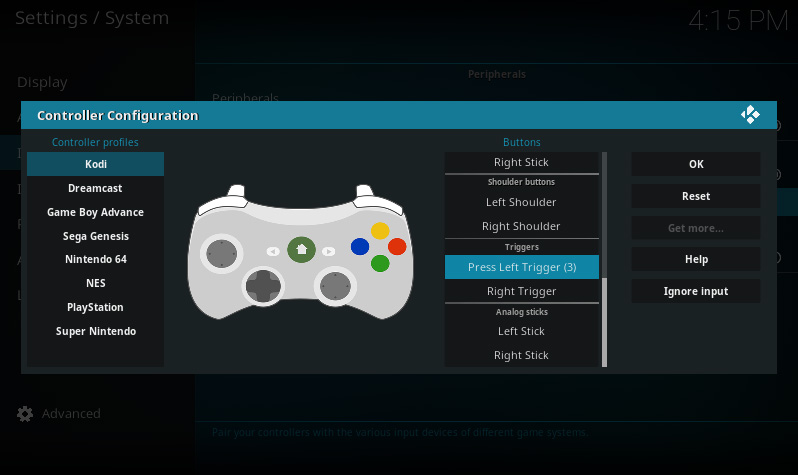 First, Kodi prompts you to press Left Trigger
 -
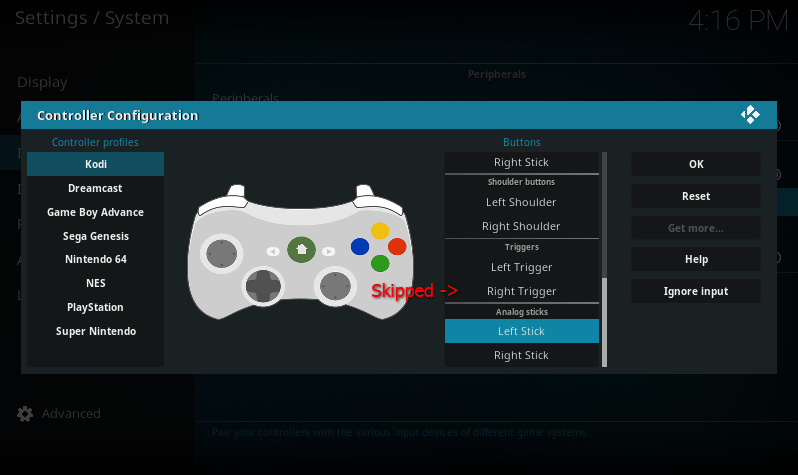 Pressing Left Trigger causes Right Trigger to be skipped


Other examples include skipping immediately after the prompt is started, or skipping when the controller is moved.
Causes
You're holding it wrong.
Real causes
The real cause is usually a bug in the driver. Joystick drivers sucks. If the driver sucks hard enough, it will send erratic input and cause buttons to be skipped.
Fortunately, Kodi has a utility to detect this erratic input.
Solution
-
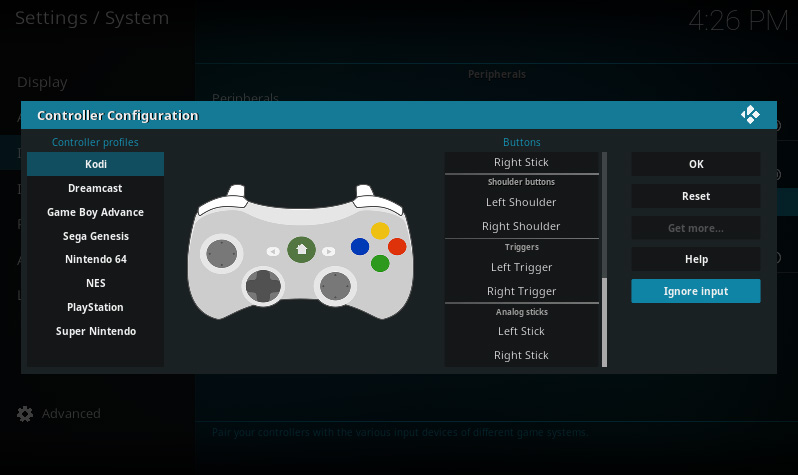 Use the "Ignore Input" utility
 -
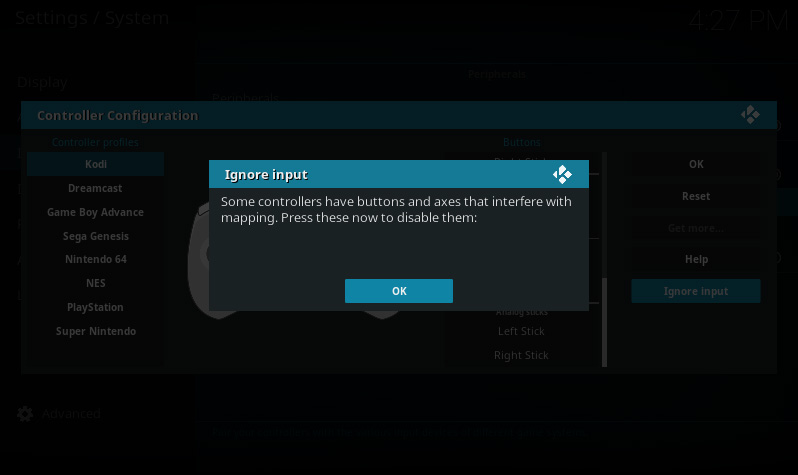 Press buttons to detect erratic input
 -
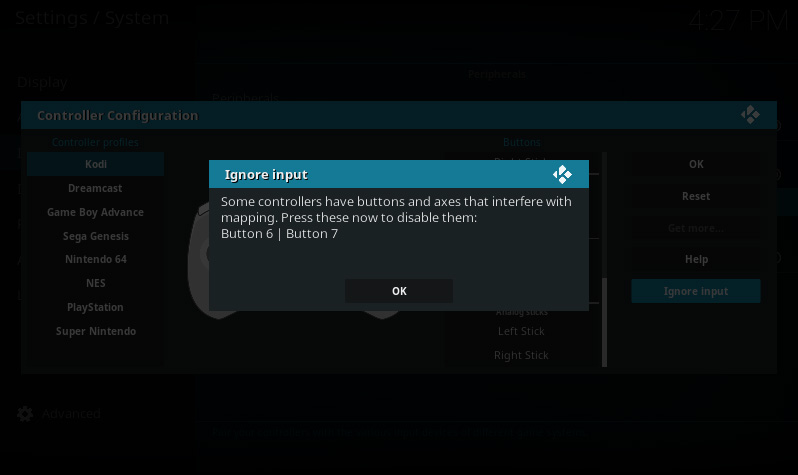 Confirm the dialog to ignore the listed input


When you confirm the dialog, all the listed buttons and axes will be ignored. To reset this, select Reset.
Other solutions
- Try moving the trigger or analog stick slower (especially on OSX!)
- If your controller has an accelerometer, try placing it flat on a table
- If skipping continues to occur, please ask for help in the forum