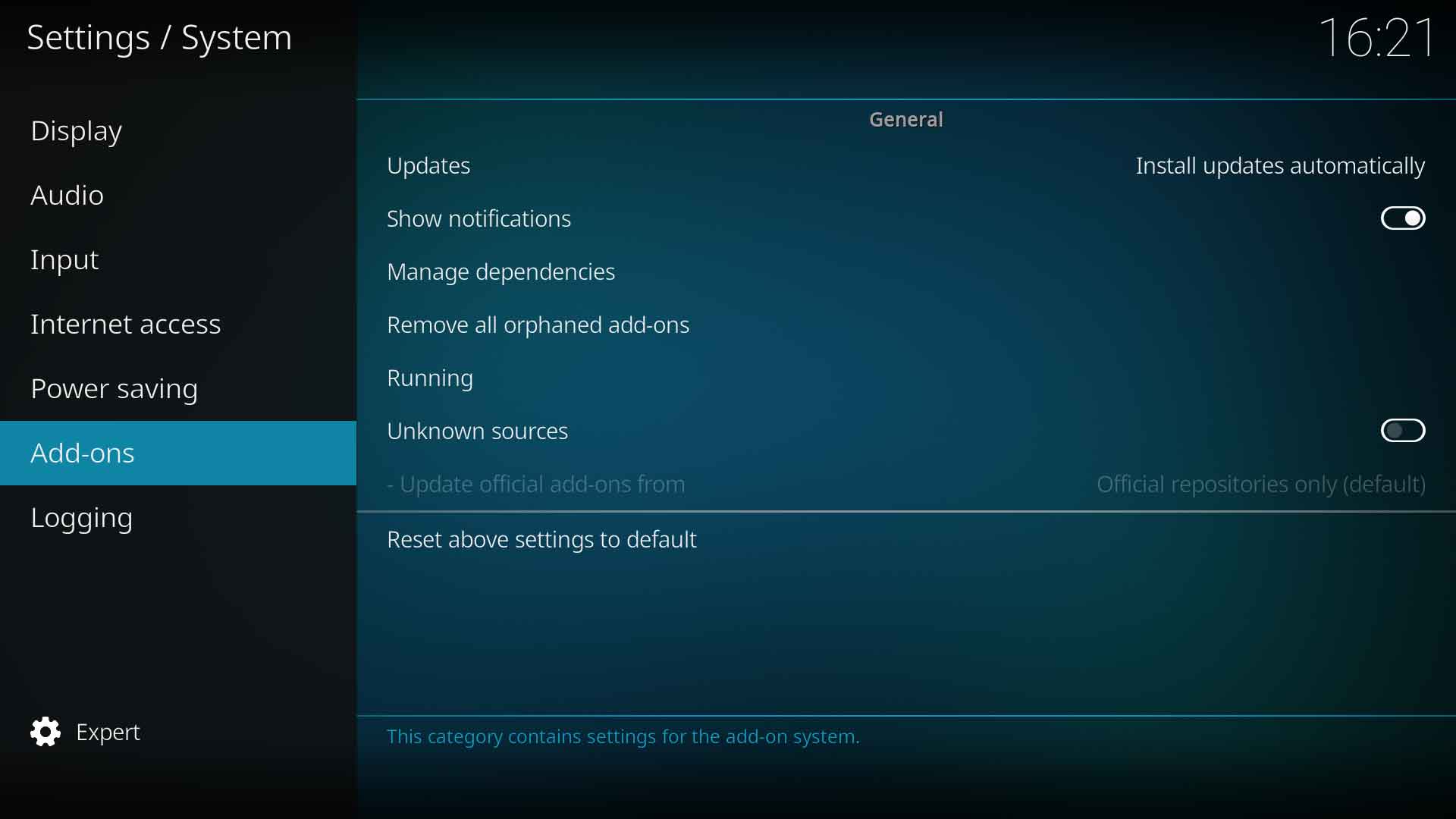
When enabled, a banner will be displayed briefly advising that an add-on update has occurred and the add-on name.
Manage dependencies
Settings level:
Advanced
Description:
Many add-ons require other add-ons to work. These are called dependencies. An example of this are Skins that install other add-ons to provide further features. When a skin or other type of add-on is uninstalled, it may leave behind add-on dependencies.
Items listed as "Orphaned" are no longer required by any add-ons and are safe to uninstall.
Running
Settings level:
Advanced
Description:
Shows add-ons that are currently running in the background.
Unknown sources
Settings level:
Basic
Description:
The only trusted Repository is the Kodi Official Repository. This repository is enabled by default.
If you have downloaded an add-on in the form of a zip file, this setting must be enabled to allow installation. You must agree to the following notice to enable this option. Warning: Add-ons will be given access to personal data stored on this device. By allowing, you agree that you are solely responsible for any loss of data, unwanted behaviour, or damage to your device.

 Settings