This page refers to settings that were available in v16 and prior using the Confluence skin. Settings pages for v17 and later can be accessed from the main Settings page here... Settings
Network services settings are found here. Set up UPnP and HTTP controls, configure file sharing, enable zeroconf, configure AirPlay, etc. This section was previously known as "Network" in past versions of Kodi/XBMC.
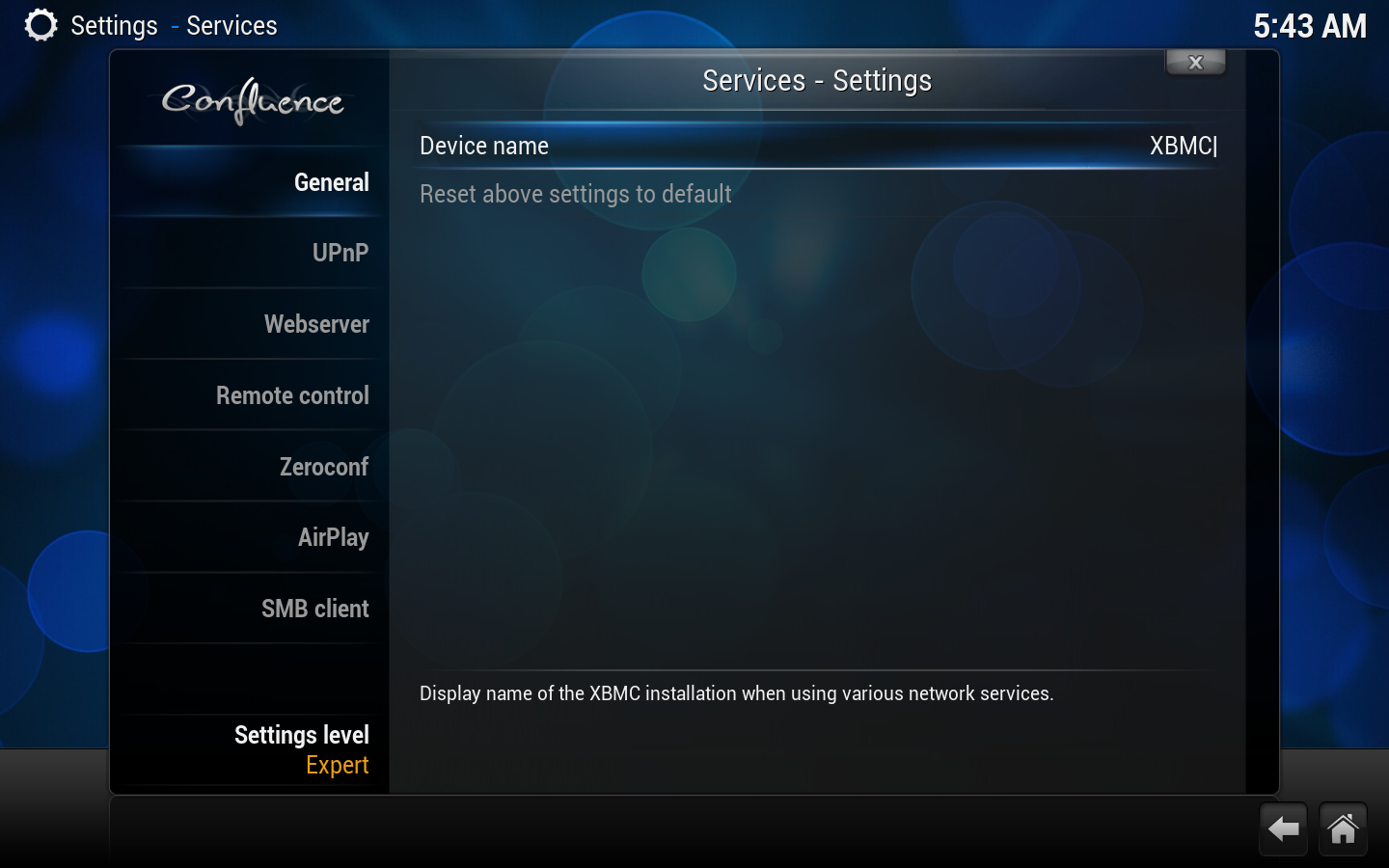
Displayed name of the Kodi installation when using various network services
UPnP
Setting
Description
Setting level
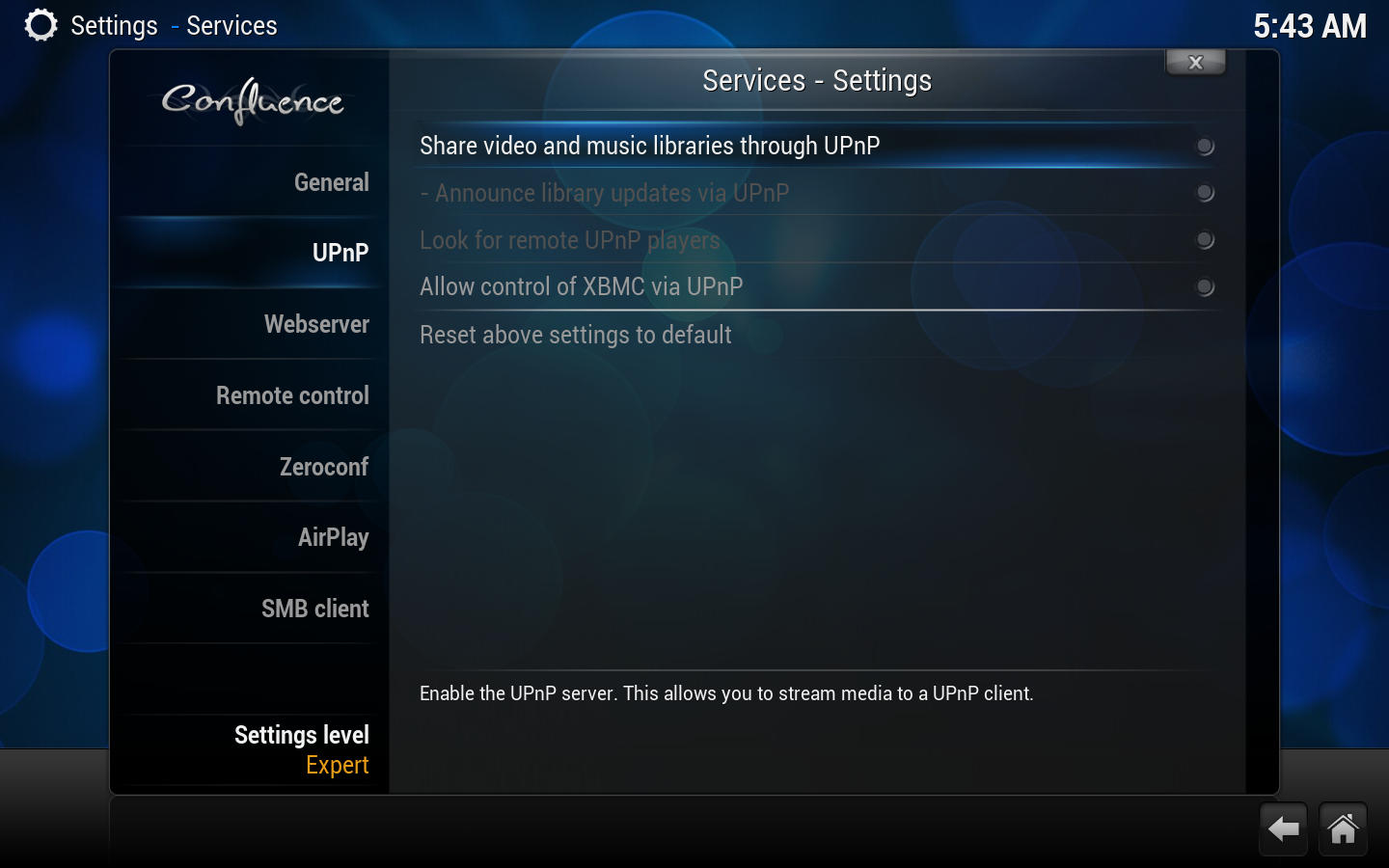
Share video and music libraries through UPnP
Enables the UPnP server; this will enable you to stream media to any UPnP client.
-Announce library updates via UPnP
Tells Kodi instances to refresh their library listing when there is an update, when using the above UPnP server.
Look for remote UPnP players
Allow control of Kodi via UPnP
Enables the UPnP client; this will enable you to steam media from any UPnP server (and most DLNA servers) to Kodi, with a control point and control playback from that server.
Webserver
Setting
Description
Setting level
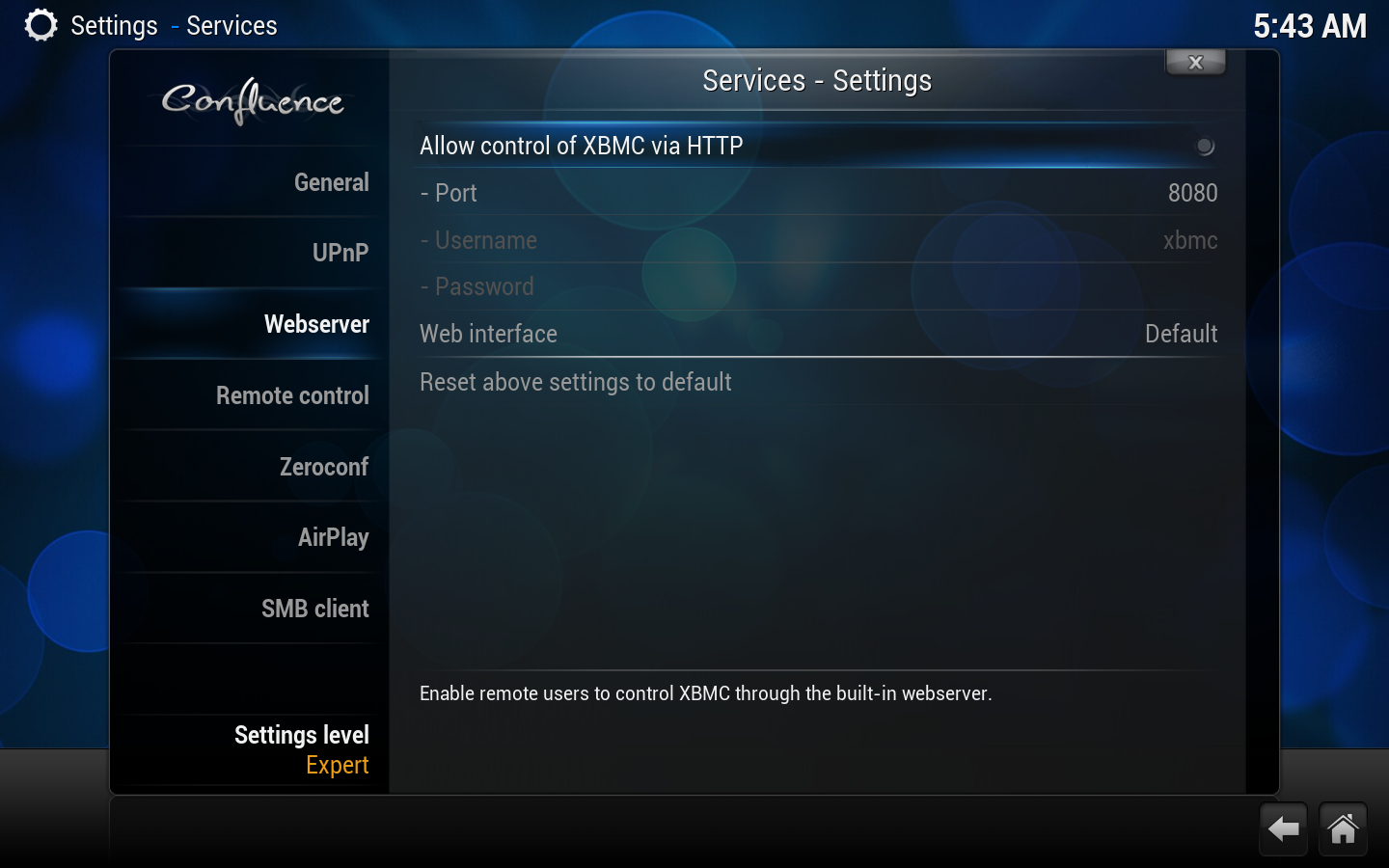
Allow control of Kodi via HTTP
Enables the webserver to control Kodi
- Port
Defines the port of the webserver
- Username
Defines the username used for the webserver (default : 'kodi')
- Password
Defines the password used for the webserver (default : 'kodi')
Web interface
Select between web interfaces installed via the add-on manager
Remote control
Setting
Description
Setting level
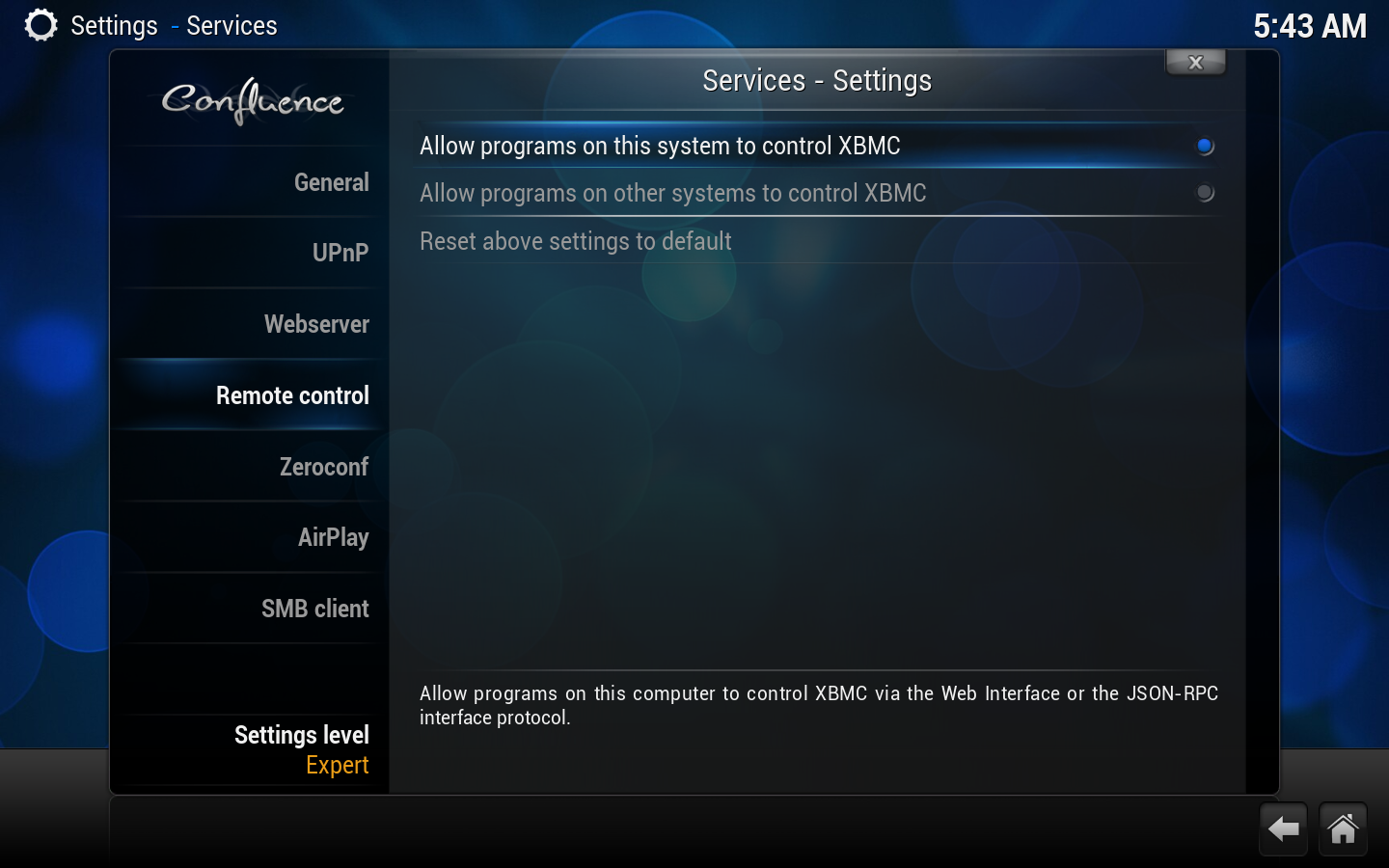
Allow programs on this system to control Kodi
Enables programs on the computer running Kodi to control Kodi via the webserver/EventServer]]/JSON-RPC API.
Allow programs on other systems to control Kodi
Enables programs on any system to control Kodi via the webserver/EventServer]]/JSON-RPC API.
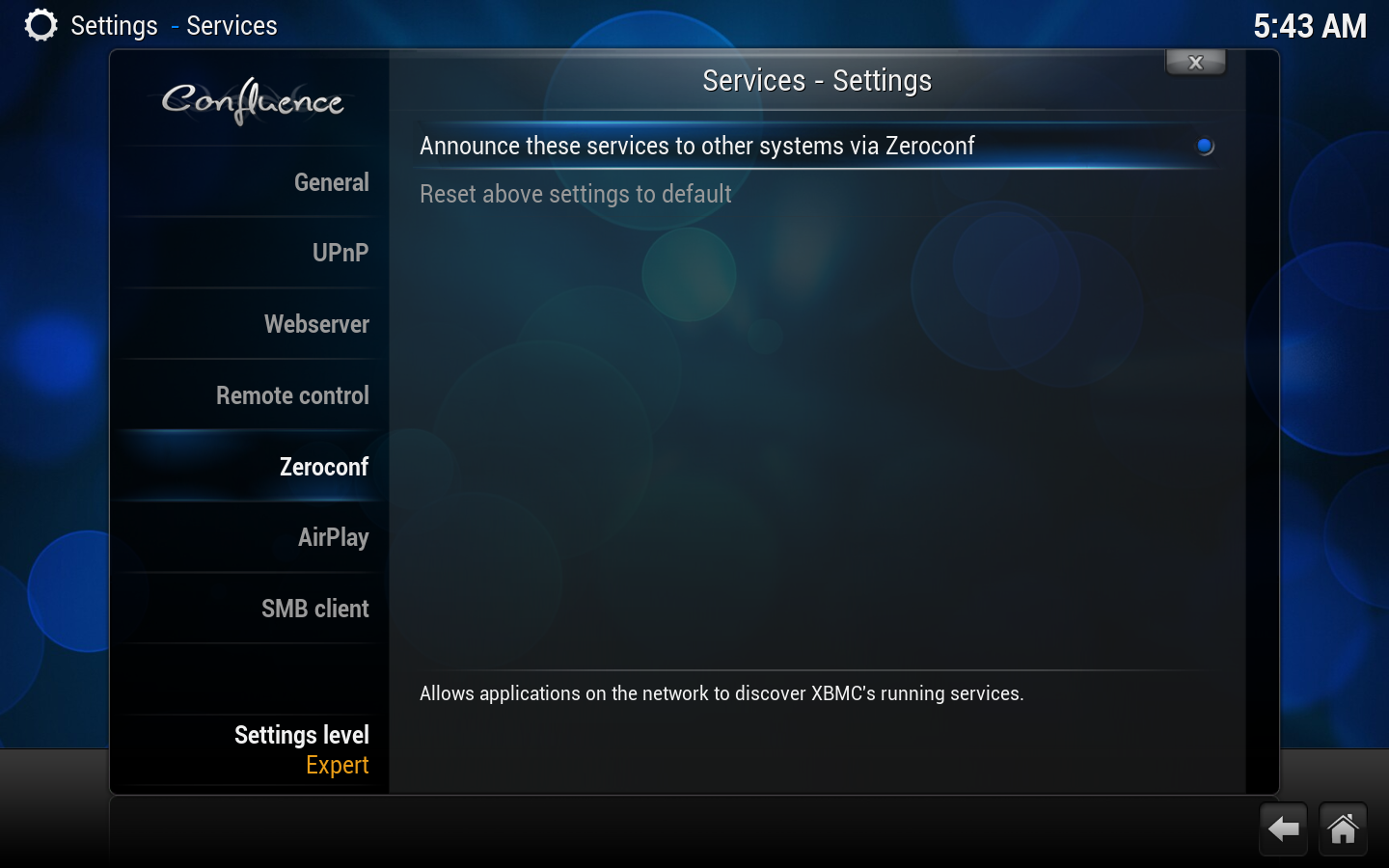
Zeroconf
Setting
Description
Setting level
Announce these services to other systems via Zeroconf
Announce the enabled network services using Zeroconf.