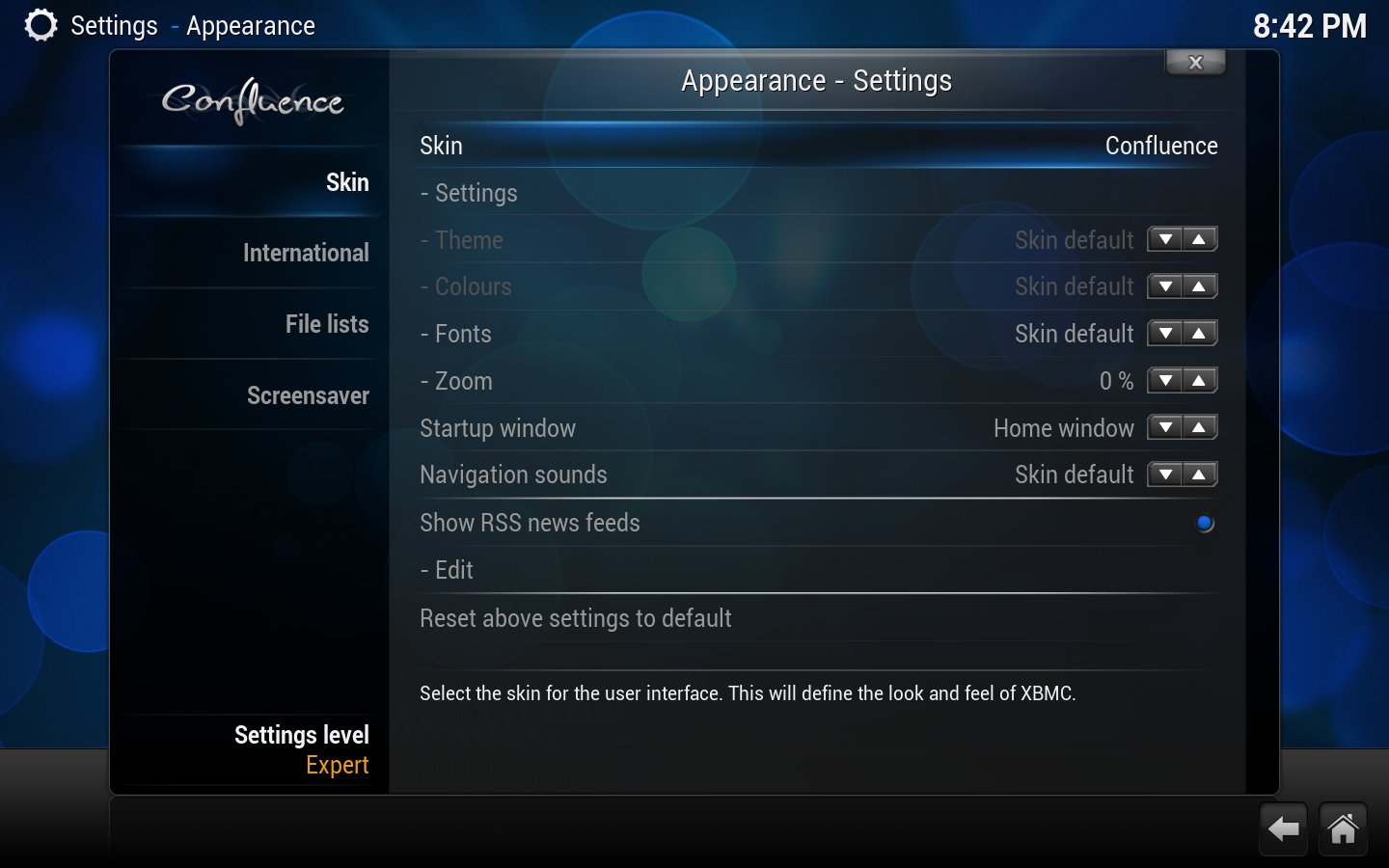
XBMC can have various different appearances which are called skins. Selecting a different skin can drastically change the appearance of XBMC's buttons, windows, TV/movie information layout, and more. XBMC's default skin is called Confluence.
Setting
Description
Setting Level
Skin
Allows you to select the skin for the User Interface. See Skins for more information.
Settings
Select for additional skin settings. Some skins may not use this button or have additional settings. See Add-on:Confluence/Settings for the default skin.
- Theme
Allows you to change the theme associated with your selected skin. See Skin Themes for more information.
- Colours
Allows you to change the colours of your selected skin. See Skin Themes for more information.
- Fonts
Allows you to choose the fonts displayed in the User Interface. The font sets are configured in the font.xml portion of your skin. See Fonts for more information.
- Zoom
Allows you to zoom in the view of the GUI.
Startup window
Allows you to select the screen that XBMC starts up to.
Navigation sounds
Allows you to select or disable the sound scheme used in the User Interface.
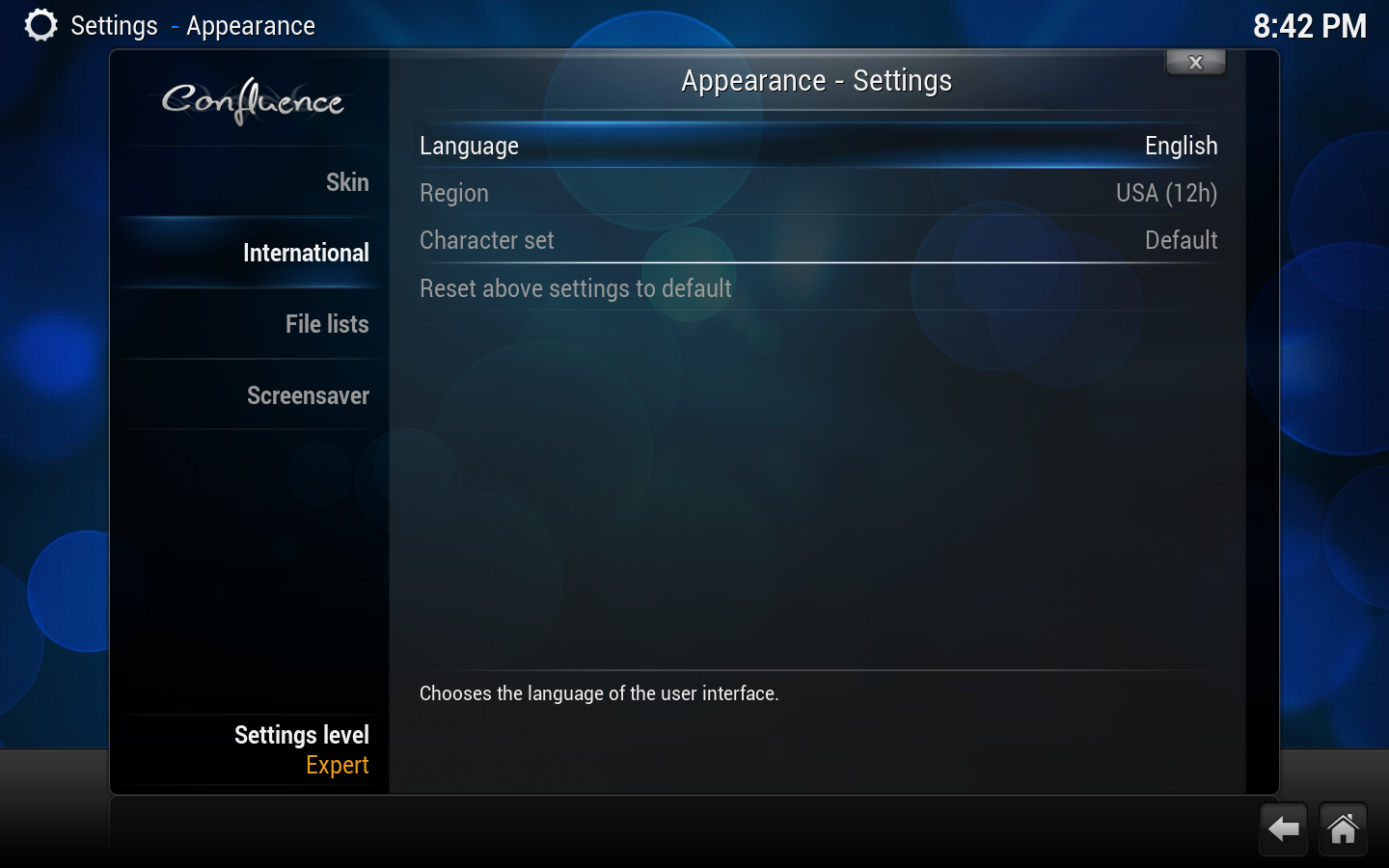
Chooses the language the User Interface is displayed in.
Region
Allows you to select the various formats used in XBMC for temperature, time and date. The available options are depending on selected language.
Character set
Allows you to choose which character set is used for displaying text in the GUI.
Timezone Country
Allows to select Country location.
Timezone
Allows to select Timezone you country is located in.
Preferred Audio Language
Sets the default audio track when different language tracks are available.
Preferred Subtitle Language
Sets the default subtitles when different languages are available.
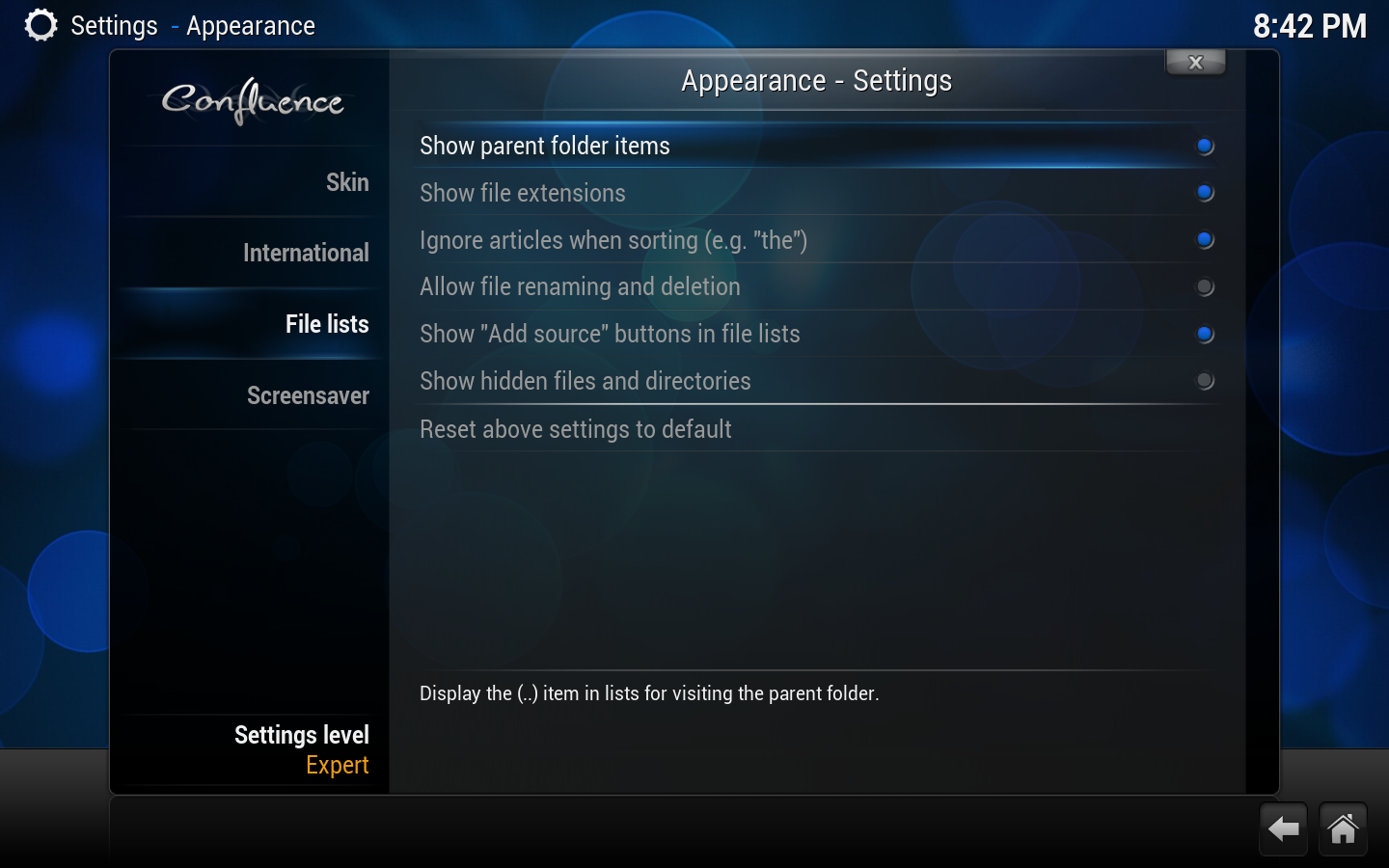
File lists
Show parent folder items
Determines the display of the parent folder icon (..).
Show file extensions
Determines the display of the extensions on media files. For example, "You Enjoy Myself.mp3" would be simply be displayed as "You Enjoy Myself".
Ignore articles when sorting
Allows for certain tokens to be ignored during sort operations. For example, with this option enabled, "The Simpsons" would simply be sorted as "Simpsons".
Tokens are configured through langinfo.xml or through <sorttokens> in advancedsettings.xml.
Allow file renaming and deletion
Allows you to delete and rename files through the user interface, via the contextual menu (press C on a keyboard, for example, to bring up this menu).
Show "Add source" buttons in file lists
Enables showing the add source button from root sections of the user interface.
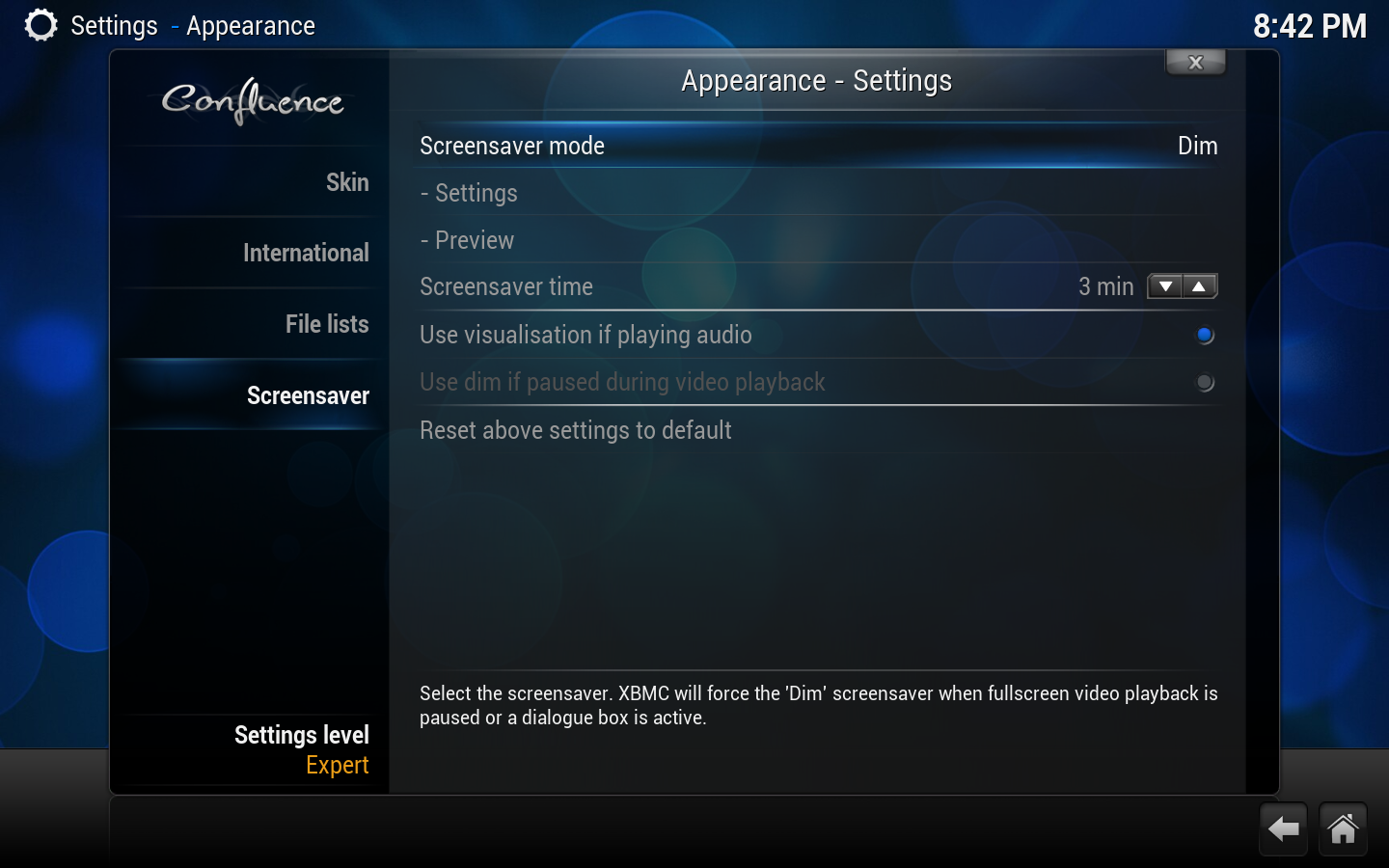
Allows control of such things as Screensaver dim level which controls how much the screen dims when the screensaver is set to dim mode and Slideshow folder, which determines what pictures to use when the screensaver is set to Slideshow mode.
- Preview
Allows you to preview the selected screensaver.
Screensaver time
Allows you to set the amount of idle time required before displaying the screensaver.
Use visualization if playing audio
With this option enabled, XBMC will start the selected visualization instead of displaying the screensaver if music is being played.
Conversely if you wish not to have a visualization while playing audio, uncheck this option and visualizations will be disabled.
Note: If a screensaver is active you will still get the screensaver after the preset time has elapsed for screensaver to kick in.
Use dim if paused during video playback
With this option enabled, XBMC will dim the display when media is paused, Not valid for the "Dim" screensaver mode.

 Settings


