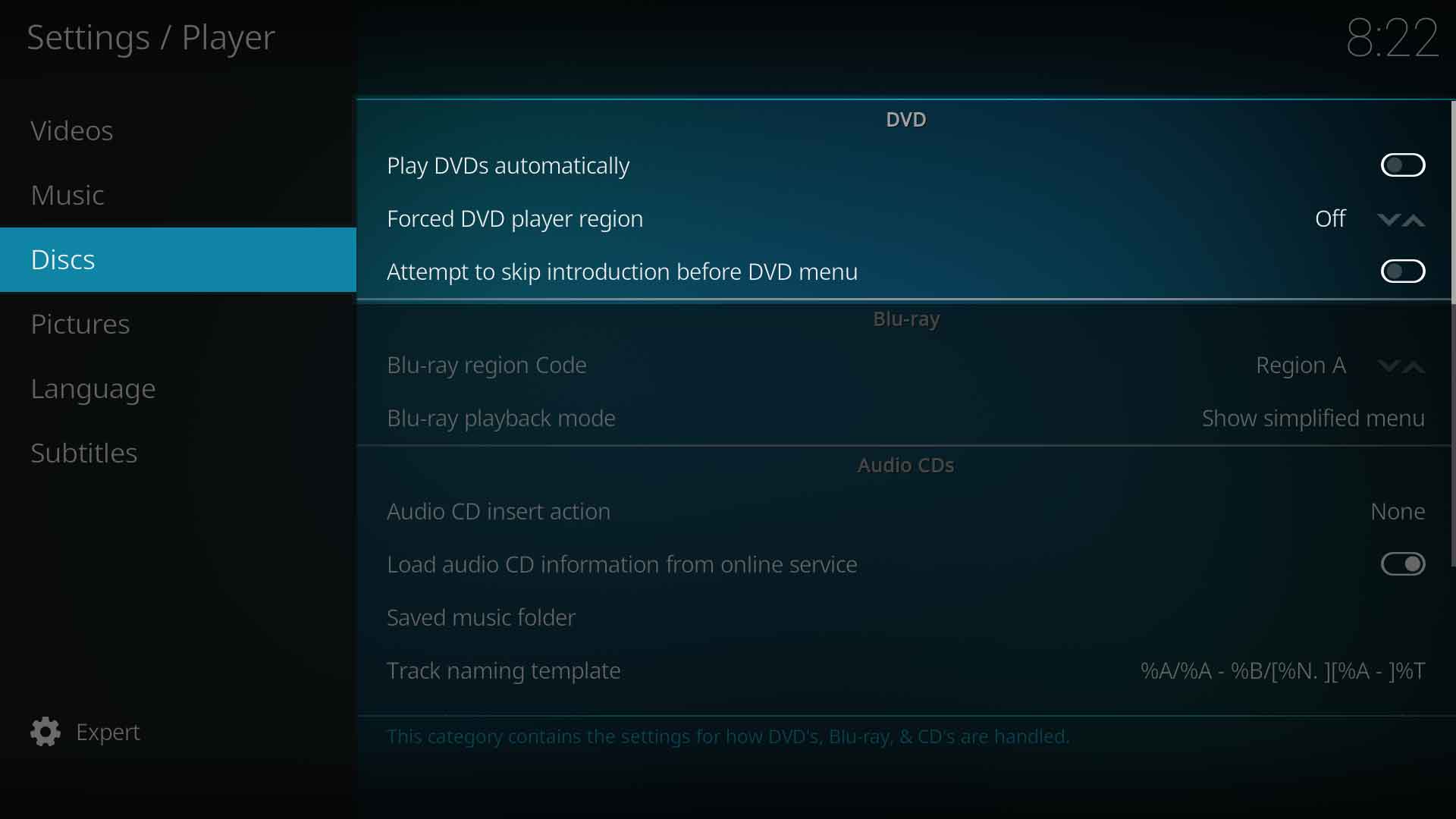
Attempt to skip "unskippable" introductions before DVD menu.
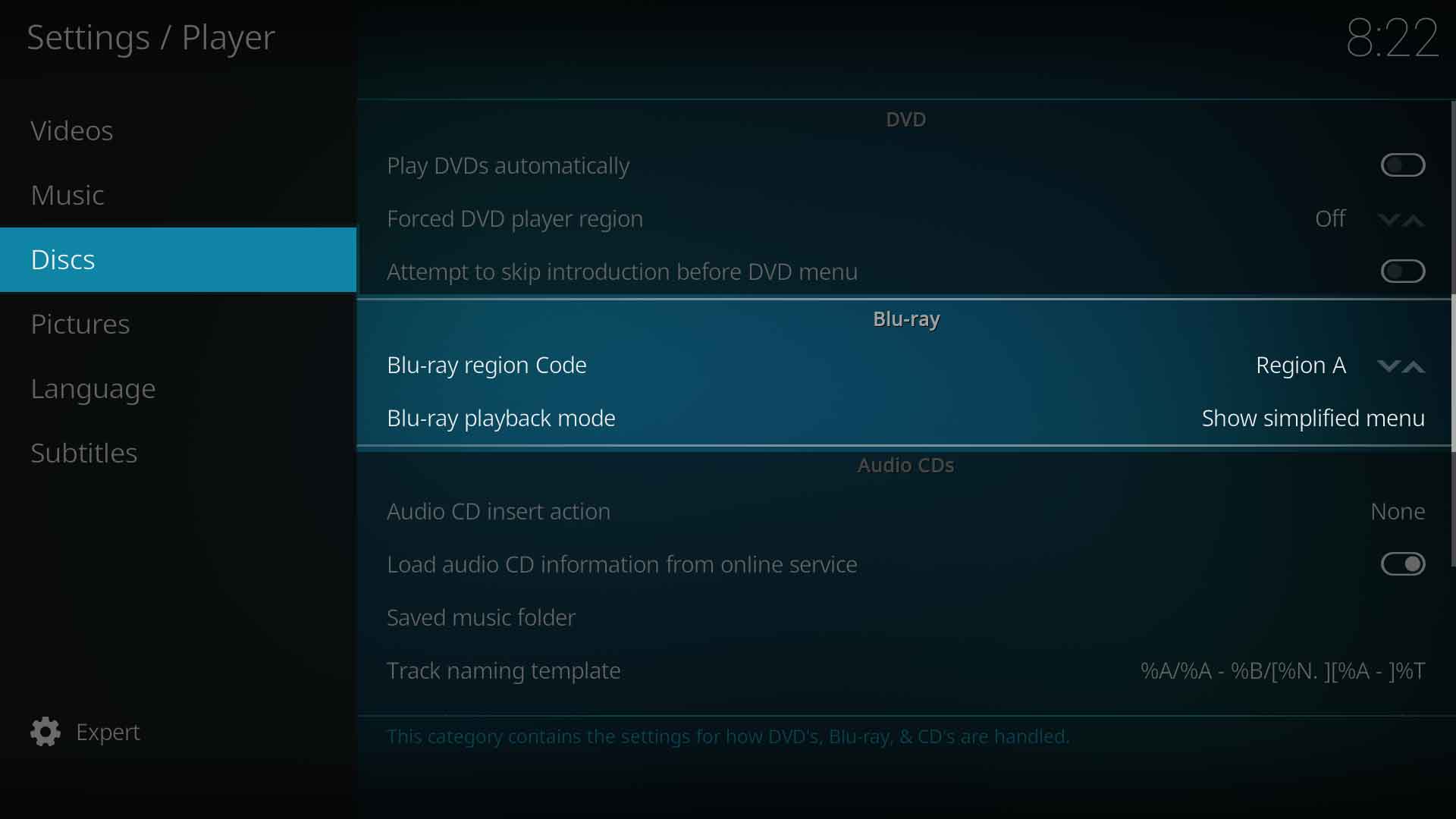
Blu-ray
Blu-ray region code
Settings level:
Standard
Description:
Defines the BluRay region code. Region A - Americas, East Asiaa and Southeast Asia. Region B- Arica, Middle East, Southwest Asia, Europe, Australia, New Zealand. Region C - Central Asia, mainland China, South Asia, Belarus, Russia, Ukraine, Kazakhstan
Blu-ray playback mode
Settings level:
Standard
Description:
Specifies how Blu-Rays should be opened / played back. Note: Some disc menus are not fully supported and may cause problems.
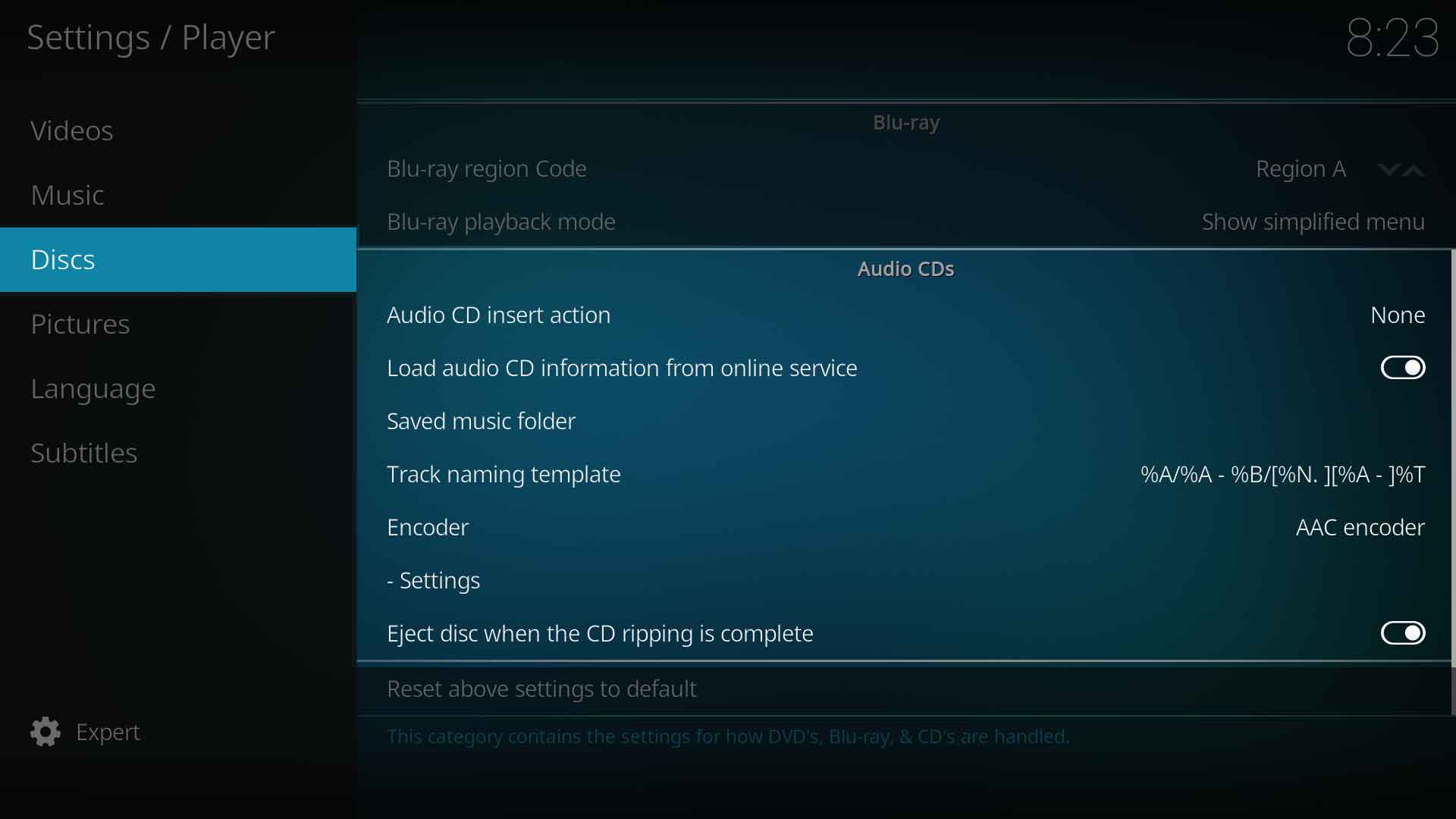
Audio CDs
Audio CD insert action
Settings level:
Standard
Description:
Autorun CDs when inserted in drive.
Load audio CD information from online service
Settings level:
Standard
Description:
Read the informations belonging to an audio CD, like song title and artist, from the Internet database freedb.org.
Saved music folder
Settings level:
Expert
Description:
Select the location on your hard drive where ripped tracks will be saved to.
Track naming template
Settings level:
Expert
Description:
Control how saved music is named from the tags. Tags: %N: TrackNumber, %S: DiskNumber, %A: Artist, %T: Title, %B: Album, %G: Genre, %Y: Year, %F: FileName, %D: Duration, %J: Date, %R: Rating, %I: FileSize.
Encoder
Settings level:
Expert
Description:
Select which audio encode to use when ripping. Note: Ubuntu users can download additional audio encoders via the Official Ubuntu PPA. Kodi users for other OSes don't need to do anything, as all audio encoders are pre-installed in those builds.
Installing audio encoders on Ubuntu will be done like this: