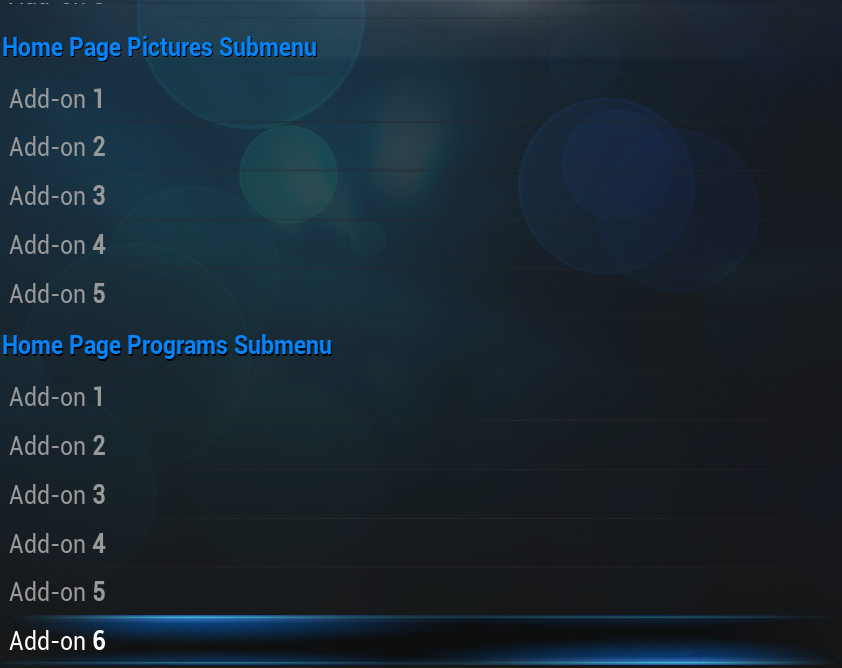
Skin settings for the default XBMC skin, Confluence. The following settings are accessible from the main menu by going to Settings -> Appearance -> Skin.
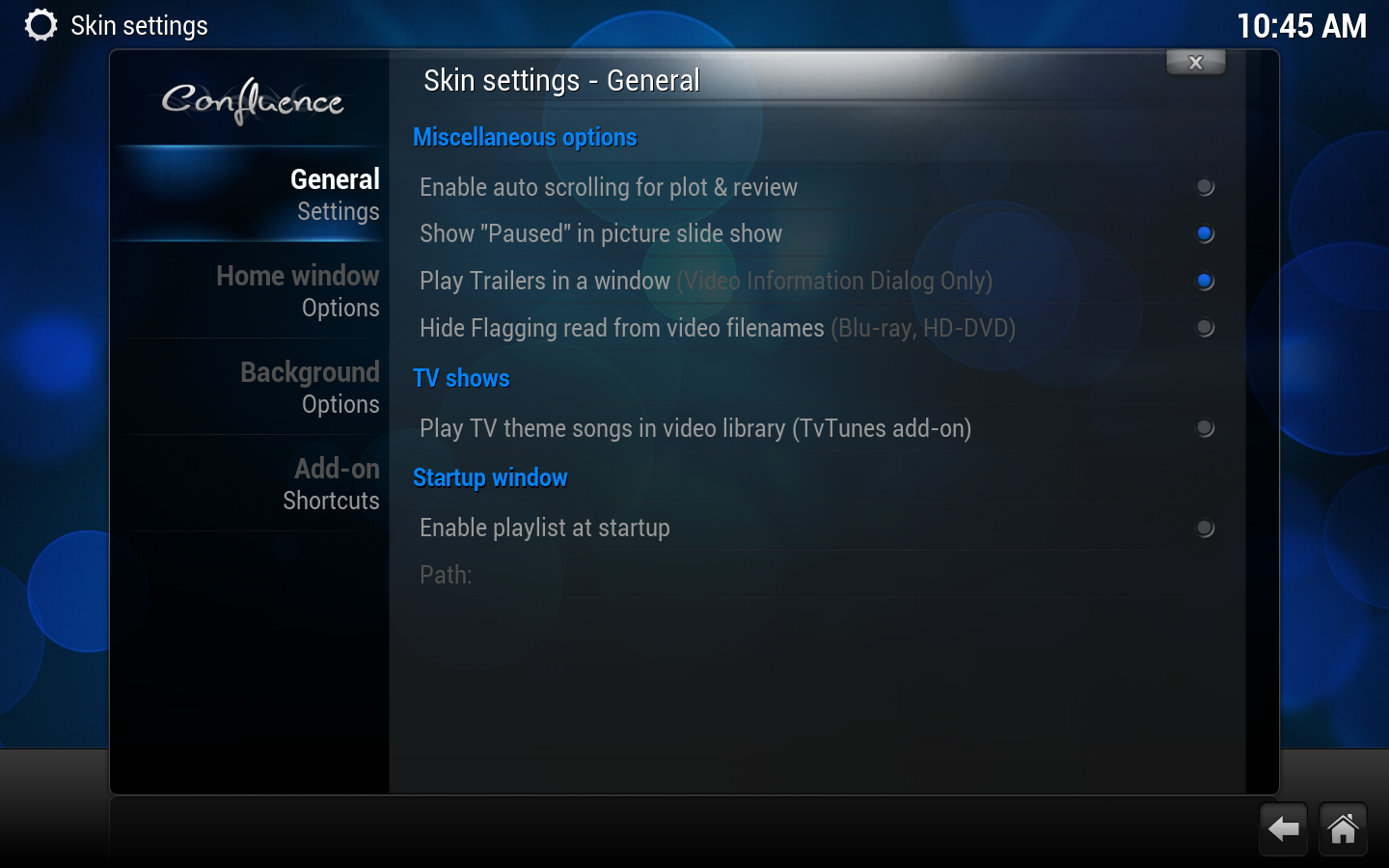
Enables automatic page scrolling in information dialogs.
Show "Paused" in picture slide show
Selects whether or not to show the word "Paused" in the corner when you've paused a picture slide show.
Play trailers in a window
If movie trailers are available/enabled, this option will play them in a window rather than full screen. This applies only to the Media information screen.
This option will only show up if the TvTunes add-on has been installed. It enables the playing of theme songs when you enter a TV show's listings from the library.
Startup window
Enable Playlist at Startup
Runs any supported playlist at startup.
Path
Path to playlist
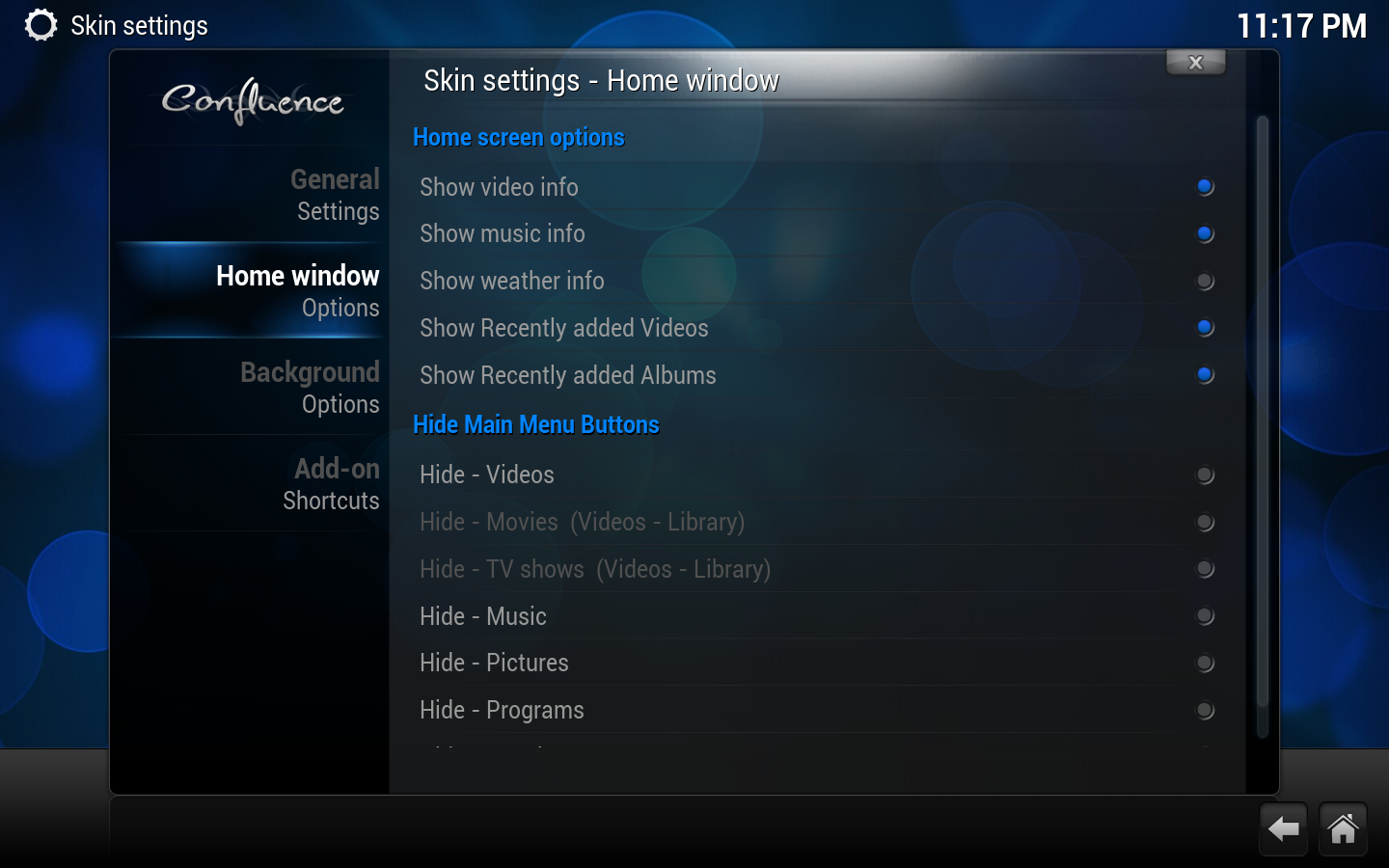
Home window options
options continued
Home screen options
Show Video Info
Shows info on video playing when on the Home Window.
Show Music info
Shows info on music playing when on the Home Window.
Show Weather info
Shows info on Weather when on the Weather button of the Home Window.
Show Recently added Videos
Shows your most recently added videos that have been scanned into the library.
Show Recently added Albums
Shows your most recently added albums that have been scanned into the library.
Hide Main Menu Buttons
Various options
Hides or shows the selected button/tab from the home window. "Movies" and "TV shows" are only available options when you have scanned videos into the library.
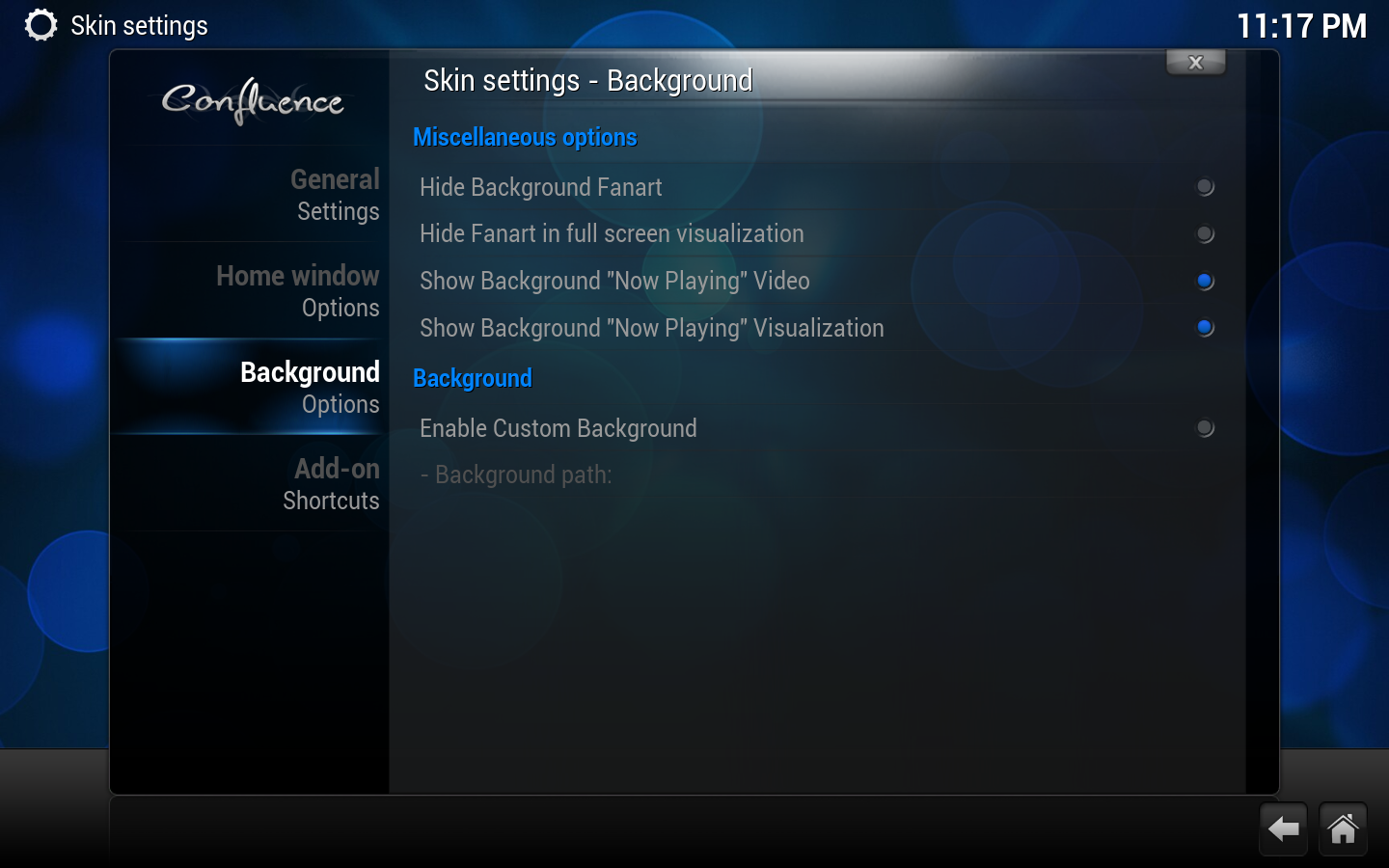
Background options
Miscellaneous options
Hide Background Fanart
Hides fanart images in various library/file views.