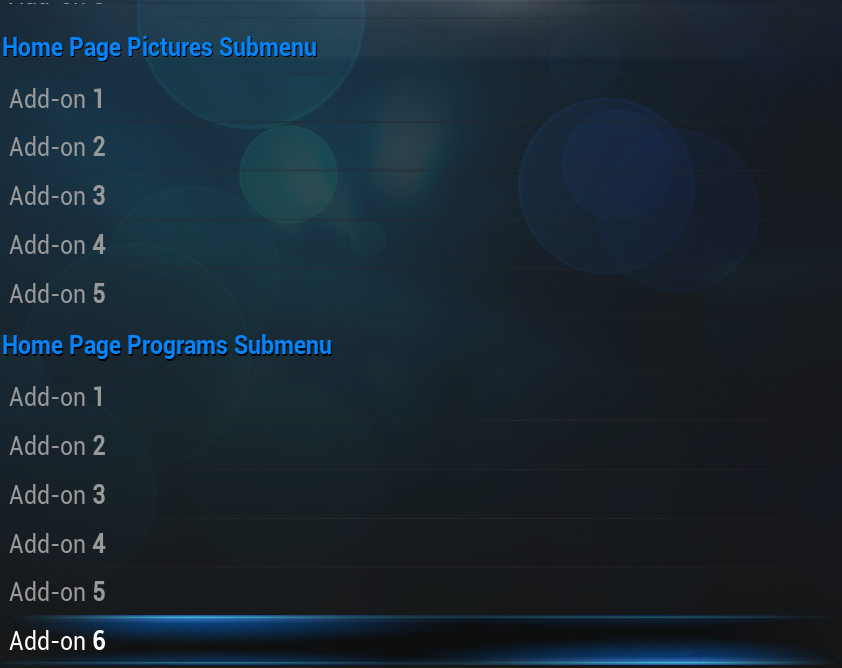
Skin settings for the default XBMC skin, Confluence. The following settings are accessible from the main menu by going to Settings -> Appearance -> Skin.
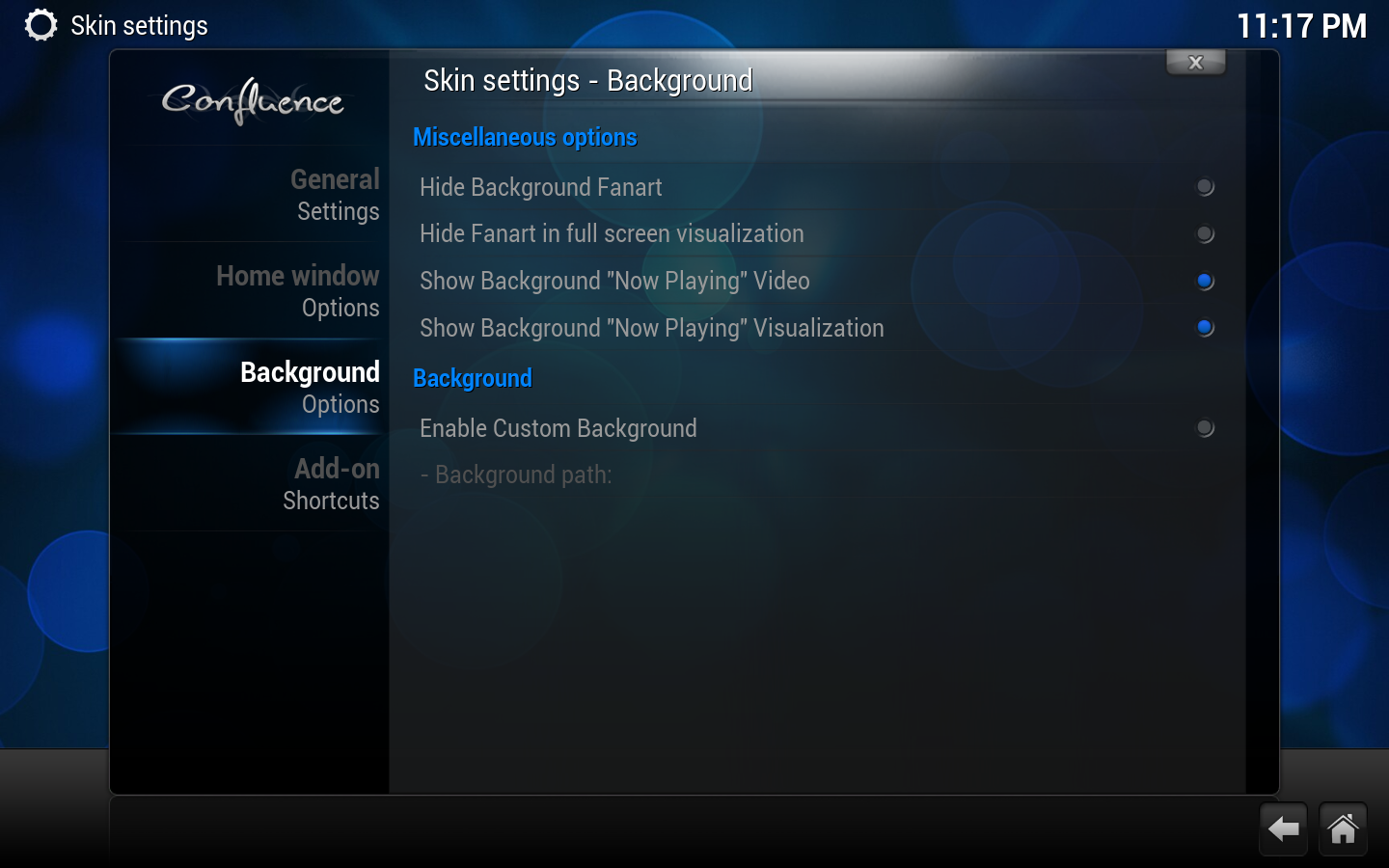
Disables fanart being displayed in the background for TV shows and movies.
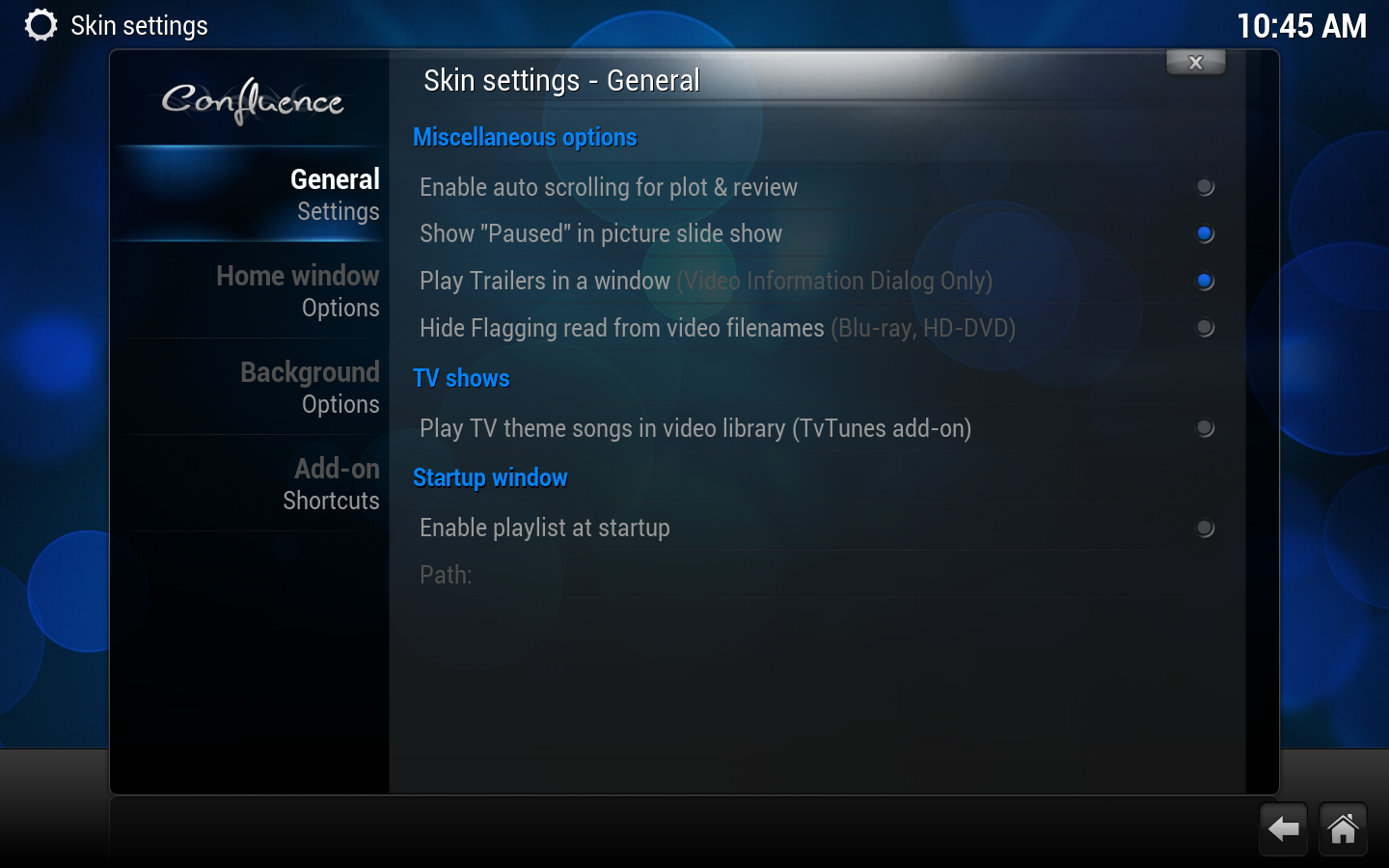
Startup window
Enable Playlist at Startup
Runs any supported playlist at startup.
Path
Path to playlist
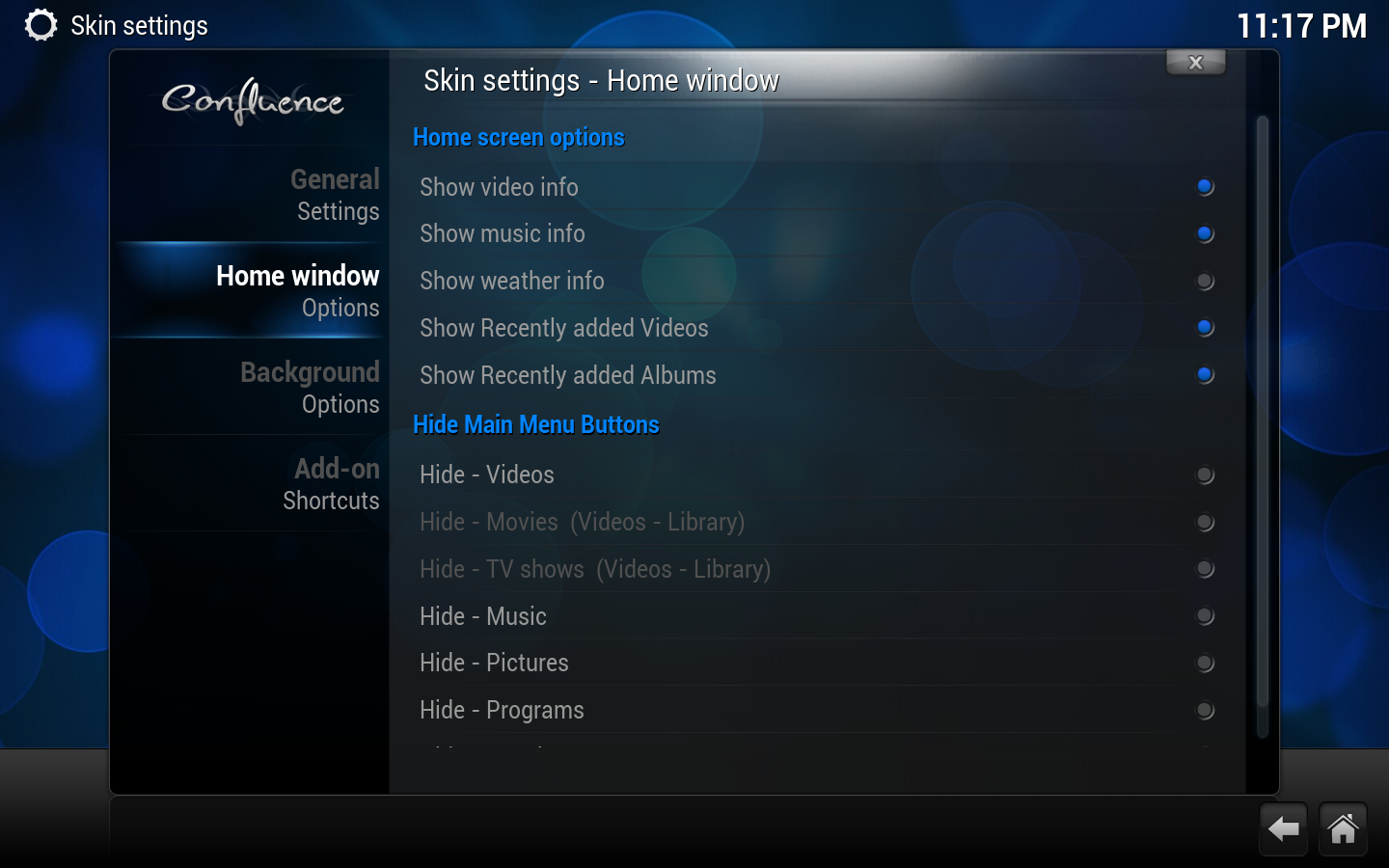
Home window options
options continued
Home screen options
Show Video Info
Shows info on video playing when on the Home Window.
Show Music info
Shows info on music playing when on the Home Window.
Show Weather info
Shows info on Weather when on the Weather button of the Home Window.
Show Recently added Videos
Shows your most recently added videos that have been scanned into the library.
Show Recently added Albums
Shows your most recently added albums that have been scanned into the library.
Hide Main Menu Buttons
Various options
Hides or shows the selected button/tab from the home window. "Movies" and "TV shows" are only available options when you have scanned videos into the library.
Background customizer
Editor note: FRODO Ready, this feature has changed - skin Confluence only has one background option
Background Options
Enable Custom Background
Selects a different background image for all window views. this means one background only within Confluence.