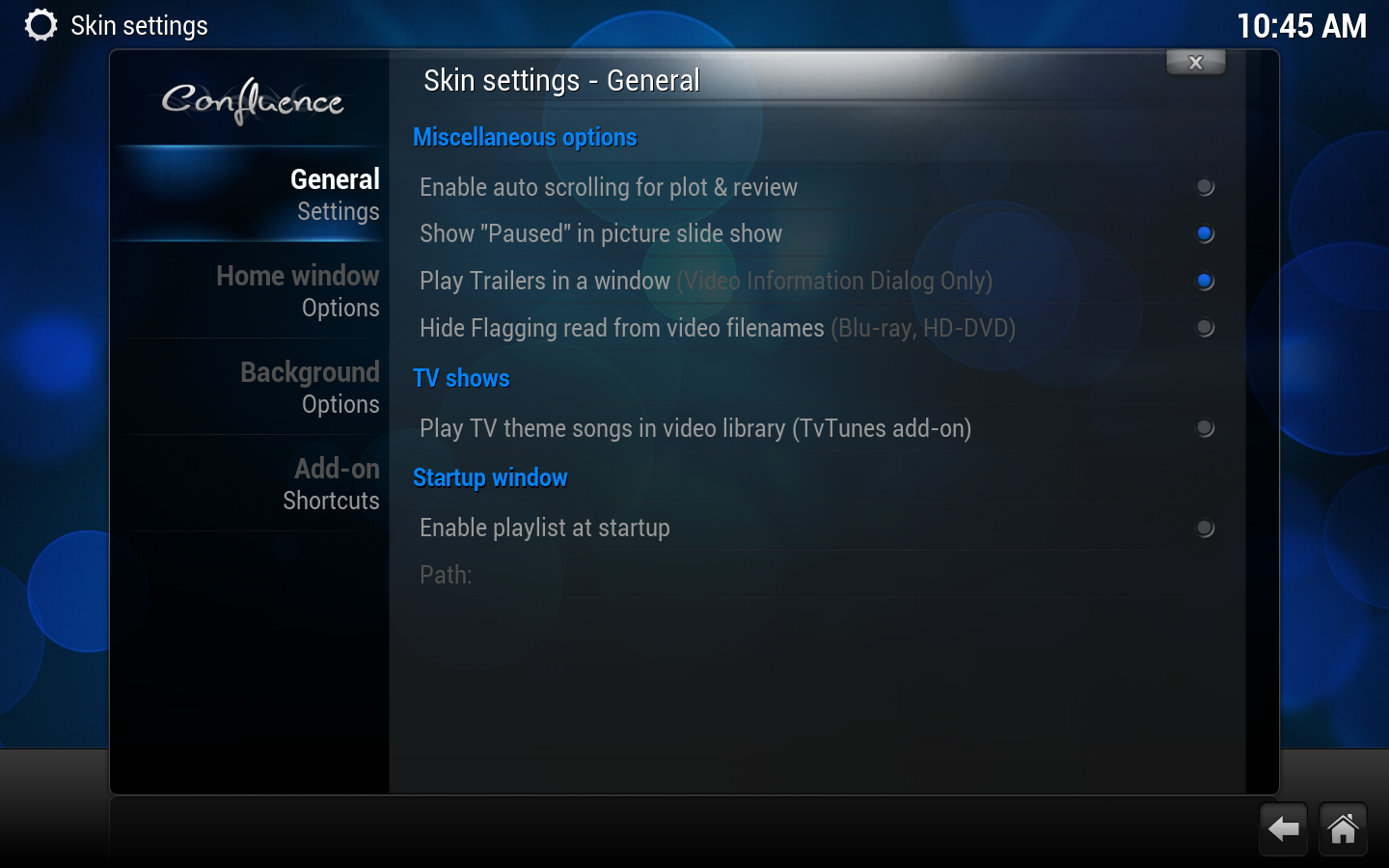
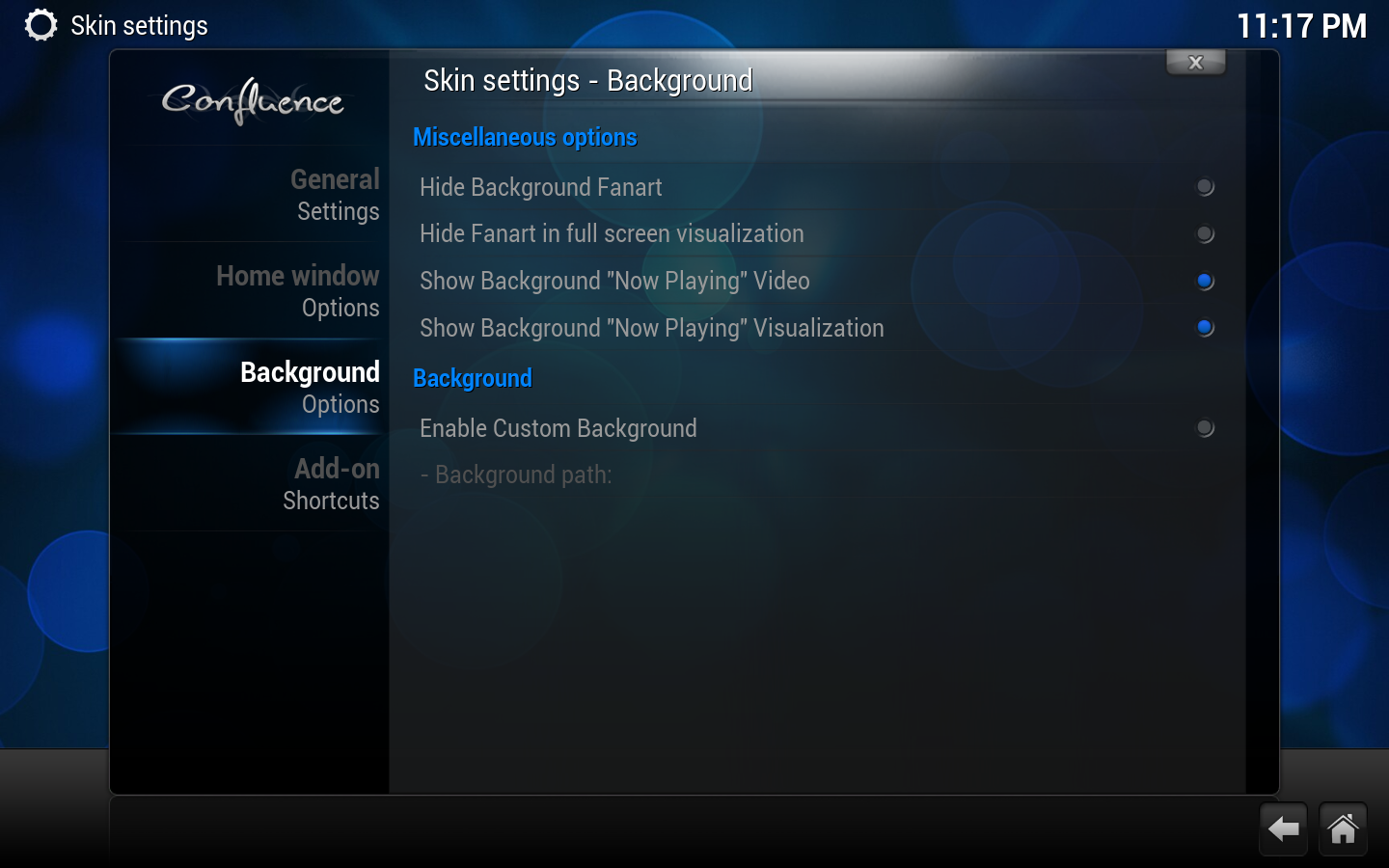
Disables fanart being displayed in the background for TV shows and movies.
TV shows
Use "Posters" instead of "Banners" for TV Shows.
Uses poster style thumb layout for TV shows, instead of the default wide banner icons. Be sure to also toggle this in your scraper setting so it downloads posters instead of banners: TV show scraper settings.
Play TV theme songs in video library (TvTunes add-on)
Uses the TvTunes add-on to play theme music when you select a TV show.
Startup window
Enable Playlist at Startup
Runs any supported playlist at startup.
Path
Path to playlist
Background
Show Background "Now Playing" Video
Shows the currently playing video in the background when you exit out of full screen playback.
Show Background "Now Playing" Visualization
Shows the music visualizer in the background when you exit out of full screen playback.
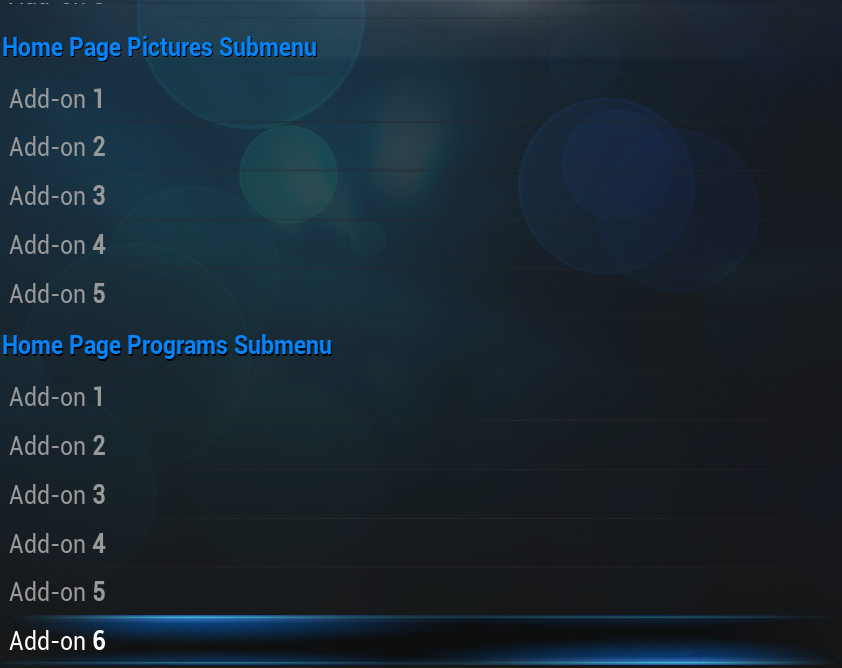
Home window options
options continued
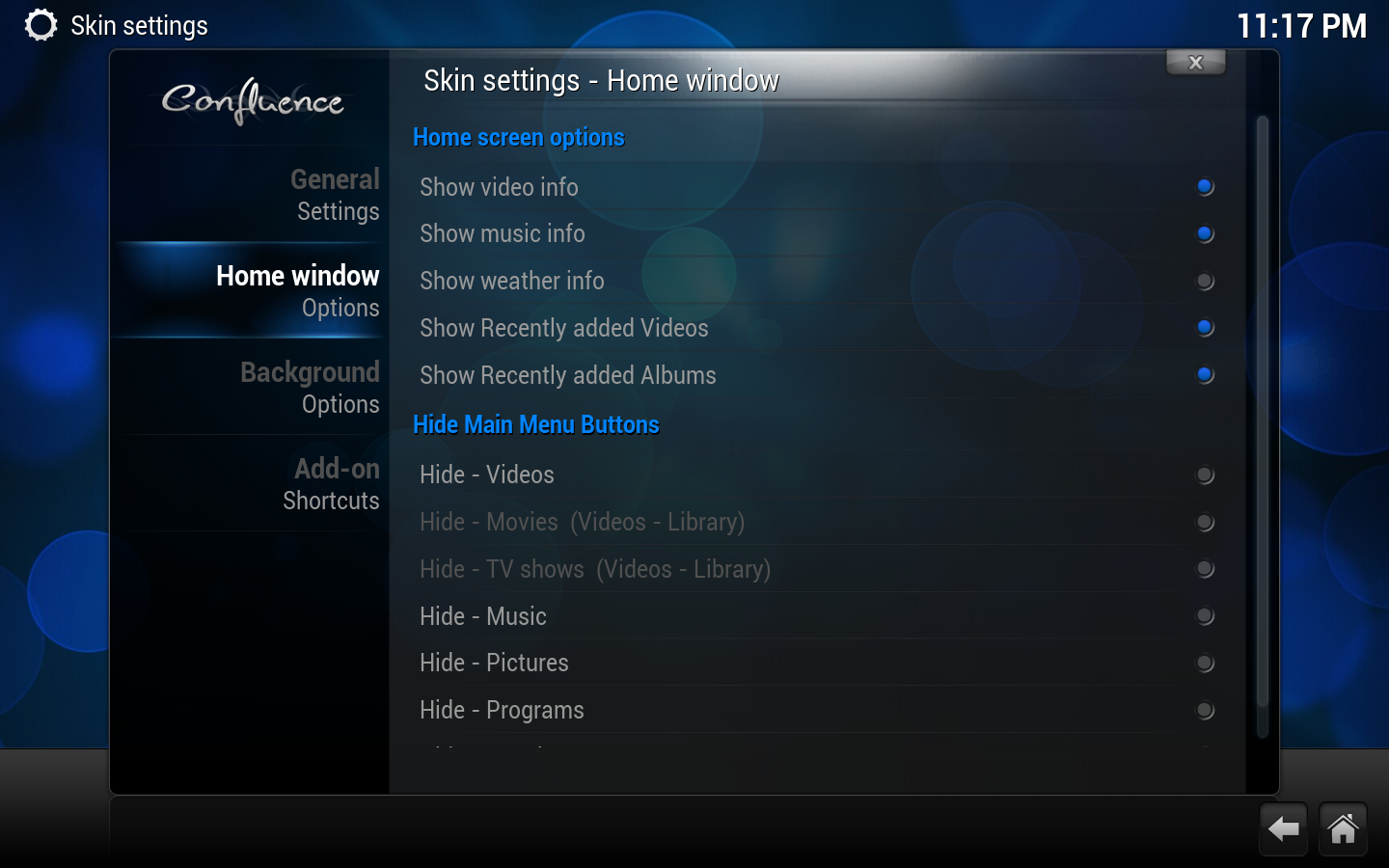
Home screen options
Show Video Info
Shows info on video playing when on the Home Window.
Show Music info
Shows info on music playing when on the Home Window.
Show Weather info
Shows info on Weather when on the Weather button of the Home Window.
Show Recently added Videos
Shows your most recently added videos that have been scanned into the library.
"Videos" button always goes to "Files"
Forces the "Videos" button tab to always go to "Files" instead of the parent list that also shows "Movies", "TV shows" etc.
Hide Main Menu Buttons
Various options
Hides or shows the selected button/tab from the home window. "Movies" and "TV shows" are only available options when you have scanned videos into the library.
Background customizer
Media backgrounds
Edit Background for Media Types
Selects a different background image (or images, when using the "Multi image" option) for various windows.