HOW-TO:Add Time Remaining to Confluence

|
 Skinning Skinning |
Confluence |
HOW-TO:Add Time Remaining to Confluence
|
This tutorial will show how to replace runtime with time remaining at the end of the progress bar on the Info screen I and OSD M, and add the runtime to the bottom of the progress bar on the Info screen. This is achieved by editing VideoFullScreen.xml.
-
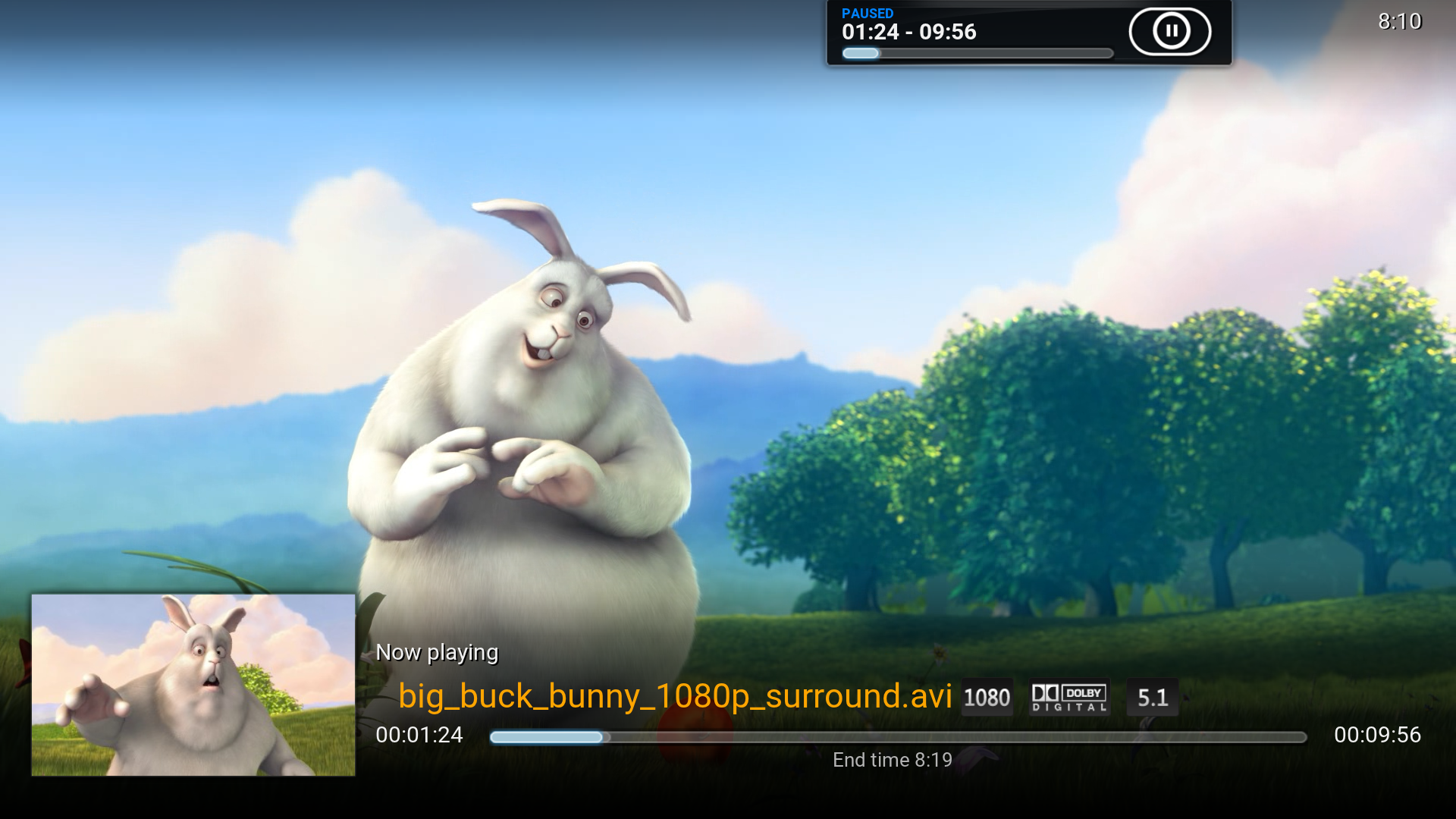 Original Info screen
 -
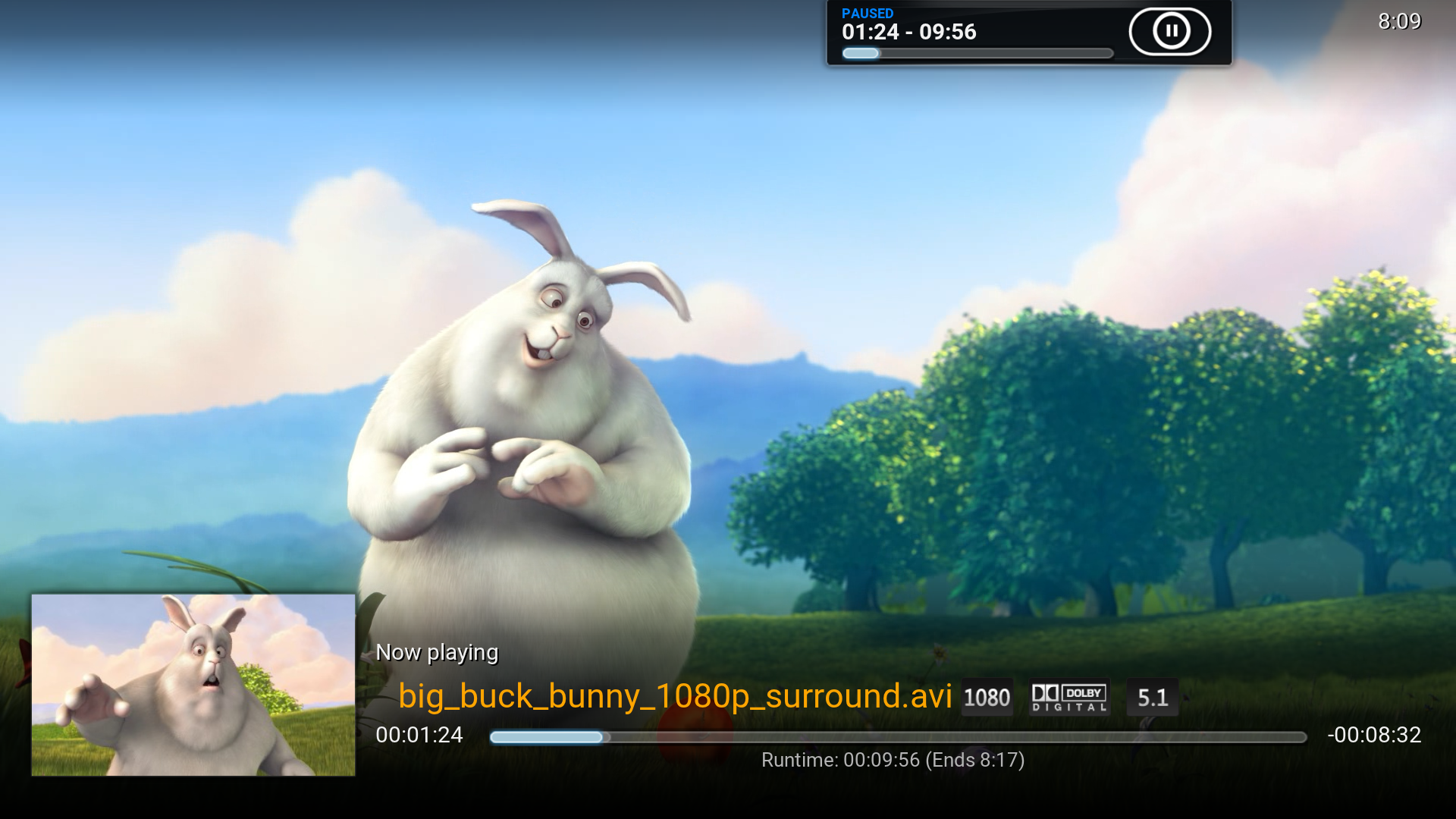 MOD
MOD -
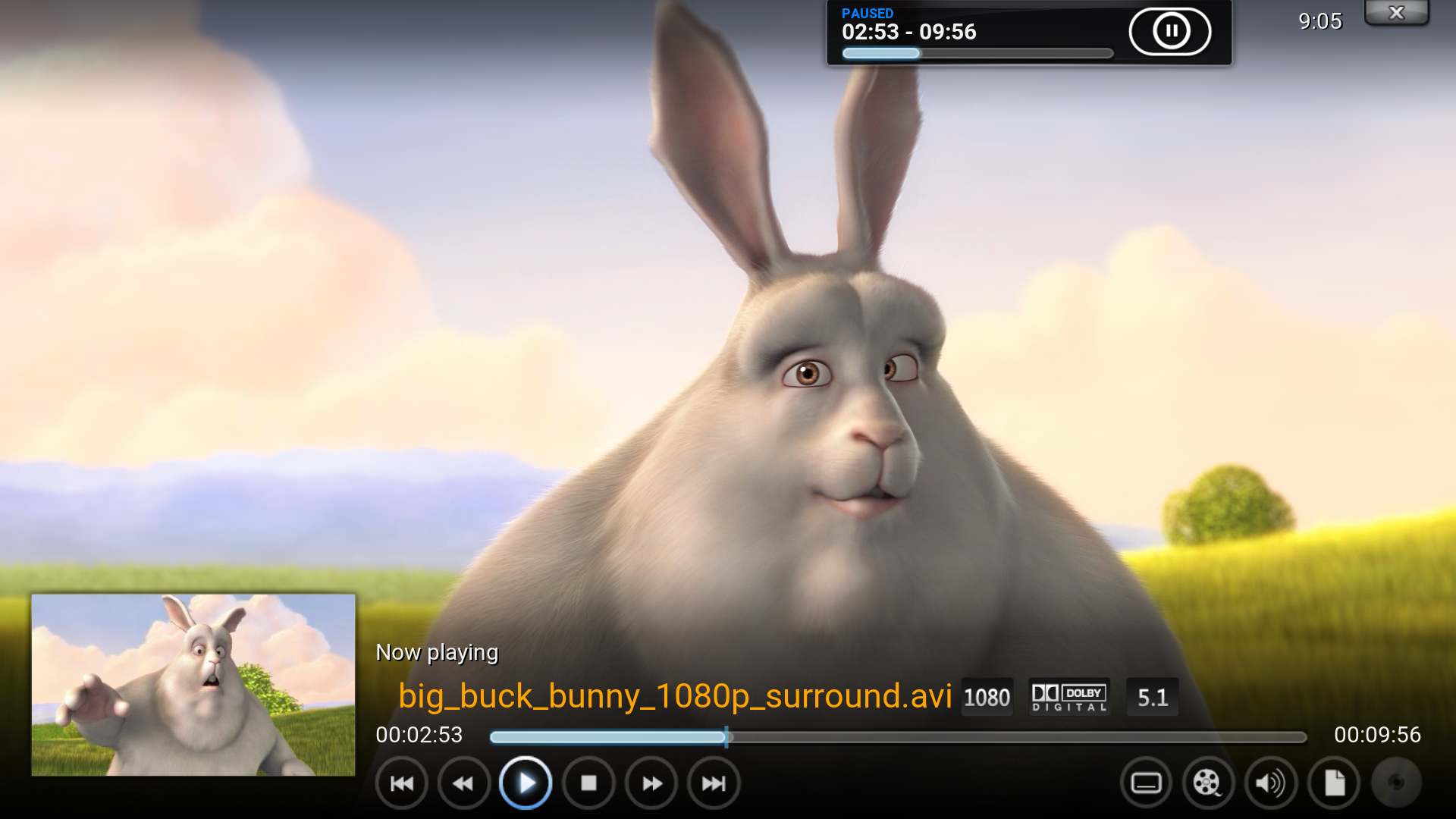 Original OSD
 -
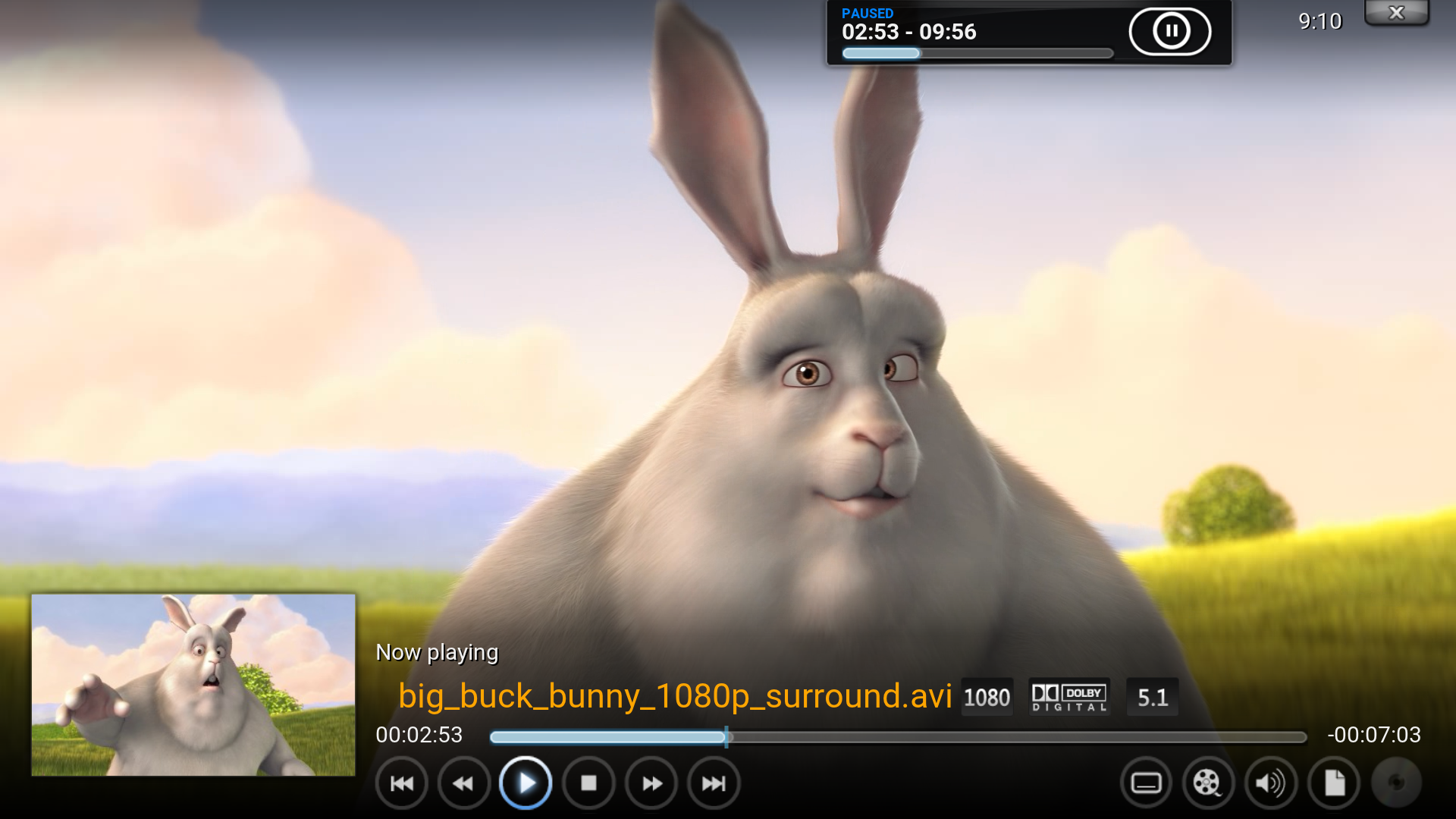 MOD
MOD


1. Open the file VideoFullScreen.xml, find the following line and comment it out. It will remove end time below the progress bar on the Info screen.
<label>$LOCALIZE[31049] $INFO[Player.FinishTime]</label>
2. Add this after the above line. On the Info screen it will add runtime at the bottom of the progress bar and move end time into brackets.
<label>Runtime: $INFO[Player.Duration(hh:mm:ss)] (Ends $INFO[Player.FinishTime])</label>
3. Find the following line and comment it out. It will remove runtime from the end of the progress bar.
<label>$INFO[Player.Duration(hh:mm:ss)]</label>
4. Add this after the above line. It will add time remaining to the end of the progress bar. The hyphen (‐) before $INFO just shows up as is in Kodi GUI, you don't need it.
<label>-$INFO[Player.TimeRemaining(hh:mm:ss)]</label>
A bit more modding
Go back to the code you've just changed
<control type="label" id="1">
     <left>0</left>
     <top>120</top>
     <width>910</width>
     <height>25</height>
     <!--<label>$LOCALIZE[31049] $INFO[Player.FinishTime]</label>-->
     <label>Runtime: $INFO[Player.Duration(hh:mm:ss)] (Ends $INFO[Player.FinishTime])</label>
     <align>center</align>
     <aligny>center</aligny>
     <font>font12</font>
     <textcolor>grey</textcolor>-->
     <scroll>true</scroll>
     <visible>!Window.IsVisible(VideoOSD) + !VideoPlayer.Content(LiveTV)</visible>
     <animation effect="fade" time="150">VisibleChange</animation>
</control>
A. Change the color of "Runtime X (Ends Y) to white by commenting out the following:
<textcolor>grey</textcolor>
If you don't do B (if you do both the NEXT button and "Runtime" will overlap), you could also make the font size as e.g. time remaining.
Change font12 to font13
B. Want "Runtime X (Ends Y)" be visible below the progress bar on the OSD too? Find the following line
<visible>!Window.IsVisible(VideoOSD) + !VideoPlayer.Content(LiveTV)</visible>
Remove !Window.IsVisible(VideoOSD) + and change it to the following:
<visible>!VideoPlayer.Content(LiveTV)</visible>