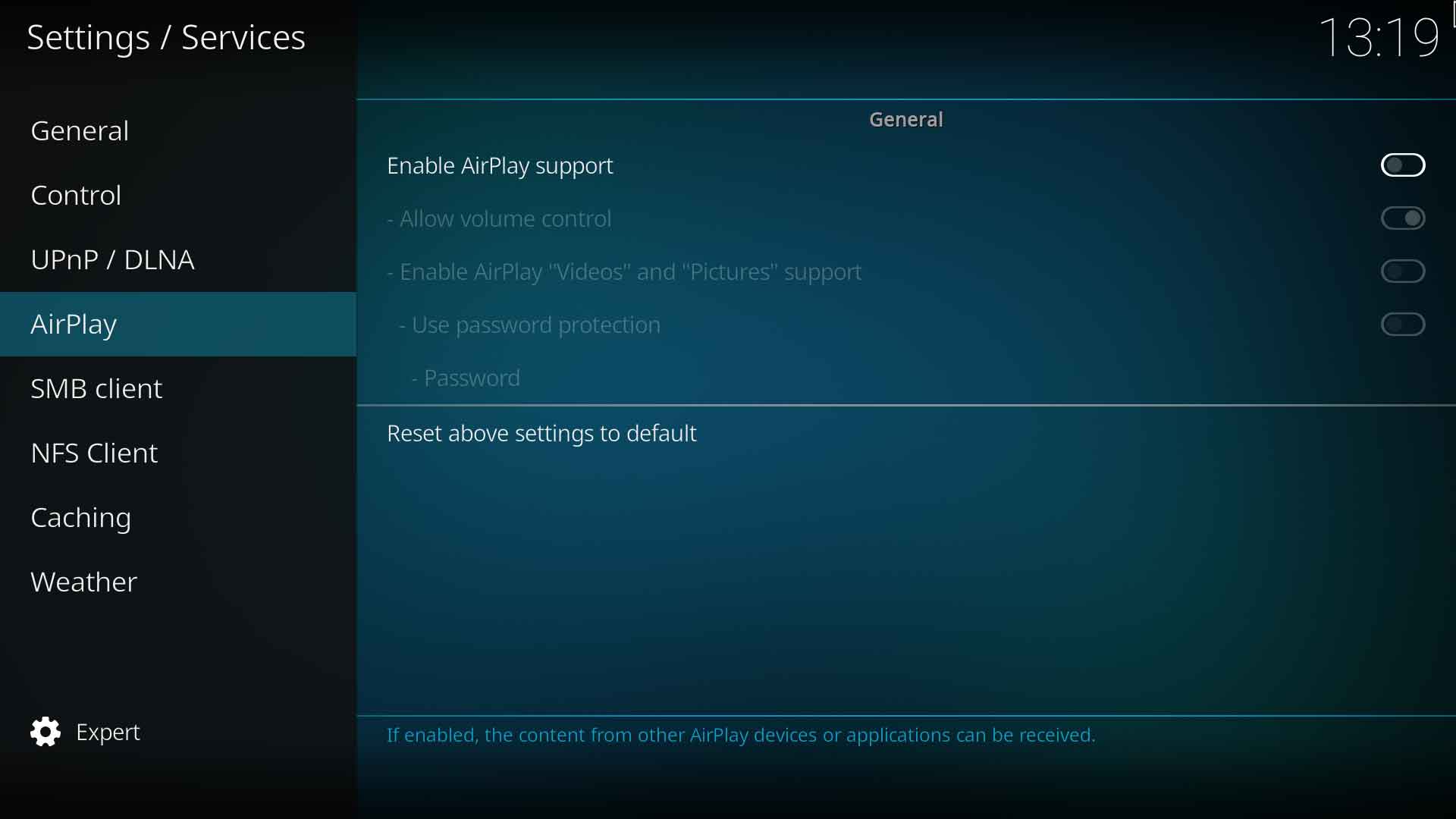
| Enables support for receiving "videos" and "pictures" via AirPlay. This needs to be disabled when using iOS 9 or later clients to restore music streaming via AirPlay. "Video" and "Pictures" are only supported for iOS clients using iOS 8.x and older.
| Enables support for receiving "videos" and "pictures" via AirPlay. This needs to be disabled when using iOS 9 or later clients to restore music streaming via AirPlay. "Video" and "Pictures" are only supported for iOS clients using iOS 8.x and older.
|}
|}
{{updated|18}}
Revision as of 10:00, 12 January 2019
This category contains the settings for how the AirPlay service is handled
Enables support for receiving "videos" and "pictures" via AirPlay. This needs to be disabled when using iOS 9 or later clients to restore music streaming via AirPlay. "Video" and "Pictures" are only supported for iOS clients using iOS 8.x and older.