|
|
| Line 168: |
Line 168: |
|
| |
|
|
| |
|
| {{updated|17}} | | {{updated|18}} |
| [[Category:FAQ]] | | [[Category:FAQ]] |
| [[Category:Index]] | | [[Category:Index]] |
Revision as of 06:24, 3 January 2019
This category contains the settings for how DVD's, Blu-rays & CD's are handled
DVD
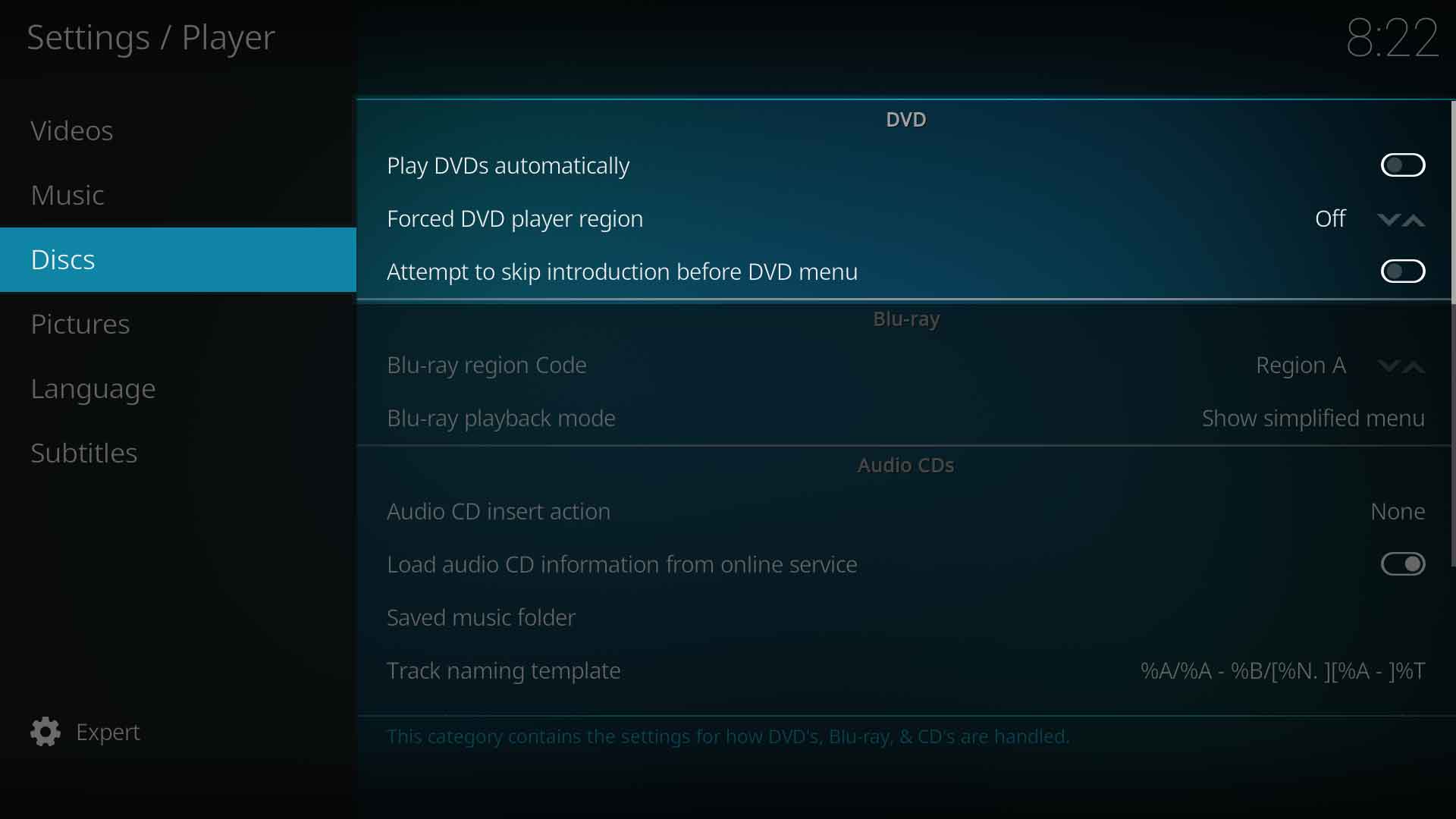
Play DVDs automatically
| Settings level:
|
Basic
|
| Description:
|
Autoruns DVD video when inserted in drive (Kodi v18 enable autorun even during other media playback)
|
Forced DVD player region
| Settings level:
|
Standard
|
| Description:
|
Forces a region for DVD playback.
|
| Settings level:
|
Advanced
|
| Description:
|
Attempt to skip "unskippable" introductions before DVD menu.
|
Blu-ray
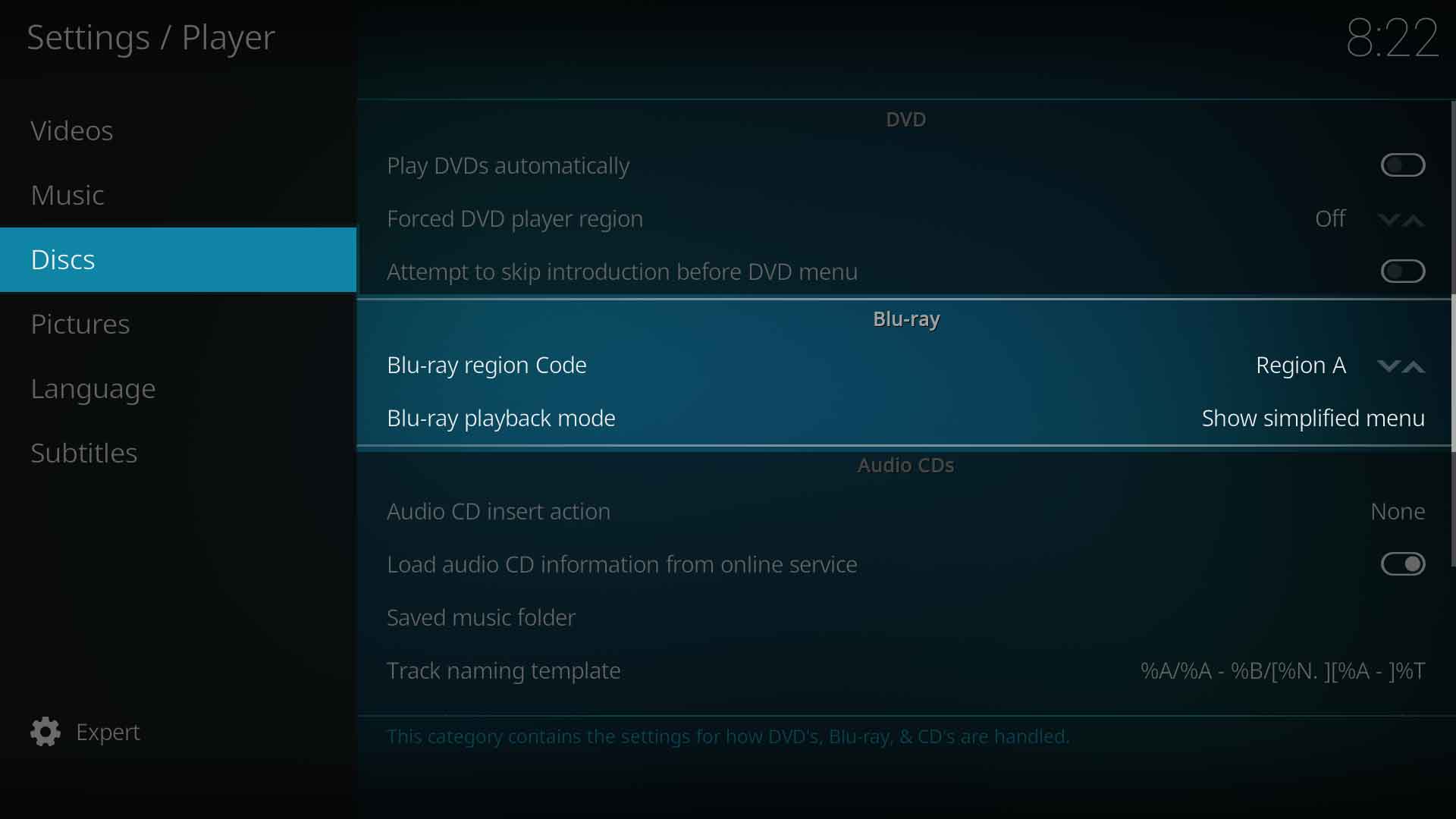
Blu-ray region code
| Settings level:
|
Standard
|
| Description:
|
Defines the BluRay region code. Region A - Americas, East Asiaa and Southeast Asia. Region B- Arica, Middle East, Southwest Asia, Europe, Australia, New Zealand. Region C - Central Asia, mainland China, South Asia, Belarus, Russia, Ukraine, Kazakhstan
|
Blu-ray playback mode
| Settings level:
|
Standard
|
| Description:
|
Specifies how Blu-Rays should be opened / played back. Note: Some disc menus are not fully supported and may cause problems.
|
Audio CDs
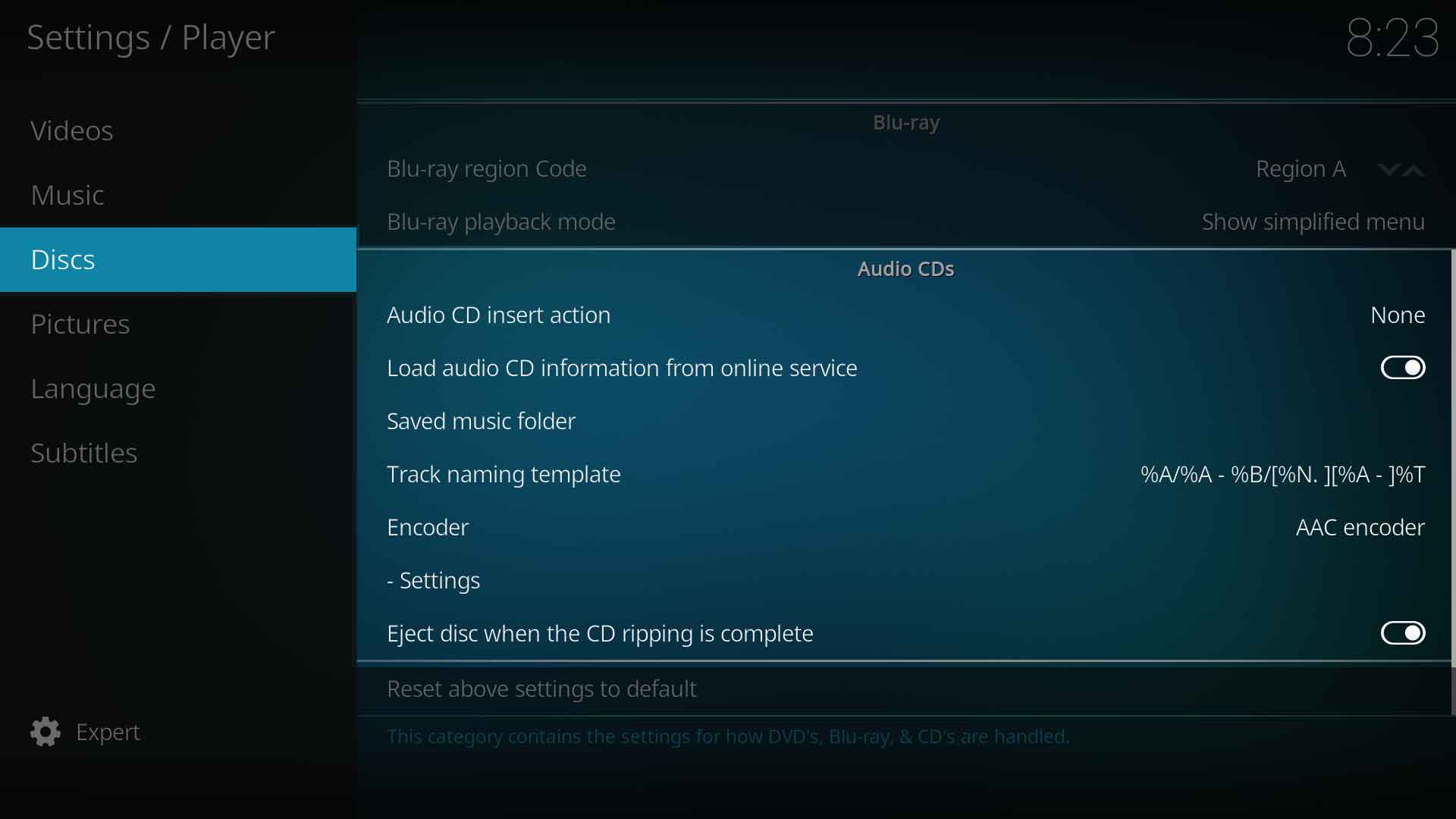
Audio CD insert action
| Settings level:
|
Standard
|
| Description:
|
Defines the action what happens after a disc is inserted. Possible options are: None, Play. Rip
|
Load audio CD information from online service
| Settings level:
|
Standard
|
| Description:
|
This will attempt to download display information belonging to the inserted audio CD from an internet database if the site has the matching entry. Every song will get its correct name and artist displayed. This has no bearing on the library functions of scanning and scraping.
|
Saved music folder
| Settings level:
|
Expert
|
| Description:
|
Select the location on your hard drive where ripped tracks will be saved to.
|
Track naming template
| Settings level:
|
Expert
|
| Description:
|
Control how saved music is named from the tags. The available Mask Characters are described in the tables:
| Music Data
|
TrackNumber |
DiscNumber |
Artist |
Title |
Album |
Genre |
Year |
FileName |
Duration |
Date |
Rating |
File Size |
User Rating
|
| Mask Characters
|
%N
|
%S
|
%A
|
%T
|
%B
|
%G
|
%Y
|
%F
|
%D
|
%J
|
%R
|
%I
|
%r
|
Note: The above table details the commonly used masks for the music library.
A full list can be found in the Master branch here. This Master list is a combined video and music library listing for the current Master branch which may be a newer Kodi version to the one you have installed.
|
Encoder
| Settings level:
|
Expert
|
| Description:
|
Select which audio encode to use when ripping.
All encoders are Add-ons and only two are activated by default. If your required encoder is not in the list, it must be enabled in the add-ons section first.
Note: Ubuntu users can download additional audio encoders via the Official Ubuntu PPA.
- Installing audio encoders on Ubuntu will be done like this:
sudo apt-get install <packagename>
- replace <packagename> with one of the list below:
| Package name |
Description
|
kodi-audioencoder-vorbis |
audio encoder for vorbis
|
kodi-audioencoder-flac |
audio encoder add-on for FLAC
|
kodi-audioencoder-lame |
audio encoder for MP3 (lame)
|
kodi-audioencoder-wav |
audio encoder for WAV.
|
|
Settings
| Settings level:
|
Expert
|
| Description:
|
Specifies the settings for audio-cd ripping with the selected audio encoder.
|
Eject CDs when ripping is complete
| Settings level:
|
Expert
|
| Description:
|
Auto eject disc after ripping is complete.
|


