This category contains the settings for how media lists are displayed.
All
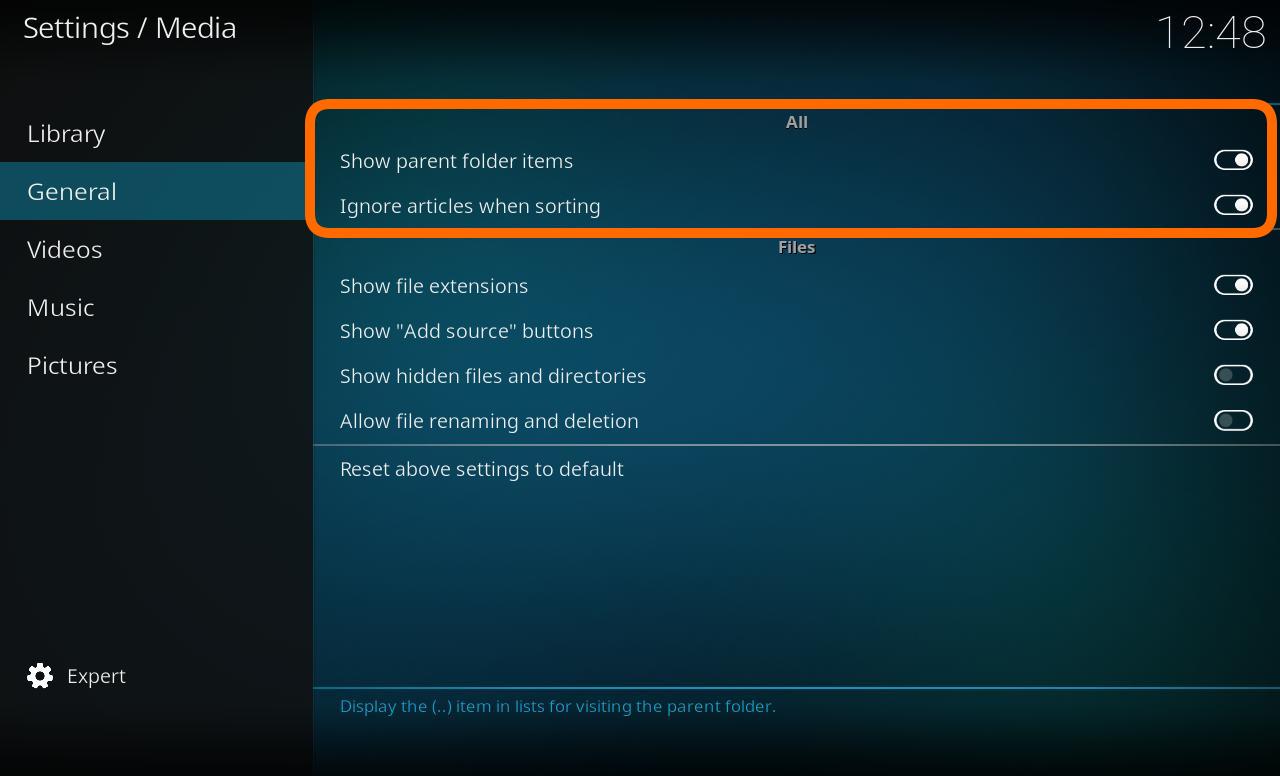
Show parent folder items
| Settings level:
|
Standard
|
| Description:
|
Determines the display of the parent folder icon (..)
|
Ignore artciles when sorting
| Settings level:
|
Standard
|
| Description:
|
Allows for certain tokens to be ignored during sort operations. For example, with this option enabled, "The Simpsons" would simply be sorted as "Simpsons".Tokens are configured through langinfo.xml or through <sorttokens> in advancedsettings.xml.
|
Files
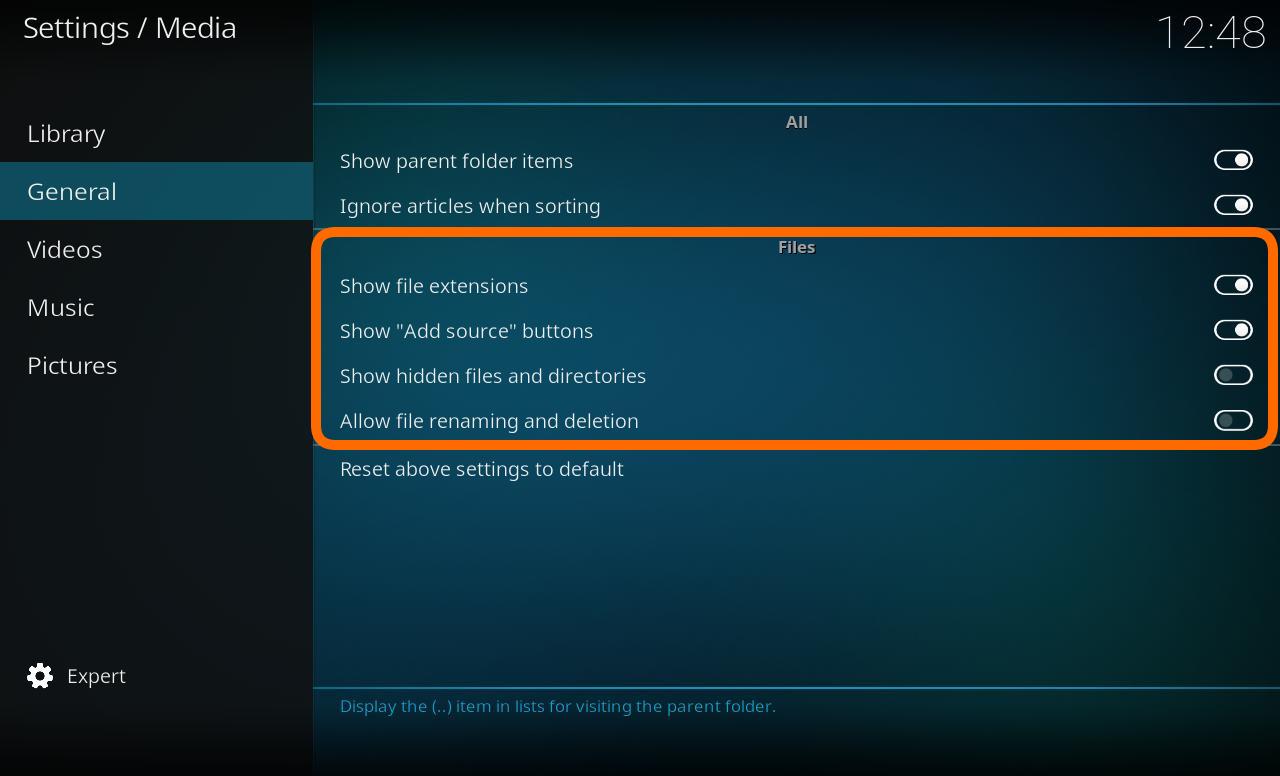
Show file extensions
| Settings level:
|
Standard
|
| Description:
|
Determines the display of the extensions on media files. For example, "You Enjoy Myself" would be simply be displayed as "You Enjoy Myself.mp3"
|
Show "Add source" buttons in file lists
| Settings level:
|
Standard
|
| Description:
|
Enables showing the add source button from root sections of the user interface.
|
Show hidden files and directories
| Settings level:
|
Advanced
|
| Description:
|
Shows hidden files and directories
|
Allow file renaming and deletion
| Settings level:
|
Advanced
|
| Description:
|
Allows you to delete and rename files through the user interface, via the contextual menu (press C on a keyboard, for example, to bring up this menu).
|

