Settings/Media/Library
Jump to navigation
Jump to search
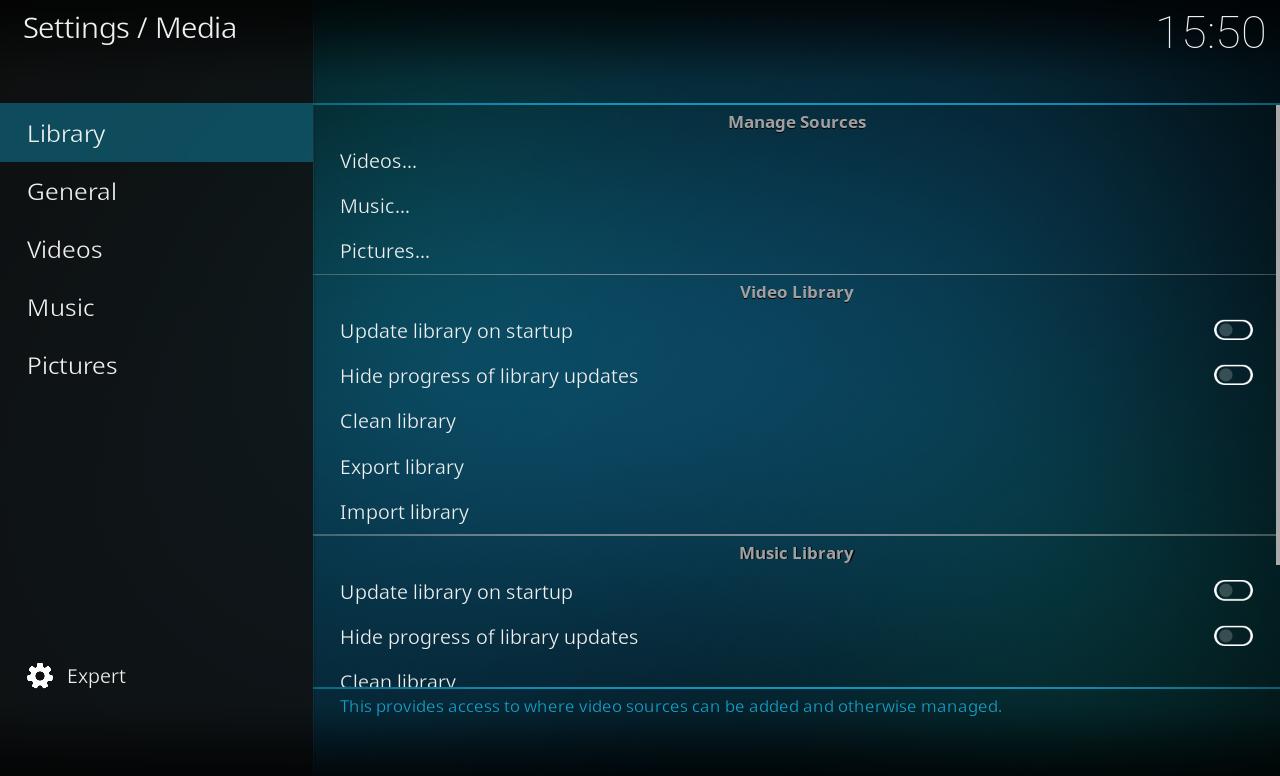
File:Media library2.JPG


Manage Sources
| Setting | Description | Available from setting level |
|---|---|---|
| Videos | This provides access to where video sources can be added and otherwise managed | Standard |
| Music | This provides access to where music sources can be added and otherwise managed | Standard |
| Pictures | This provides access to where picture sources can be added and otherwise managed | Standard |
Video Library
| Setting | Description | Available from setting level |
|---|---|---|
| Update library on startup | Check for new mediafiles on given sources on startup | Standard |
| Hide progress of library updates | Hide the library scanning progress bar during scans | Standard |
| Clean library | Remove items from our library that can't be found (either renamed, deleted or on removable storage that is currently unplugged | Advanced |
| Export library | Export the video library database to XML files. This will optionally overwrite your current XML files | Advanced |
| Import library | Import a XML file into the video library database | Advanced |
Music Library
| Setting | Description | Available from setting level |
|---|---|---|
| Update library on startup | Check for new mediafiles on given sources on startup | Standard |
| Hide progress of library updates | Hide the library scanning progress bar during scans | Standard |
| Clean library | Remove items from our library that can't be found (either renamed, deleted or on removable storage that is currently unplugged | Advanced |
| Export library | Export the music library database to XML files. This will optionally overwrite your current XML files | Advanced |
| Import library | Import a XML file into the music library database | Advanced |
Other
| Setting | Description | Available from setting level |
|---|---|---|
| Reset above settings to default | Resets all visible settings to their default values | Standard |