Add-on:Bello: Difference between revisions
Jump to navigation
Jump to search
m Addon-Bot Update |
m Bot: Removing from Category:Frodo add-on repository |
||
| Line 52: | Line 52: | ||
<section end="screenshots"/> | <section end="screenshots"/> | ||
[[Category:Gotham add-on repository]] | [[Category:Gotham add-on repository]] | ||
[[Category:Helix add-on repository]] | [[Category:Helix add-on repository]] | ||
Revision as of 03:39, 26 April 2015
| Bello | ||||||||||||||
| ||||||||||||||


|
 Add-ons Add-ons |
Bello
|

|
Need help with this add-on? See here. |
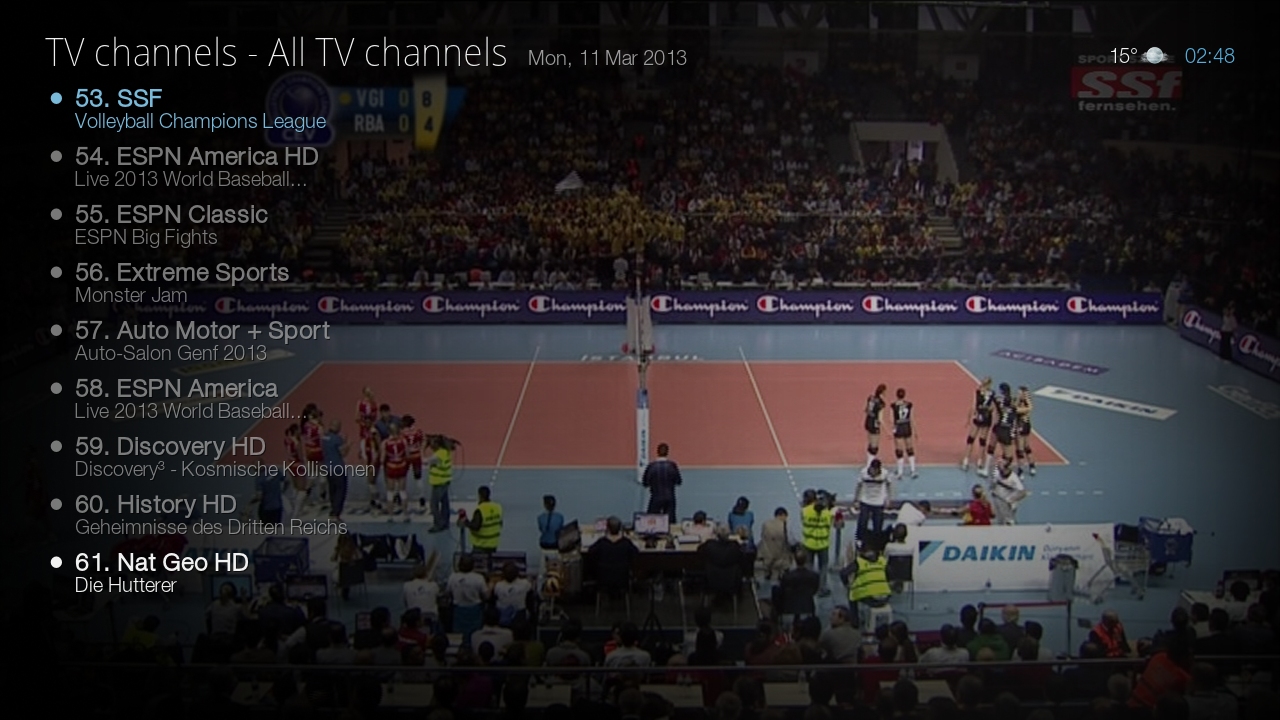
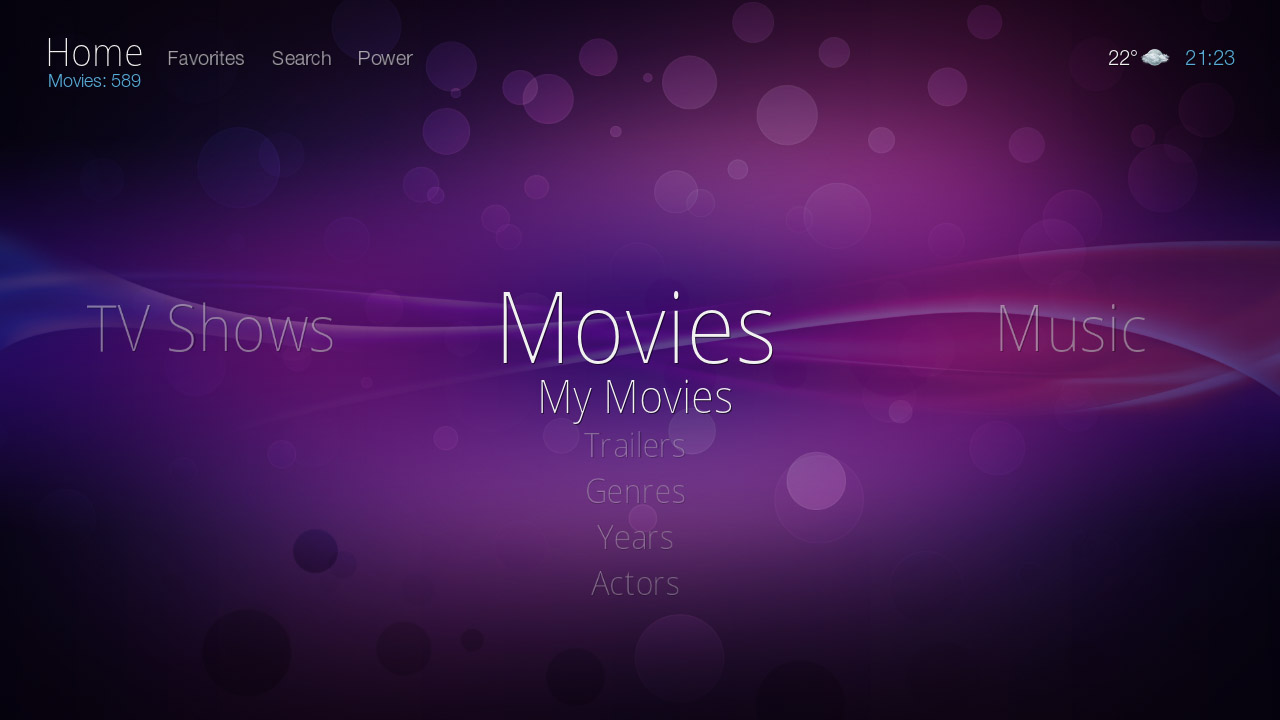
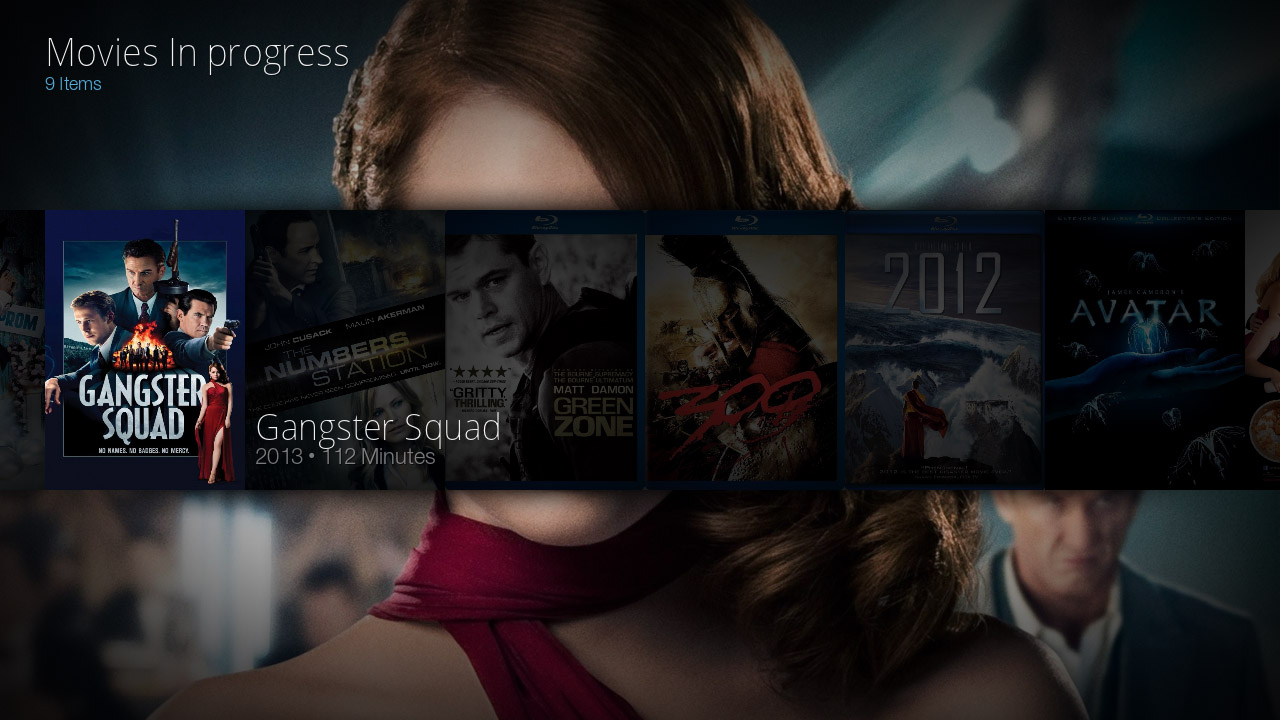
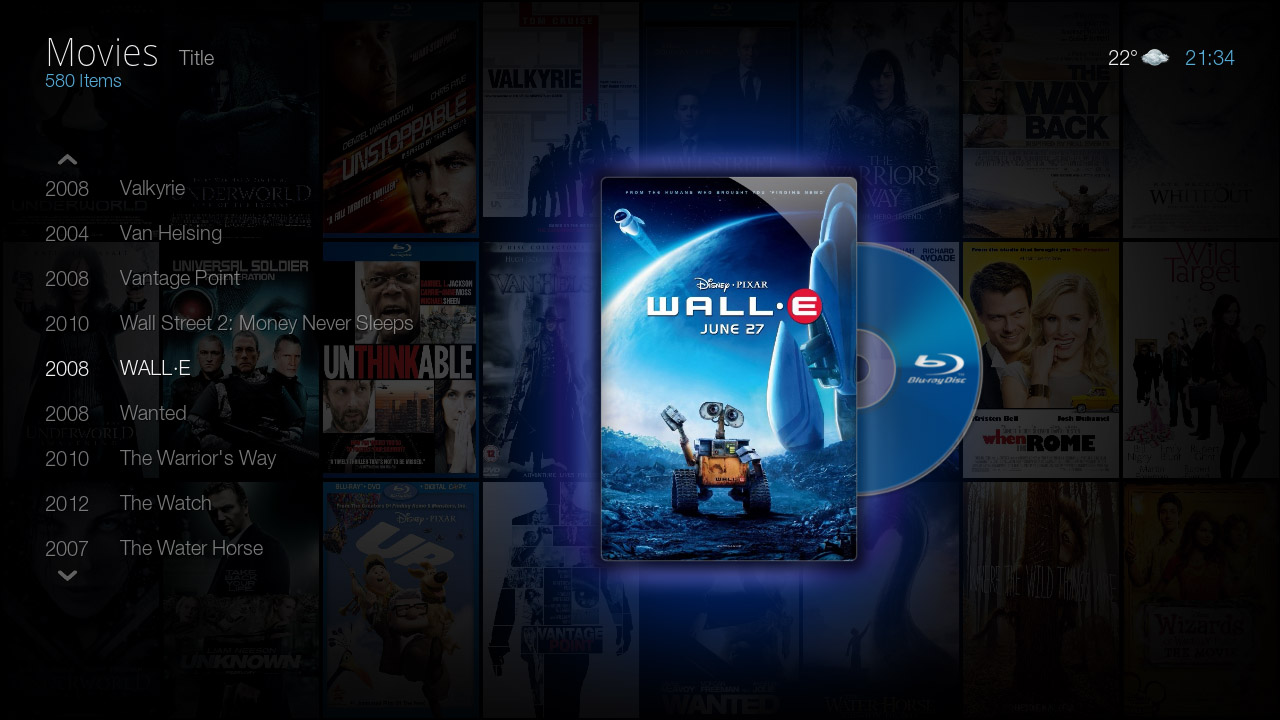
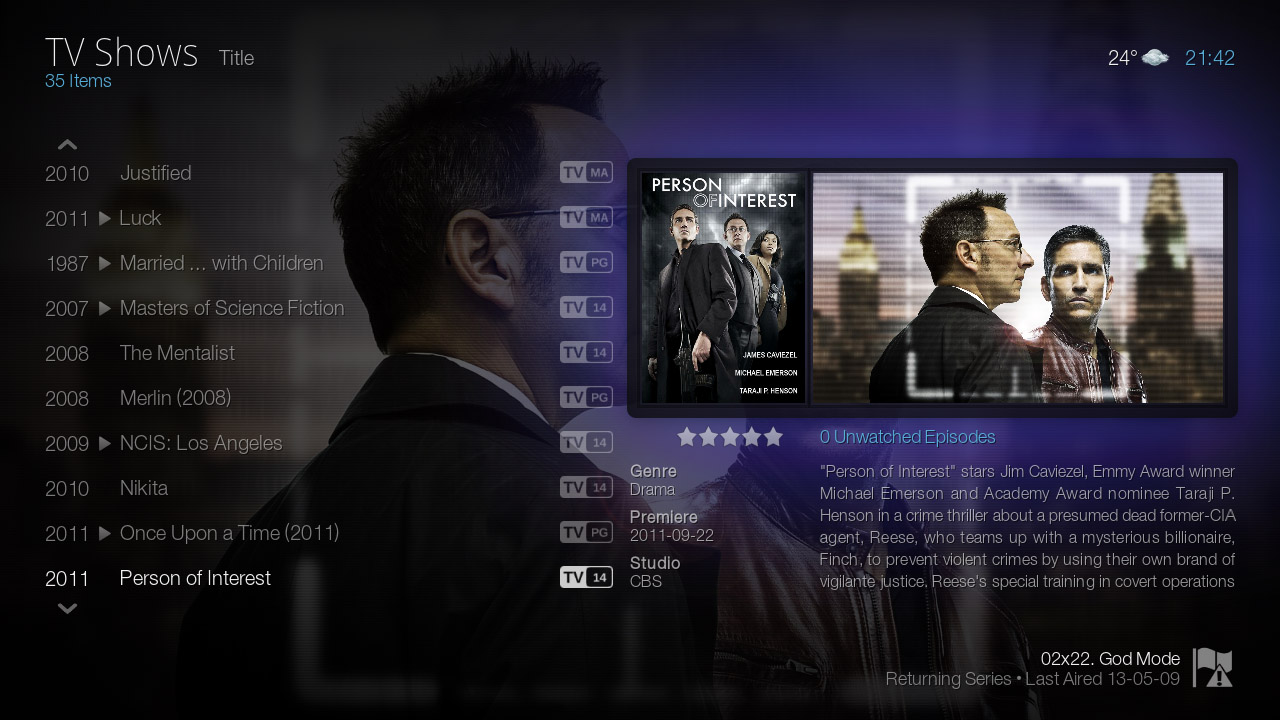
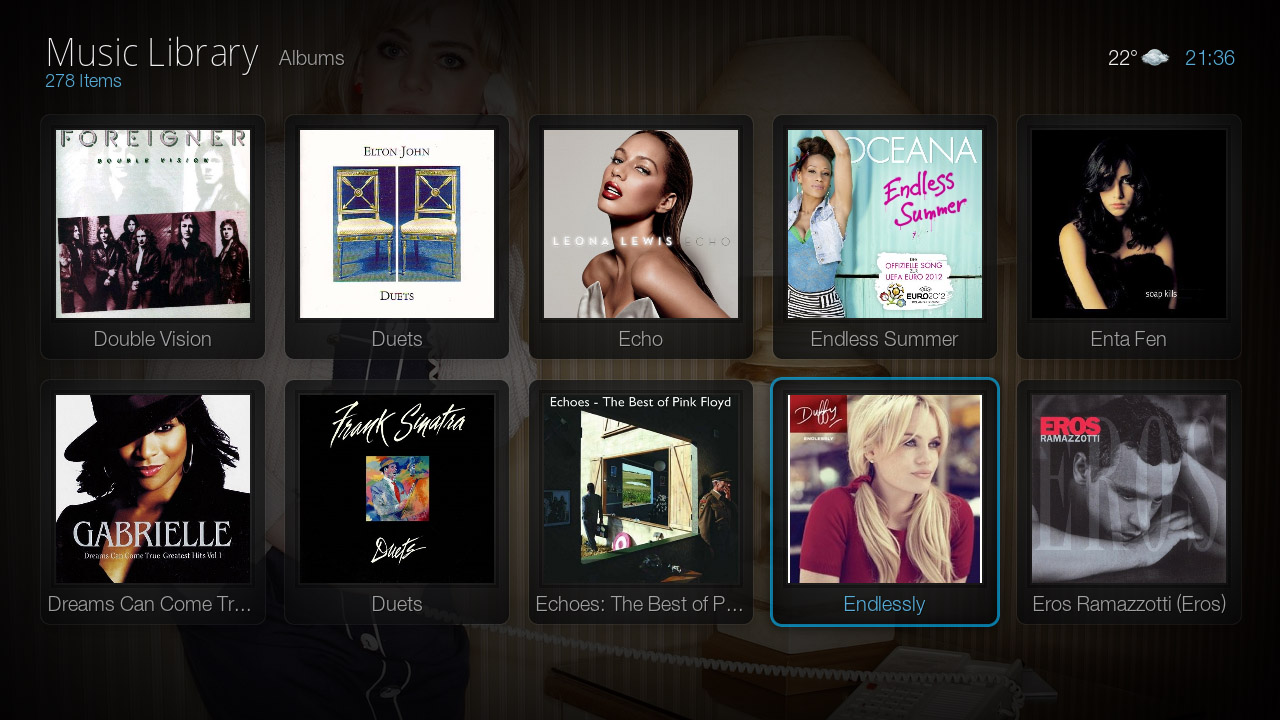
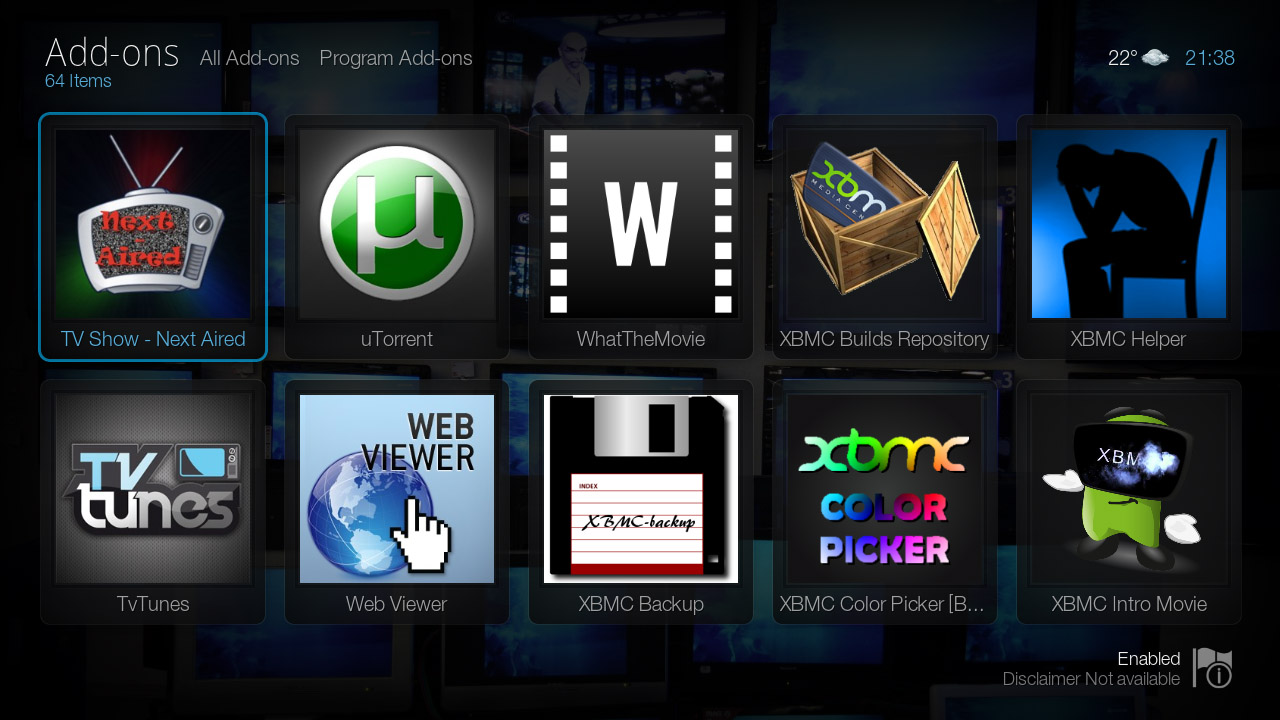
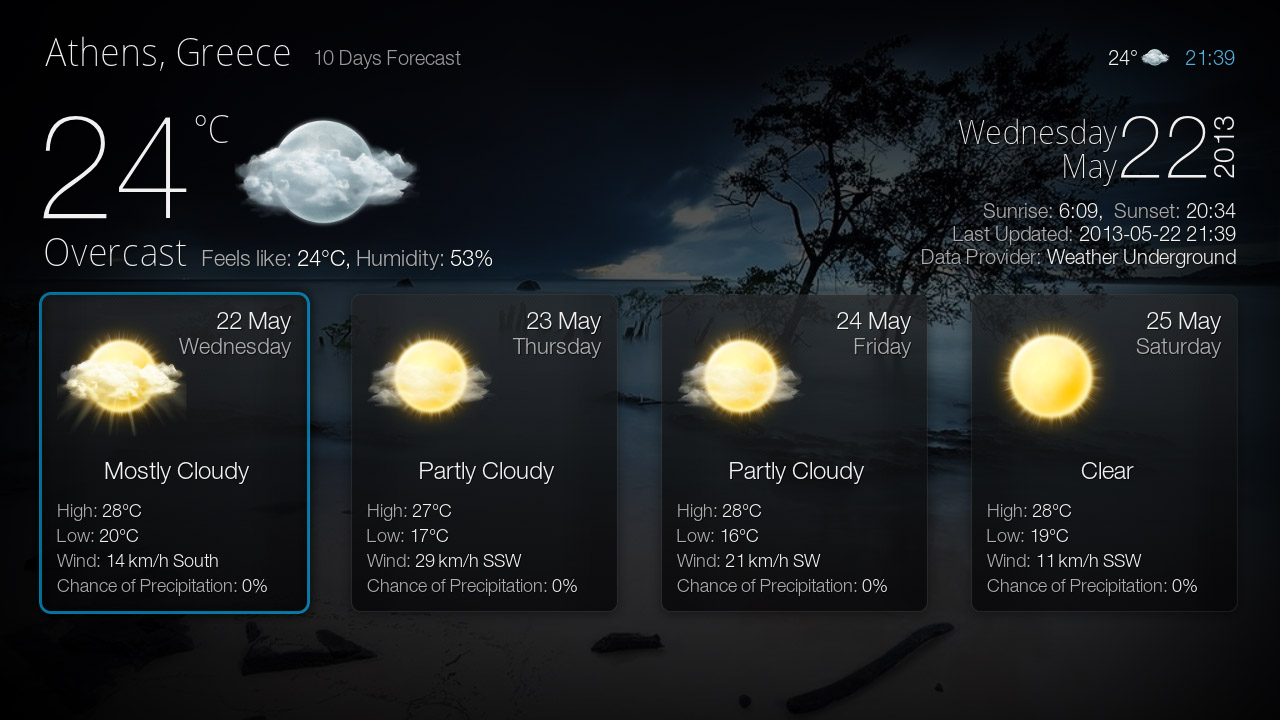
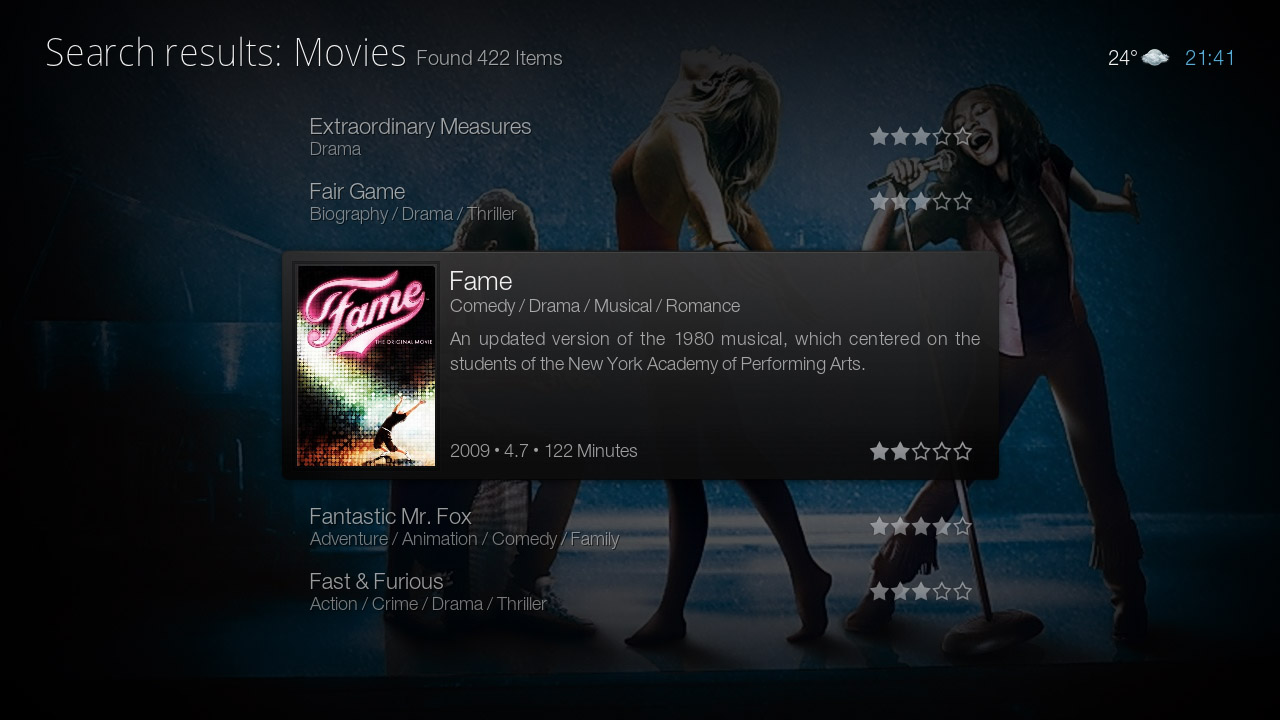
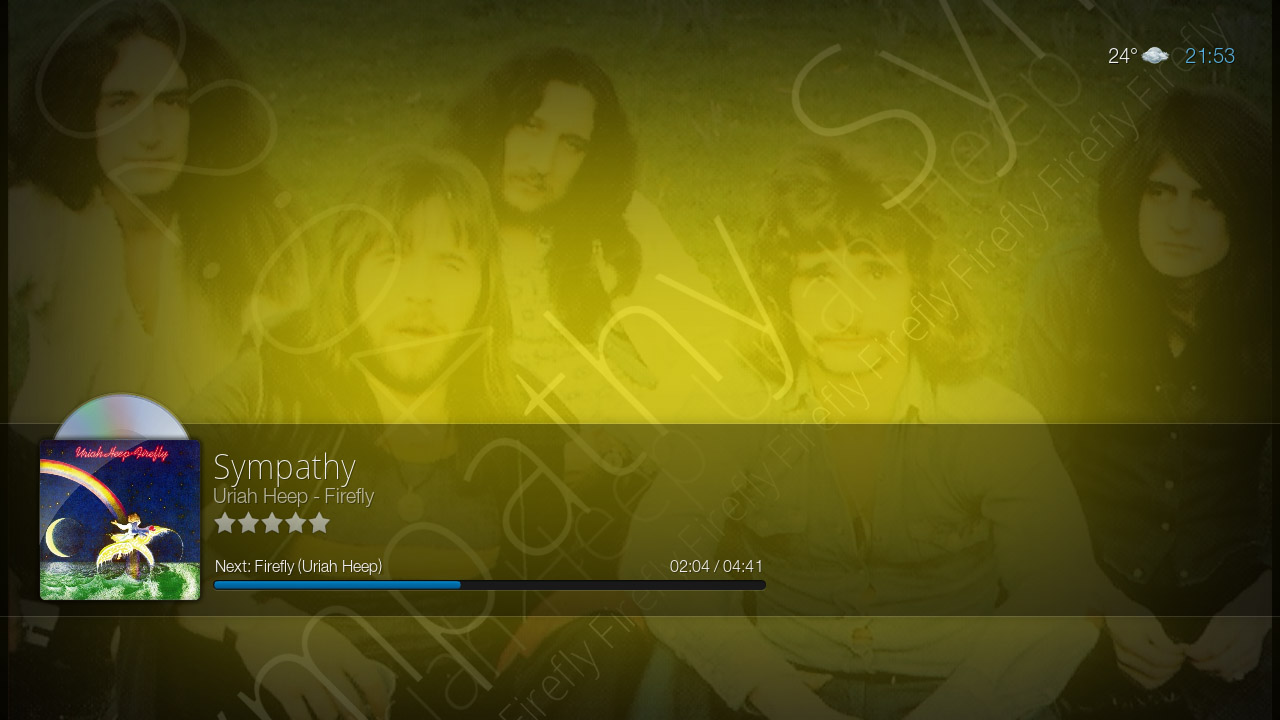
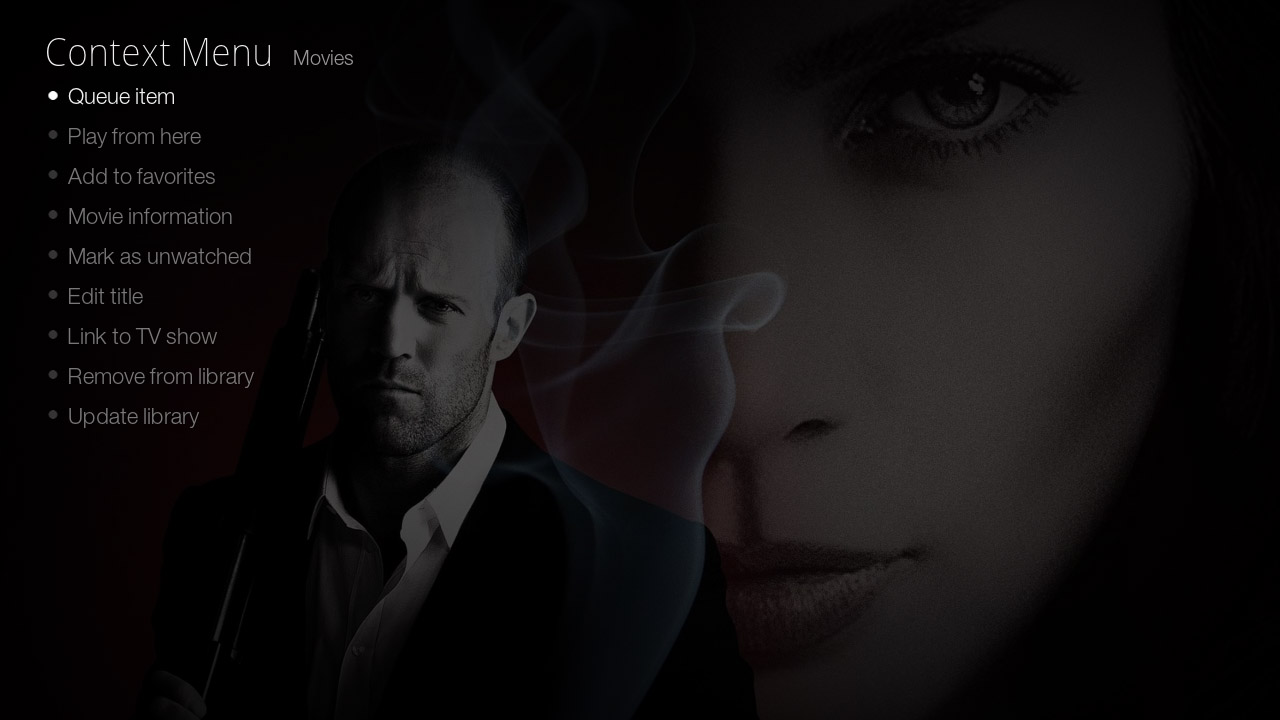
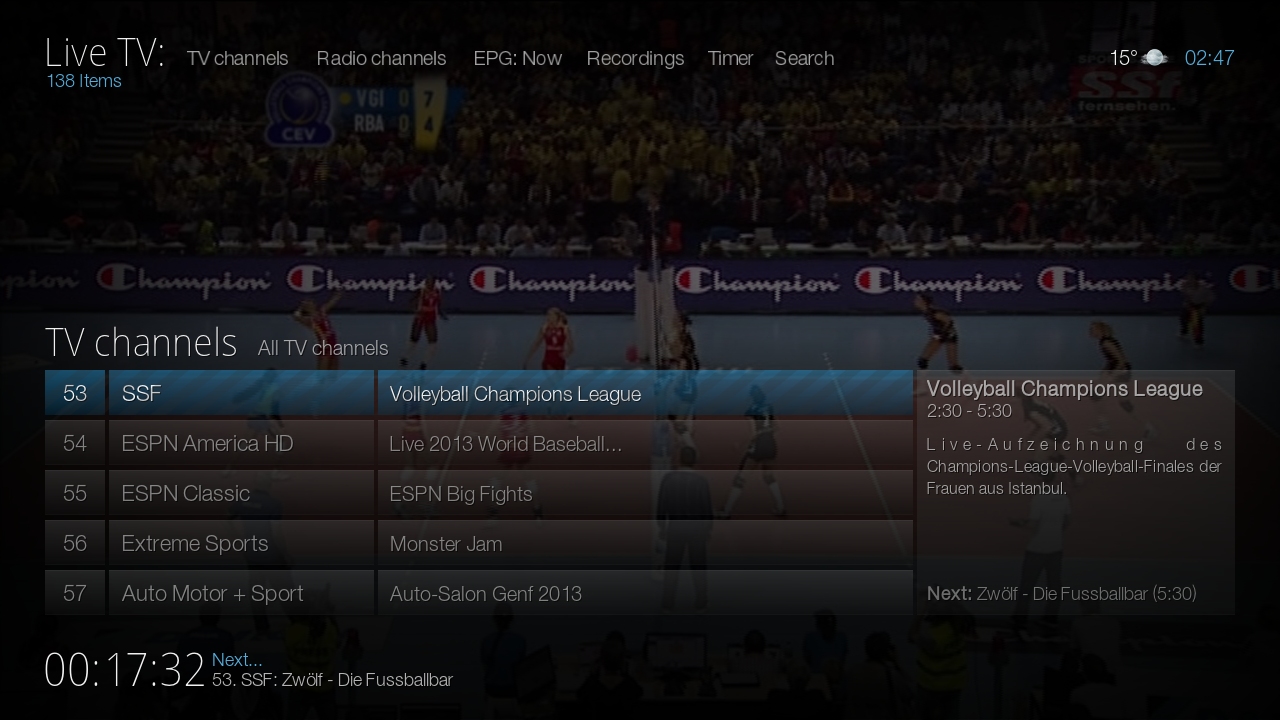
Bello is a GUI for Kodi Media Center. The goal of Bello is to maximize your Kodi entertainment experience with it's fast, unique and unified interface along with all the latest features of Kodi.
Installing
This add-on is installed from the Add-on browser located in Kodi as follows:
Screenshots
- Screenshots
-
-
-
-
-
-
-
-
-
-
-
-