Add-on:Aeon Nox: Difference between revisions
Jump to navigation
Jump to search
→Guides: outdated |
m Bot: Changing template: Addon; cosmetic changes |
||
| Line 1: | Line 1: | ||
{{forum link2|See the [[forumtopic:142|Aeon Nox sub-forum]] for more information.}} | {{forum link2|See the [[forumtopic:142|Aeon Nox sub-forum]] for more information.}} | ||
{{ | {{Add-on | ||
|Name=Aeon Nox | |Name=Aeon Nox | ||
|provider-name=BigNoid | |provider-name=BigNoid | ||
| Line 60: | Line 60: | ||
== Video demos == | == Video demos == | ||
{{youtube|nOY5fq8V15c}} | {{youtube|nOY5fq8V15c}} | ||
[[Category:Skin - custom home items]] | [[Category:Skin - custom home items]] | ||
Revision as of 05:21, 16 April 2015

|
See the Aeon Nox sub-forum for more information. |
| Aeon Nox | ||||||||||
| ||||||||||


|
 Add-ons Add-ons |
Aeon Nox
|
Redux: Completely redesigned to create a modern look, while retaining the classic Aeon feel.
Installing
This add-on is installed from the Add-on browser located in Kodi as follows:
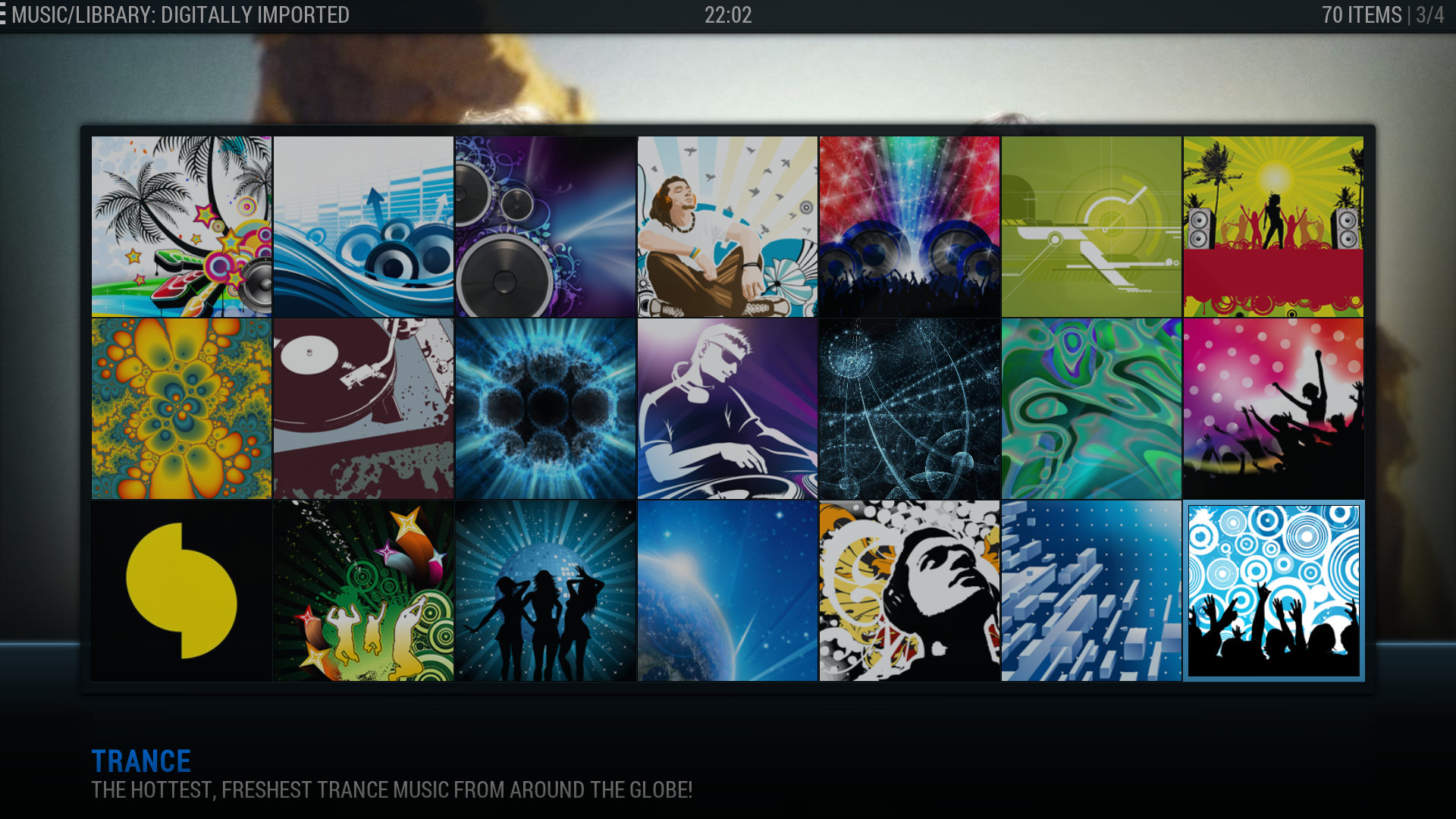
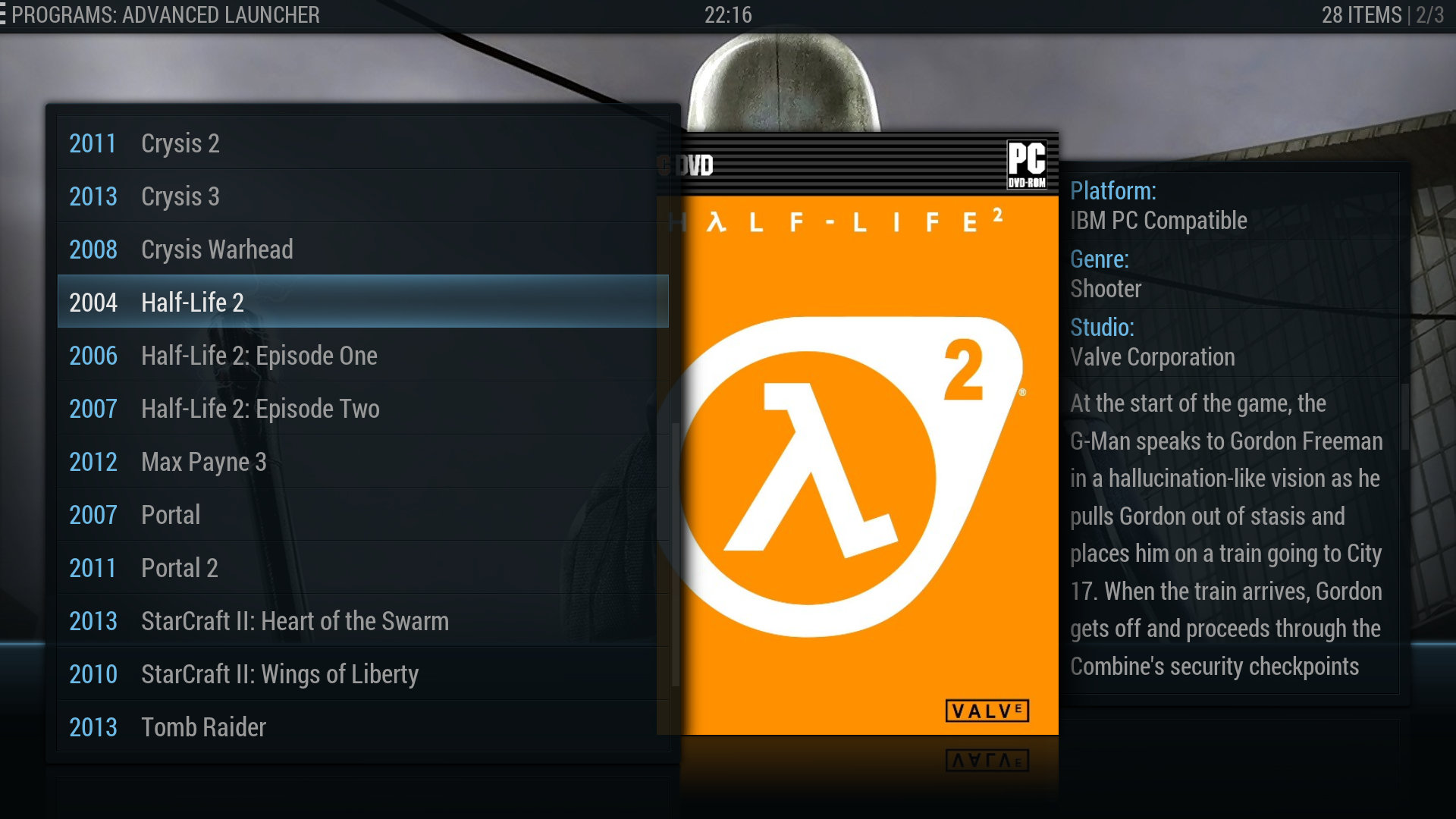
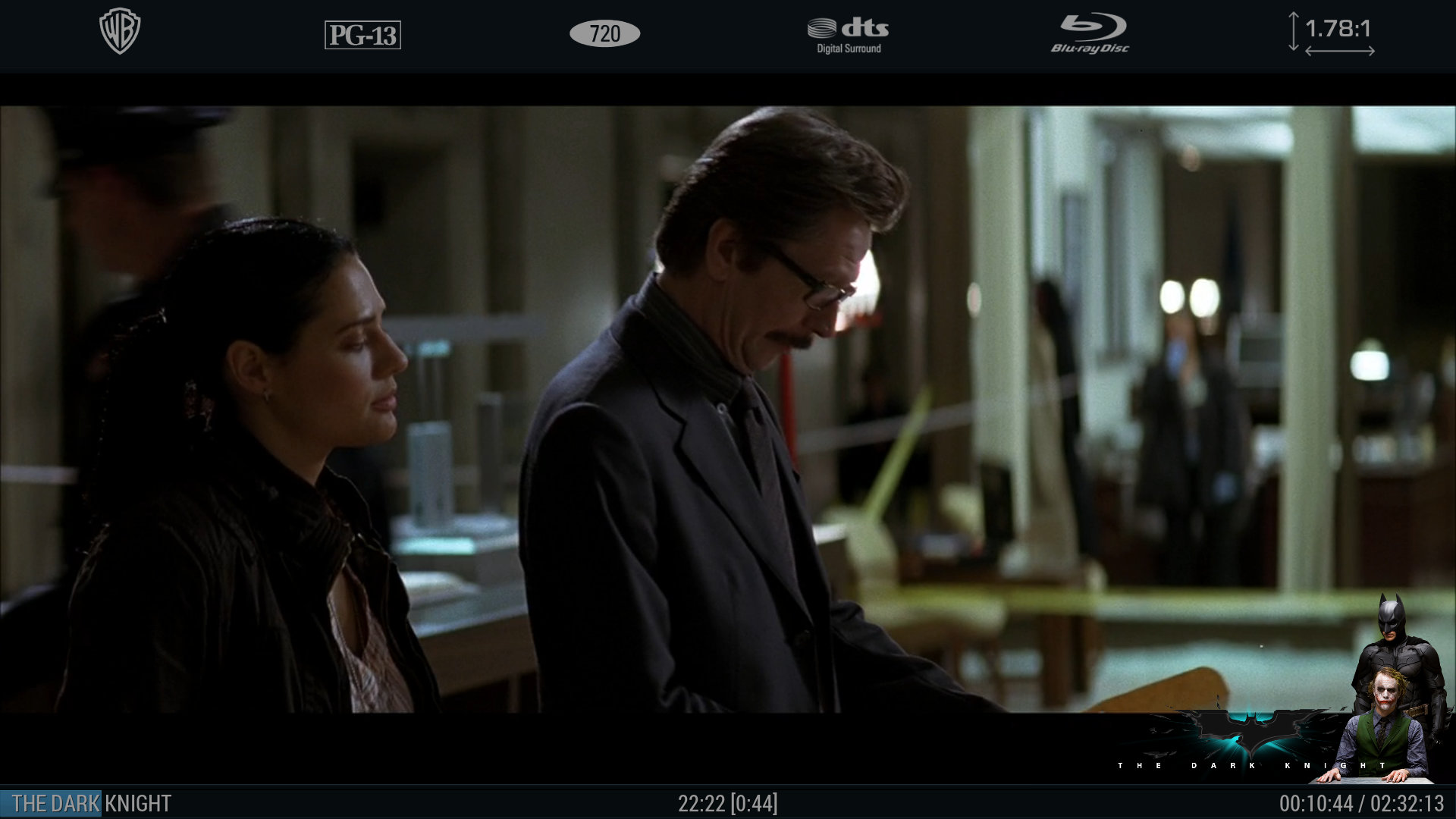
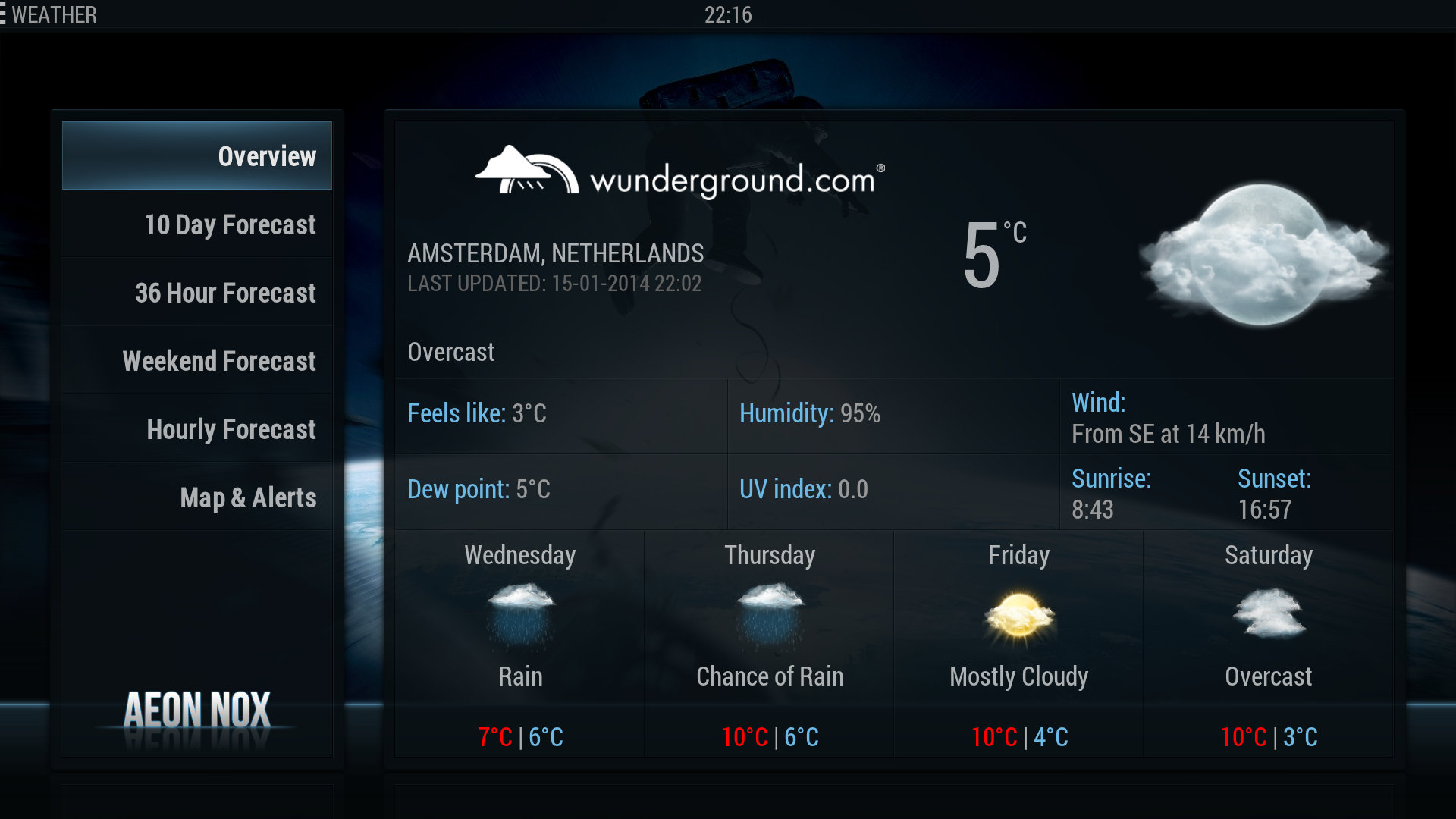
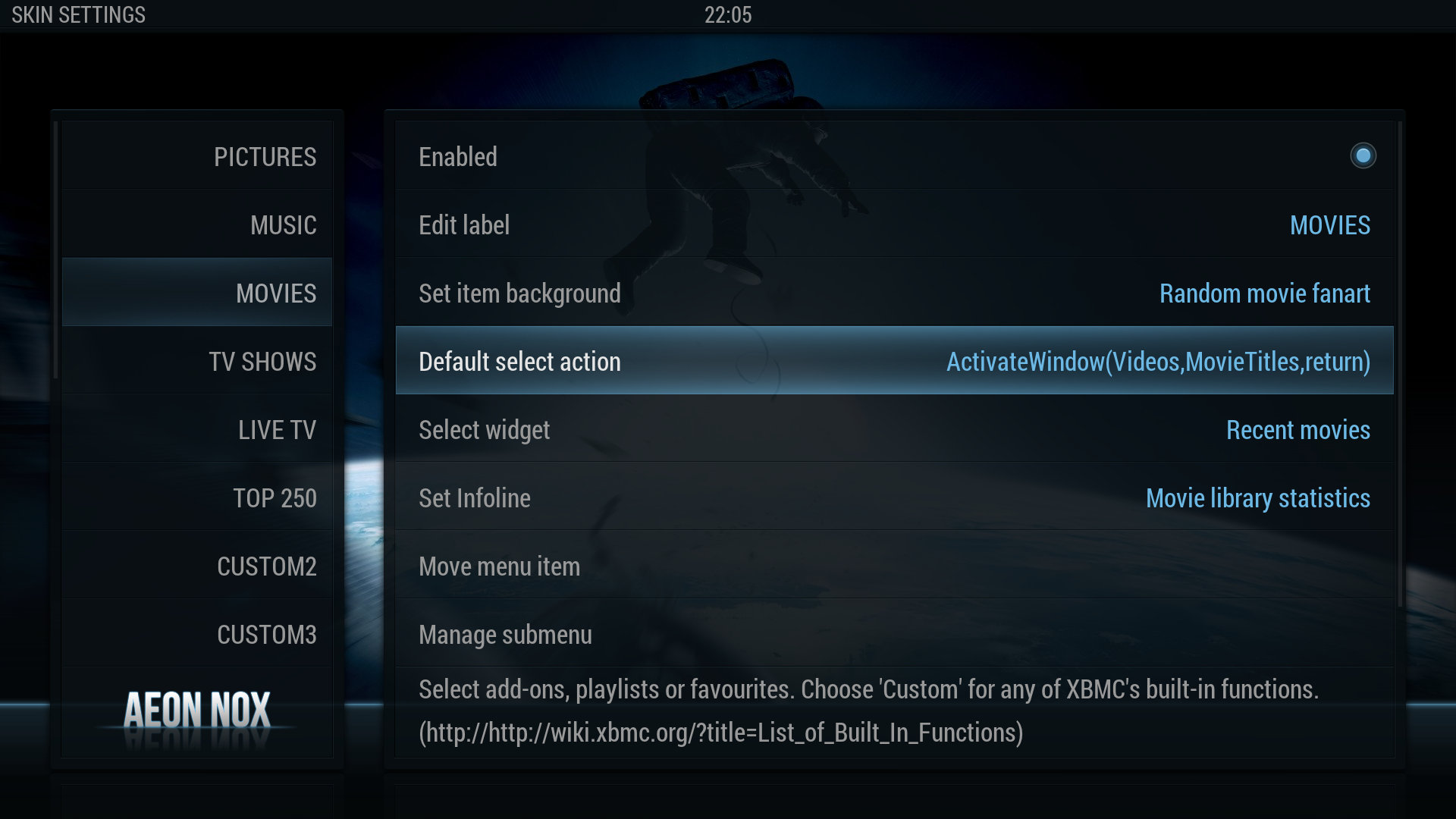
Screenshots
- Screenshots
-
-
-

-
-
-
-

-



Video demos