Add-on:Metropolis: Difference between revisions
Jump to navigation
Jump to search
No edit summary |
No edit summary |
||
| Line 21: | Line 21: | ||
{{Skin features | {{Skin features | ||
| skin = [[Add-on:Metropolis|Metropolis]] | | skin = [[Add-on:Metropolis|Metropolis]] | ||
| custom home items = {{ | | custom home items = {{partial}} | ||
| custom submenu items = {{yes}} | | custom submenu items = {{yes}} | ||
| Media flags = {{yes}} | | Media flags = {{yes}} | ||
Revision as of 20:42, 30 January 2015
| Metropolis | ||||||||||
| ||||||||||

|
 Add-ons Add-ons |
Metropolis
|
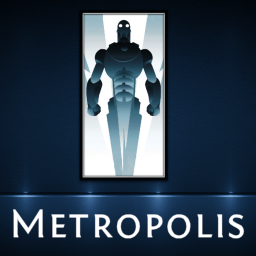
Metropolis is designed to show as much media info as possible with easy to read text and icons. All while trying to keep the skin smooth and simple to use for all family members with multiple themes and customizable menus and views. Credit to Hitcher for Alaska Revisited which was used as a base for Metropolis.
Installing
This add-on is installed from the Add-on browser located in Kodi as follows: