Archive:HOW-TO:Install Kodi on OUYA: Difference between revisions
Jump to navigation
Jump to search
m Robot: Changing Category:XBMC Manual to Category:Manual; cosmetic changes |
No edit summary |
||
| Line 1: | Line 1: | ||
{{mininav|[[OUYA]]}} | {{mininav|[[OUYA]]}} | ||
<section begin="intro" /><section begin="install" />OUYA uses [[ | <section begin="intro" /><section begin="install" />OUYA uses Kodi for [[Android]]. The current version is {{current version}}.<section end="intro" /> | ||
# ''' | # '''Kodi for Android''' - Most users will want to and should use the normal Kodi for Android version. AC3 and DTS audio processing is supported. This version is completely compatible with the OUYA, including hardware video decoding. This can be downloaded directly from <code>http://mirrors.xbmc.org/releases/android/arm/</code> ''(the current stable version is {{current version}})''. | ||
# '''XBMC on OUYA''' - An unofficial version of XBMC based on v12.2 available from the OUYA Store. This | # '''[[SPMC]]''' - Experimental fork of XBMC/Kodi with some extra stuff. | ||
# '''XBMC on OUYA''' - An unofficial version of XBMC based on v12.2 available from the OUYA Store. This is old and busted. Don't bother with it anymore. | |||
== How-to == | == How-to == | ||
These steps show how to side load the full official version of | These steps show how to side load the full official version of Kodi. | ||
<gallery widths="600px" heights="338px"> | <gallery widths="600px" heights="338px"> | ||
| Line 19: | Line 19: | ||
File:OUYA install 8.png | {{large|'''Step 8:'''}} ...and you're done! XBMC will be under the '''Make''' tab. | File:OUYA install 8.png | {{large|'''Step 8:'''}} ...and you're done! XBMC will be under the '''Make''' tab. | ||
</gallery> | </gallery> | ||
{{ | {{Helix updated}} | ||
[[Category:Manual]] | [[Category:Manual]] | ||
Revision as of 04:19, 24 December 2014

|
 OUYA OUYA |
HOW-TO:Install Kodi on OUYA
|
OUYA uses Kodi for Android. The current version is Kodi v21.3 Omega.
- Kodi for Android - Most users will want to and should use the normal Kodi for Android version. AC3 and DTS audio processing is supported. This version is completely compatible with the OUYA, including hardware video decoding. This can be downloaded directly from
http://mirrors.xbmc.org/releases/android/arm/(the current stable version is Kodi v21.3 Omega). - SPMC - Experimental fork of XBMC/Kodi with some extra stuff.
- XBMC on OUYA - An unofficial version of XBMC based on v12.2 available from the OUYA Store. This is old and busted. Don't bother with it anymore.
How-to
These steps show how to side load the full official version of Kodi.
-
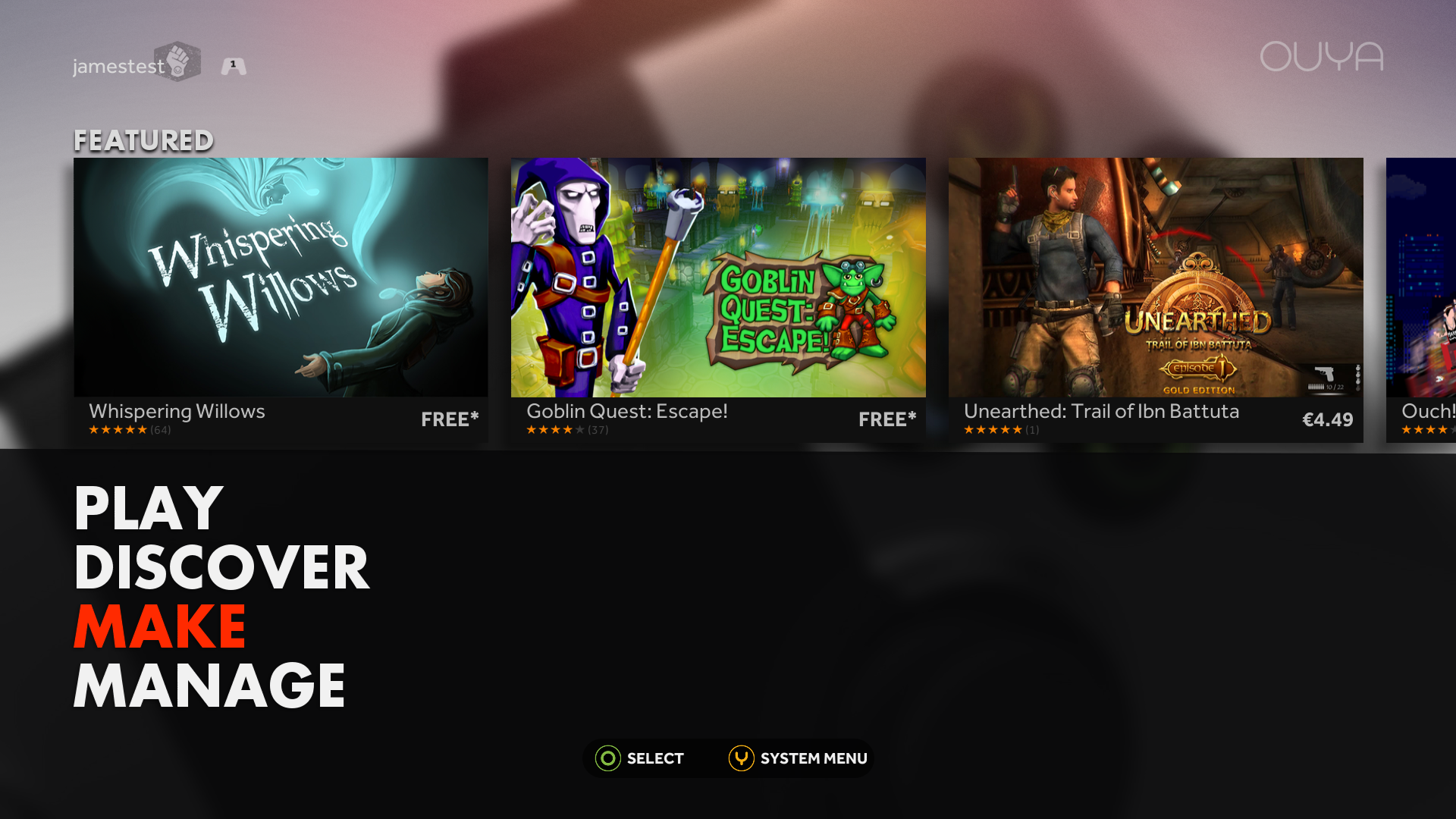 Step 1: First go to the developer section (the Make tab) in Ouya, select Yes or "okay" to enter the developer section.
 -
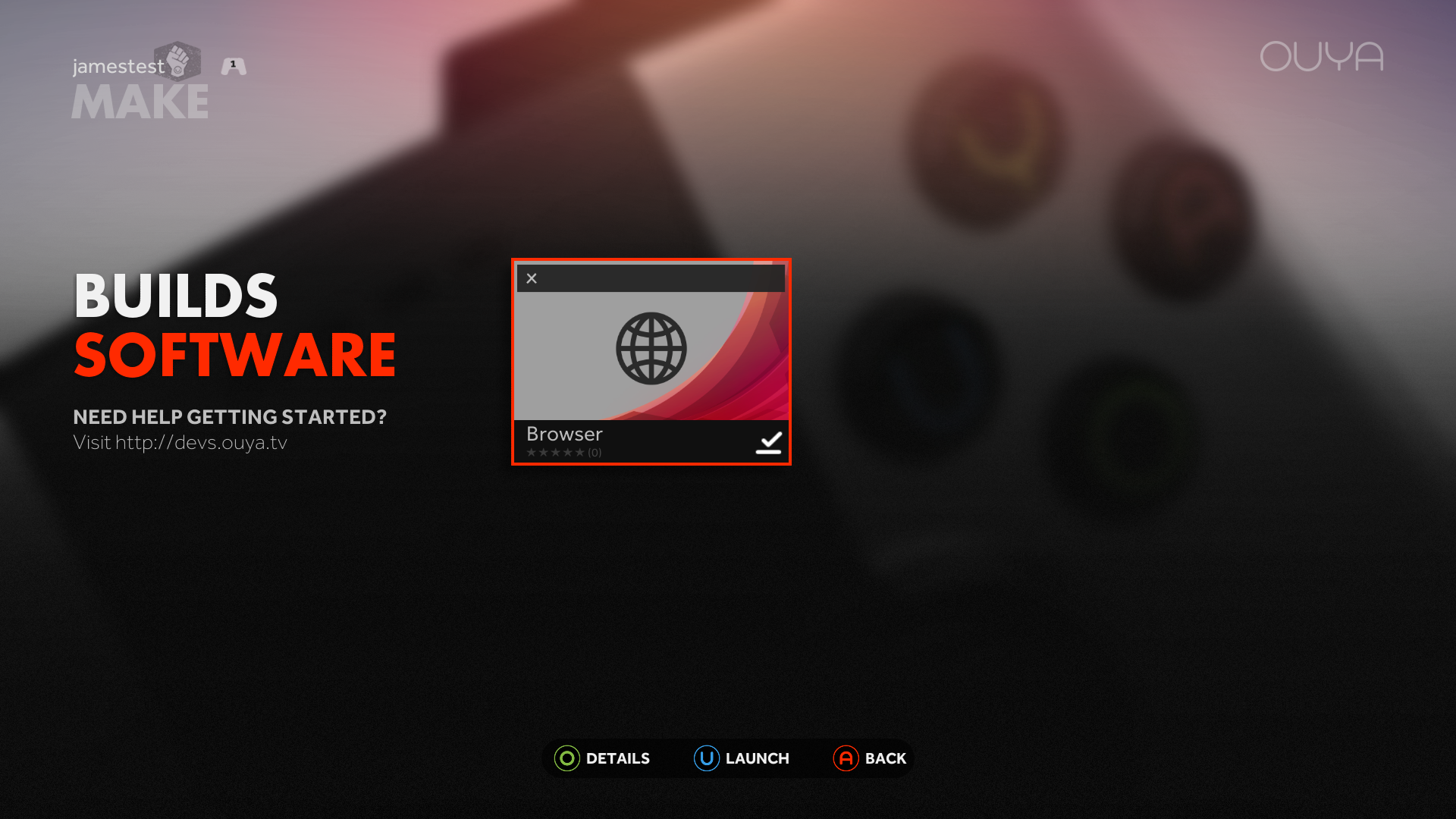 Step 2: Open the default browser and then press Y on the controller to enter in your own URL. You can use the touchpad on the controller to highlight different sections of the URL.
 -
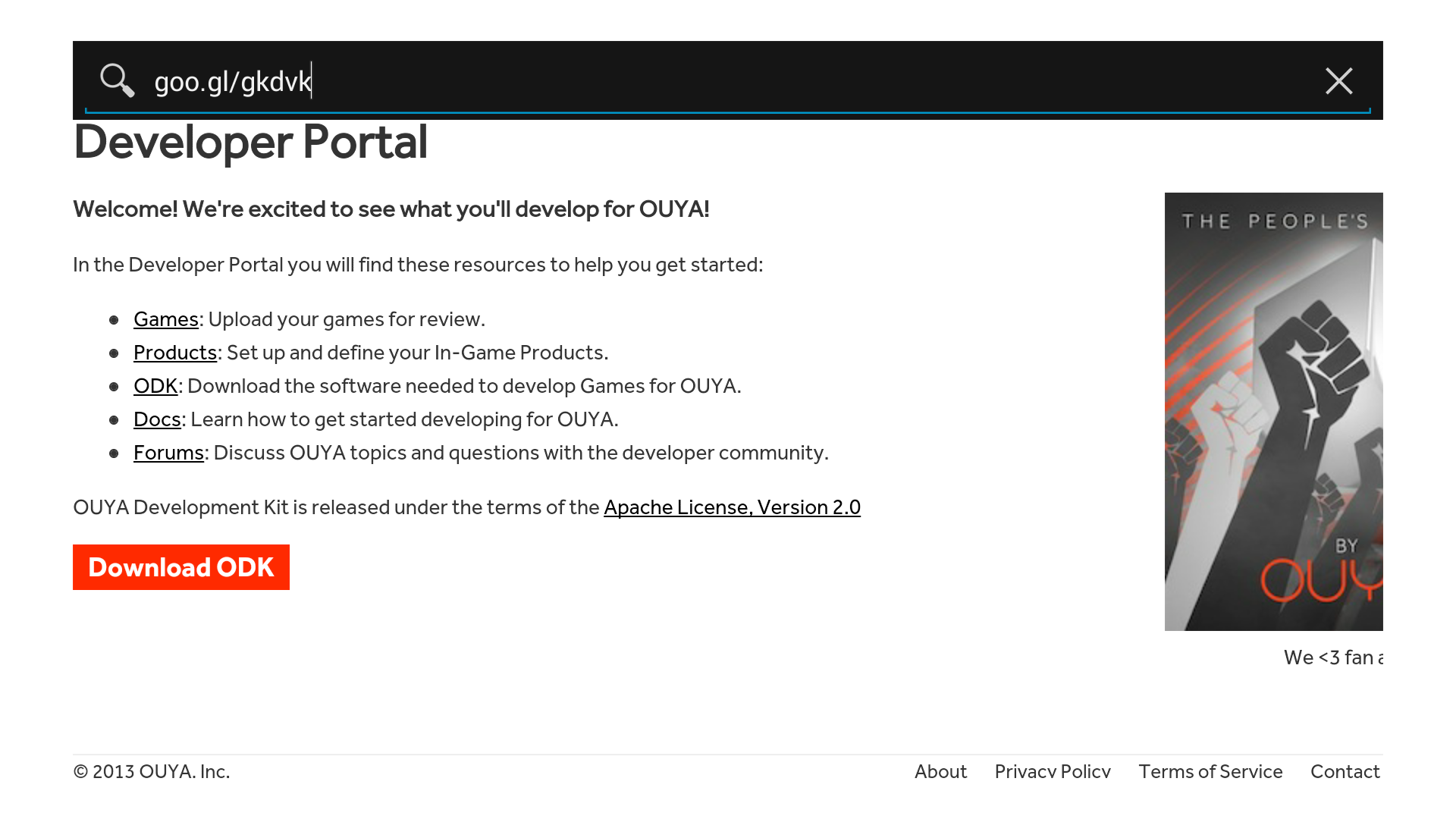 Step 3: Go to
http://mirrors.xbmc.org/releases/android/arm/and select Kodi v21.3 Omega. -
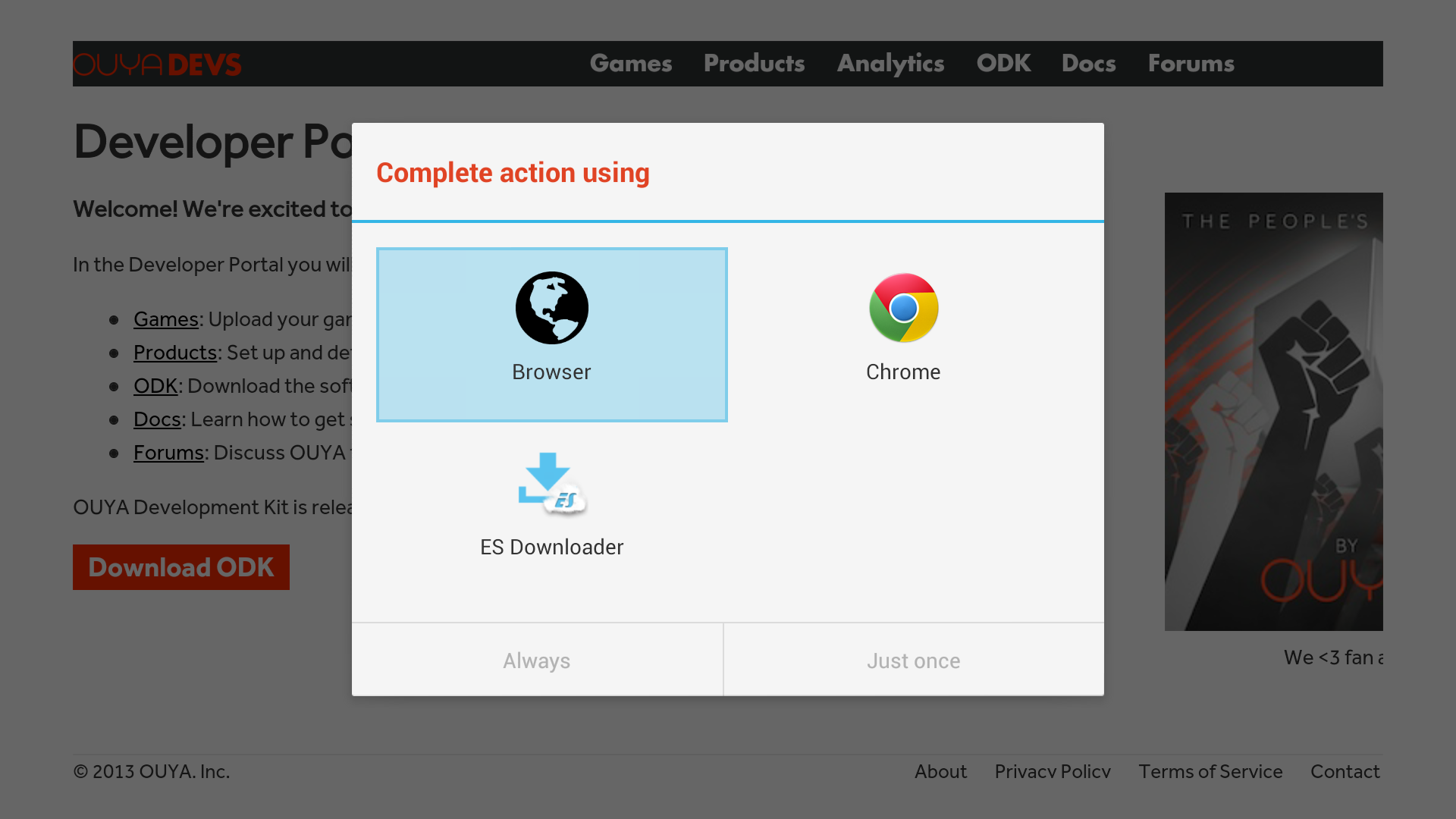 Step 4: The download is around 50.6 MB and depending on connection can take a while (1 min on 60mb/s), during the download you won't be able to tell the progress unless you have installed Chrome or ES File Explorer.
(If you have ES File Explorer you can just open after it finishes and install). -
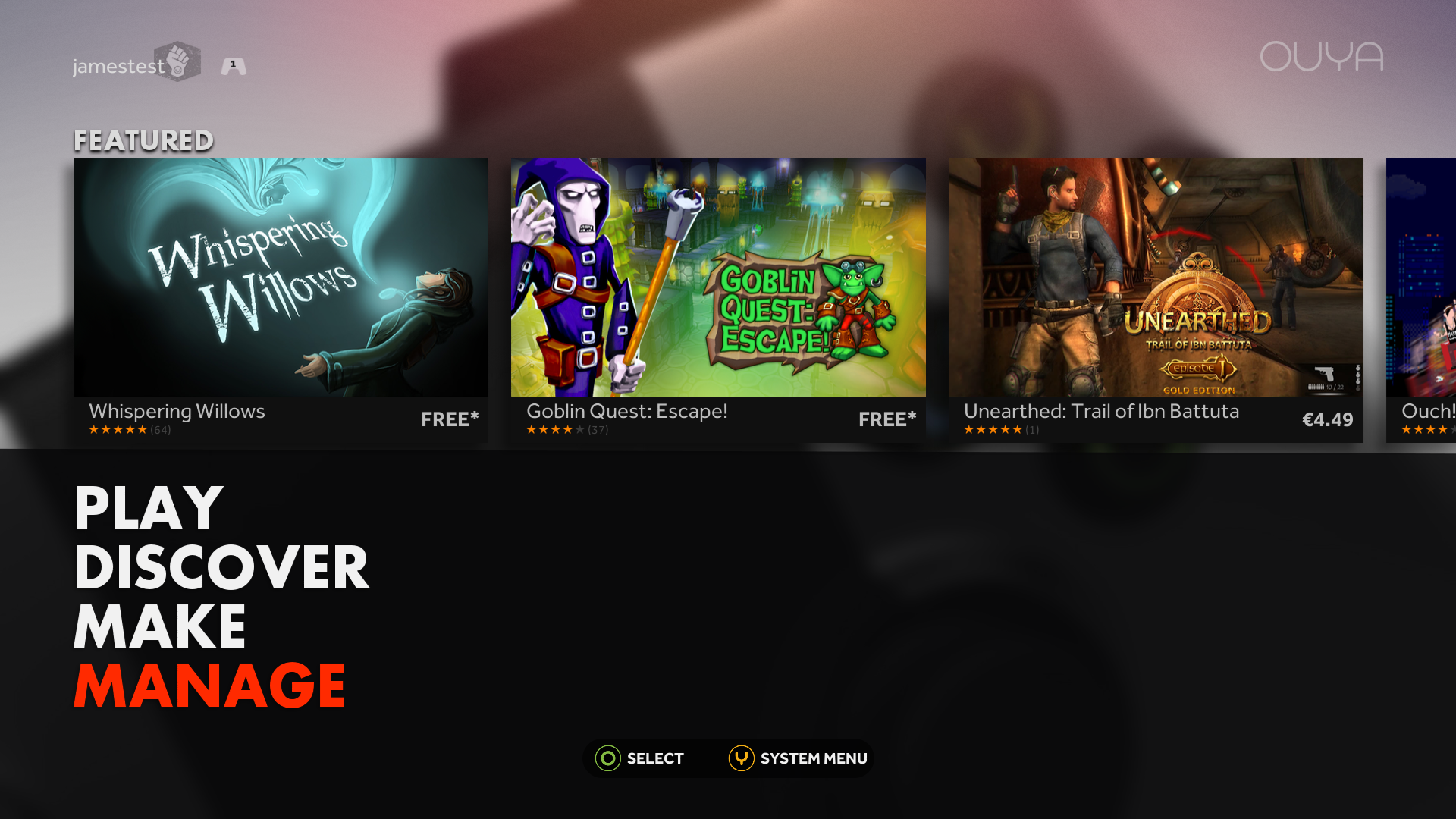 Step 5: Once the download completes, navigate to the Manage tab -> System -> Advanced.
 -
 Step 6: Select Storage and then scroll down to Downloads (some have noted that a reboot of the OUYA may be required after your first download to have this section appear).
 -
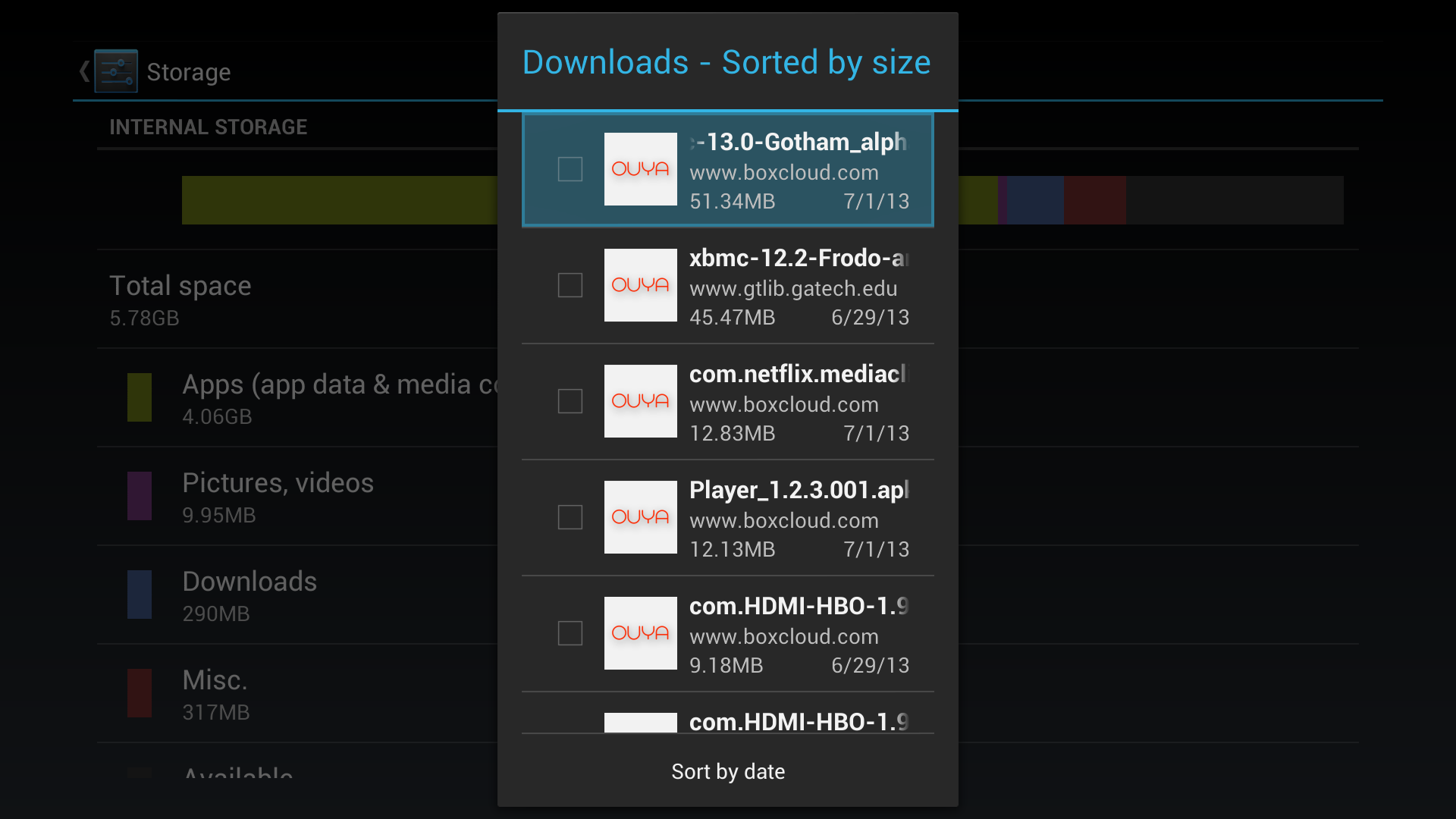 Step 7: There will be a list of all the downloads, select the XBMC download and click install.
 -
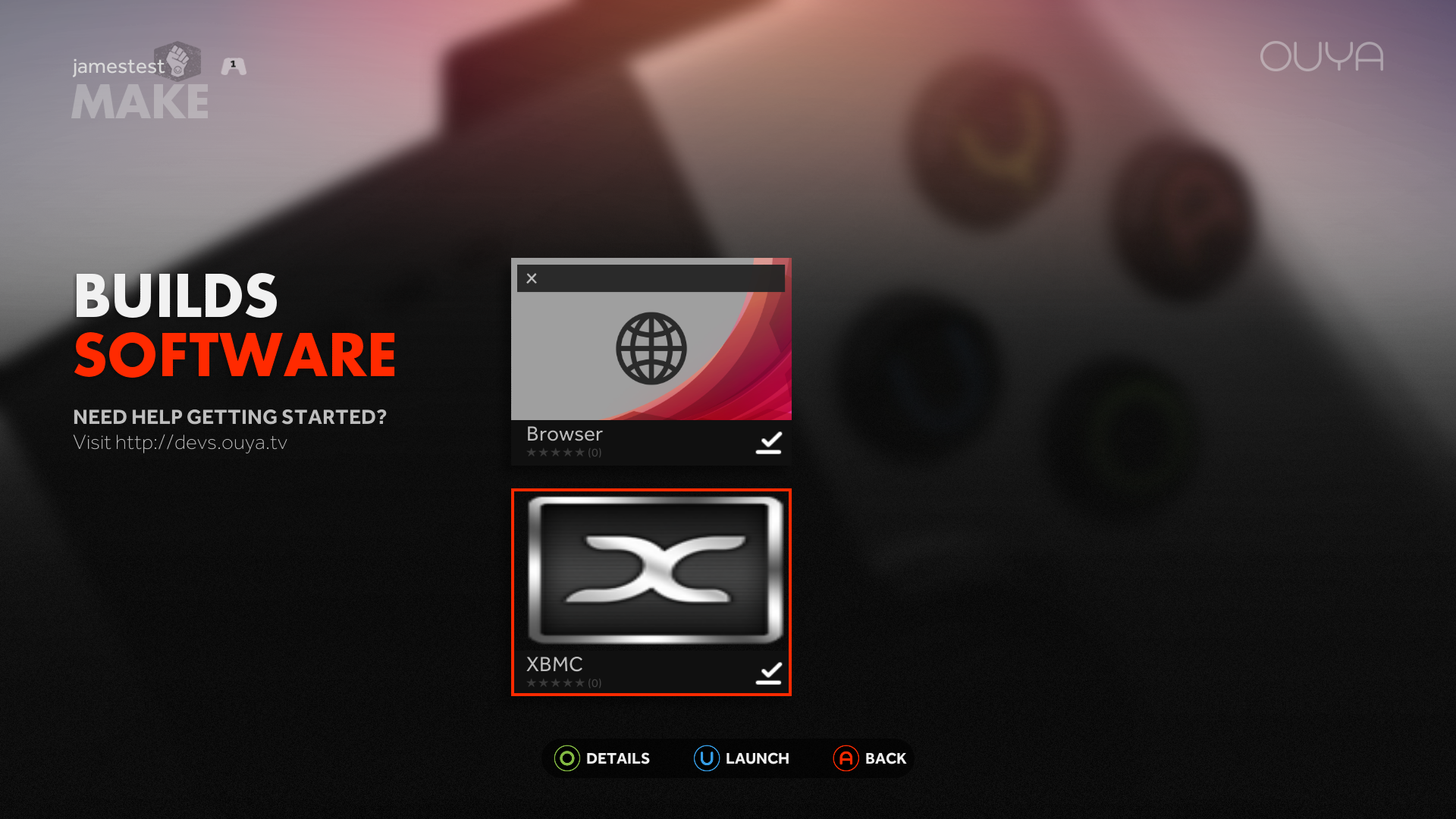 Step 8: ...and you're done! XBMC will be under the Make tab.


