Archive:XTV-SAF: Difference between revisions
Jump to navigation
Jump to search
move link up since it gets pushed down by the automatically made "install" section |
>Wyrm No edit summary |
||
| Line 36: | Line 36: | ||
| MovieSets = {{no}} | | MovieSets = {{no}} | ||
}}<section end=Skin features/> | }}<section end=Skin features/> | ||
==Screenshots== | |||
<gallery caption="Skin Screenshots"> | |||
File:Screenshot001.jpg|Gen 2 style Home menu | |||
File:Screenshot002.jpg|Original style Home menu | |||
File:Screenshot003.jpg|Artist slideshow on music vis screen | |||
File:Screenshot004.jpg|Weather screen | |||
File:Screenshot005.jpg|Video OSD screen | |||
File:Screenshot006.jpg|Movie 'List' view | |||
File:Screenshot007.jpg|TV Show 'Coverflow' view | |||
File:Screenshot008.jpg|Music 'Wrap' view | |||
File:Screenshot009.jpg|TV Show 'Wall' view | |||
File:Screenshot010.jpg|Movie Info screen | |||
</gallery> | |||
[[Category:Eden add-on repository]] | [[Category:Eden add-on repository]] | ||
Revision as of 02:36, 11 June 2012

|
See the xTV sub-forum for more information. |
| xTV-SAF | ||||||||||
| ||||||||||

|
 Add-ons Add-ons |
xTV-SAF
|
xTV-SAF is a fork of xTV to include the latest xbmc features in a Spouse friendly manner.
Installing
This add-on is installed from the Add-on browser located in Kodi as follows:
Special skin features
Screenshots
- Skin Screenshots
-
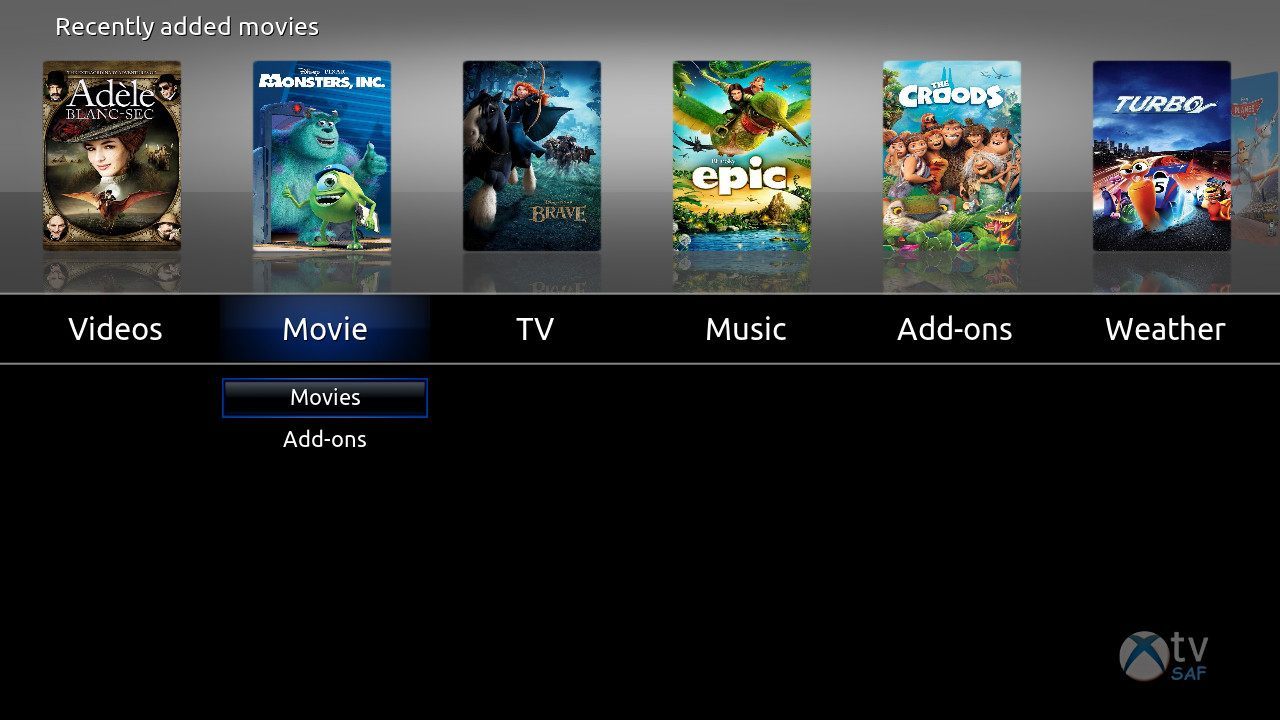 Gen 2 style Home menu
 -
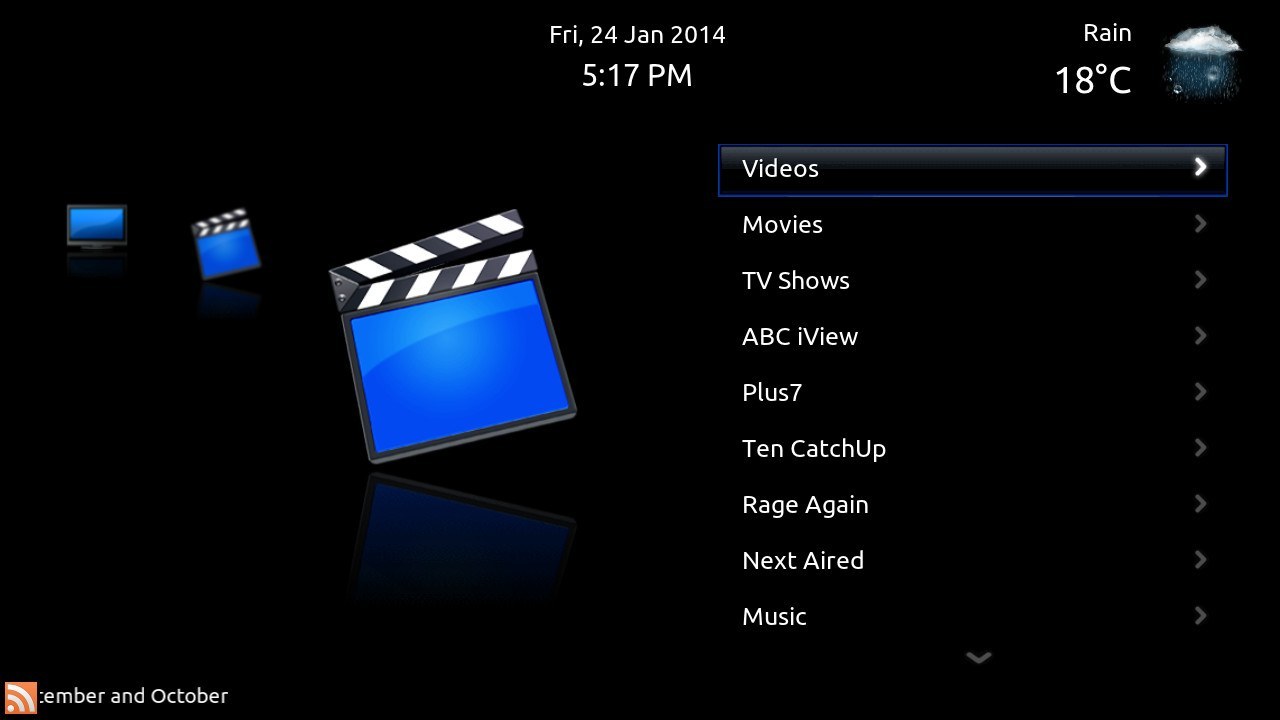 Original style Home menu
 -
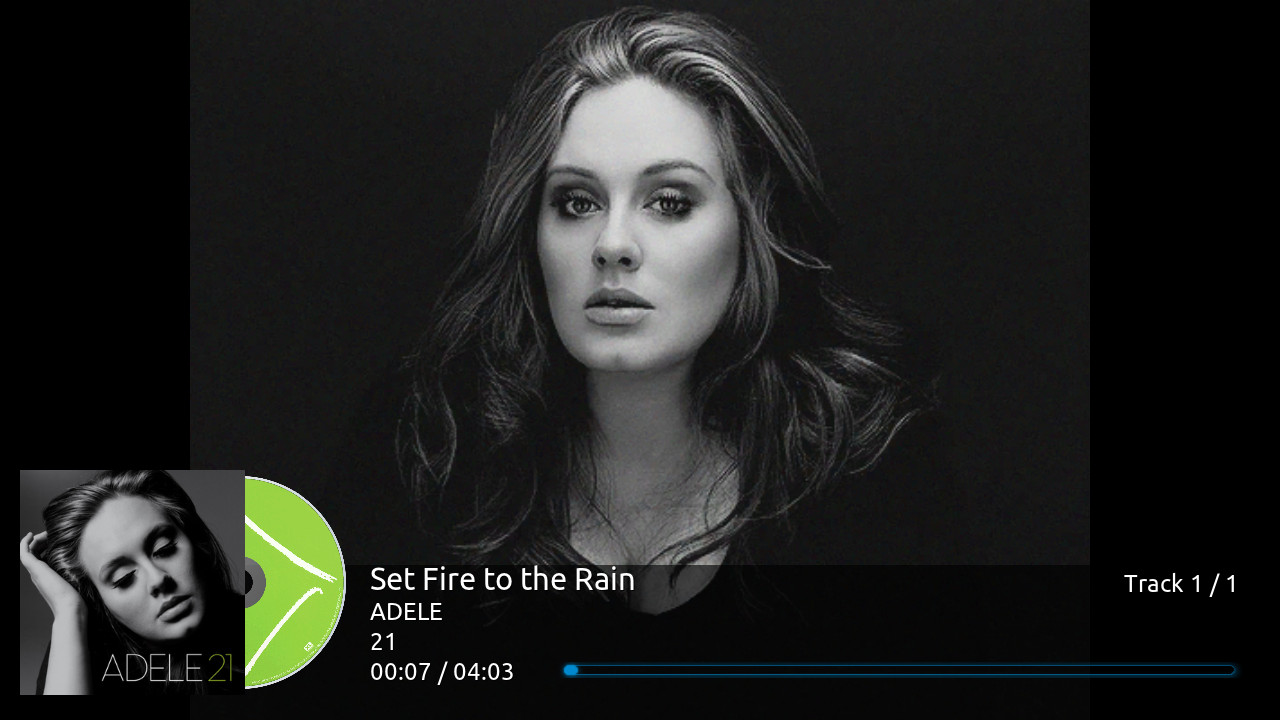 Artist slideshow on music vis screen
 -
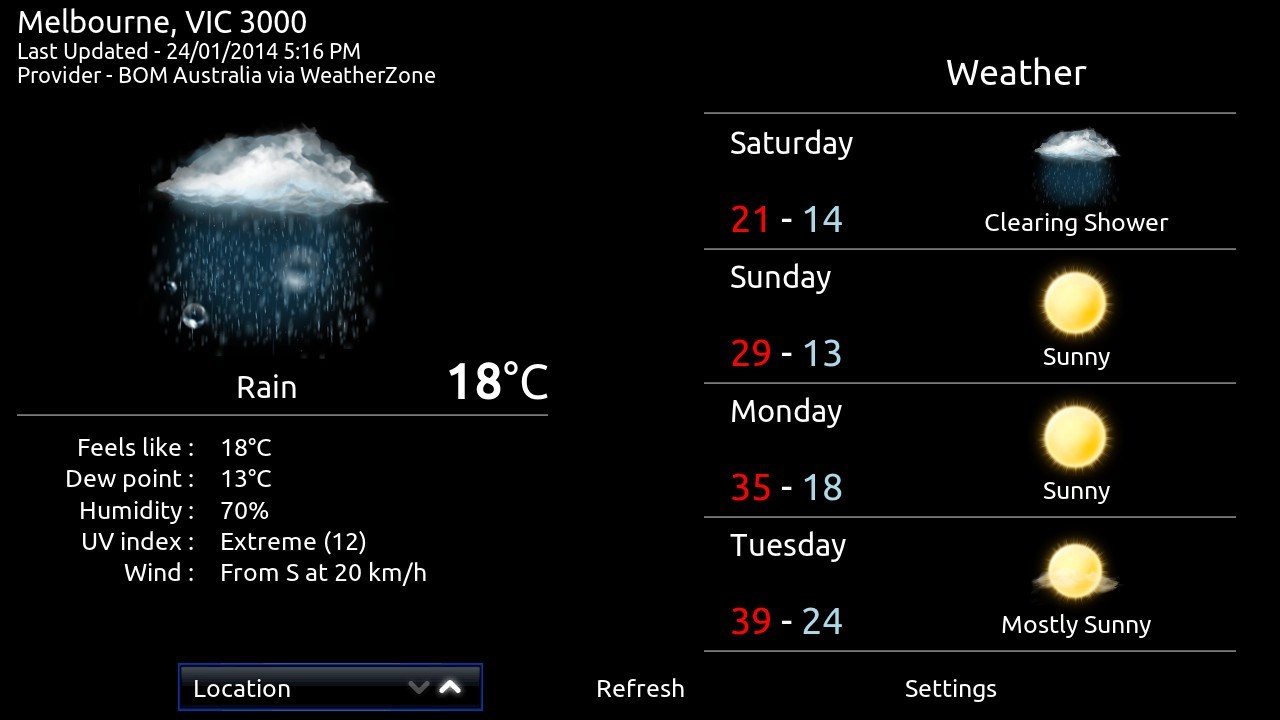 Weather screen
 -
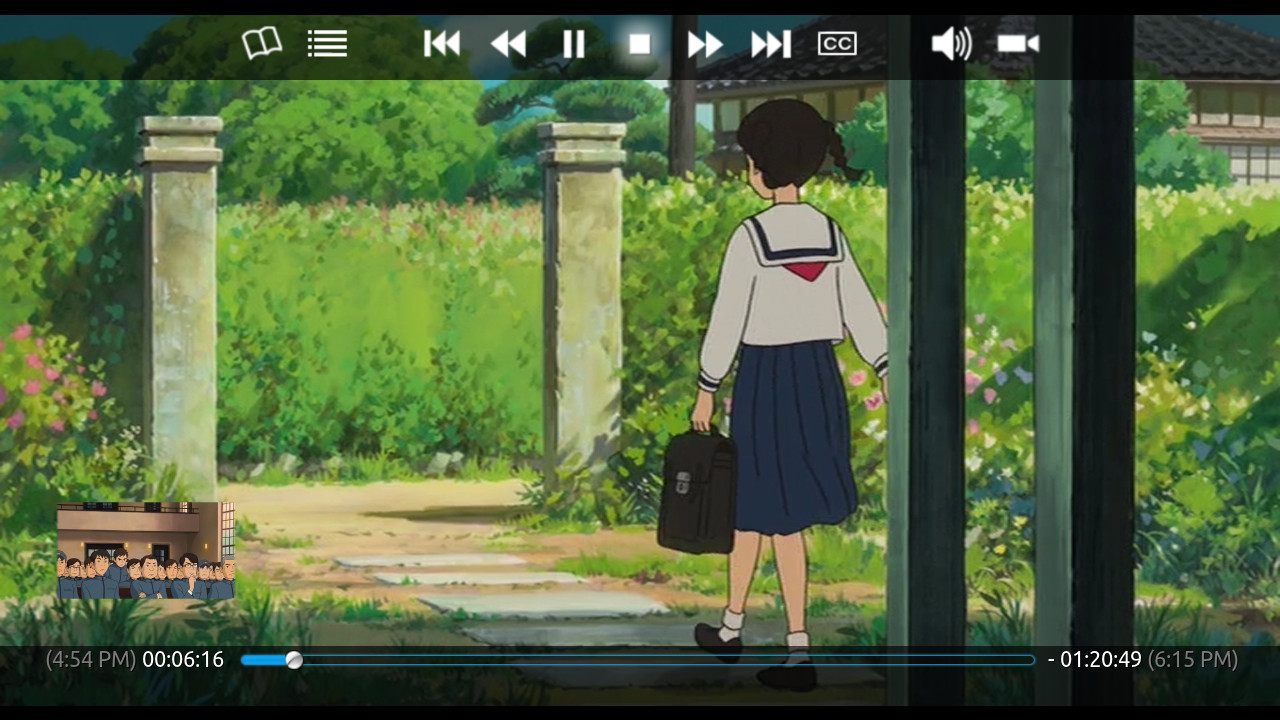 Video OSD screen
 -
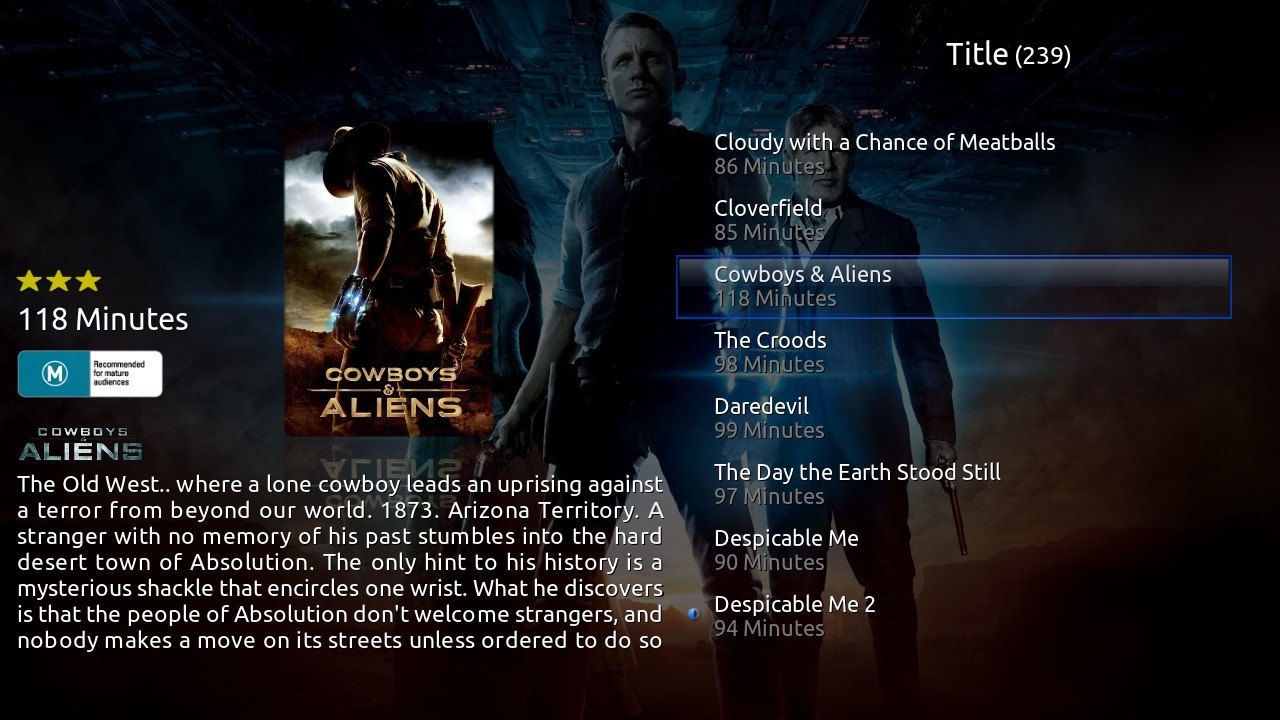 Movie 'List' view
 -
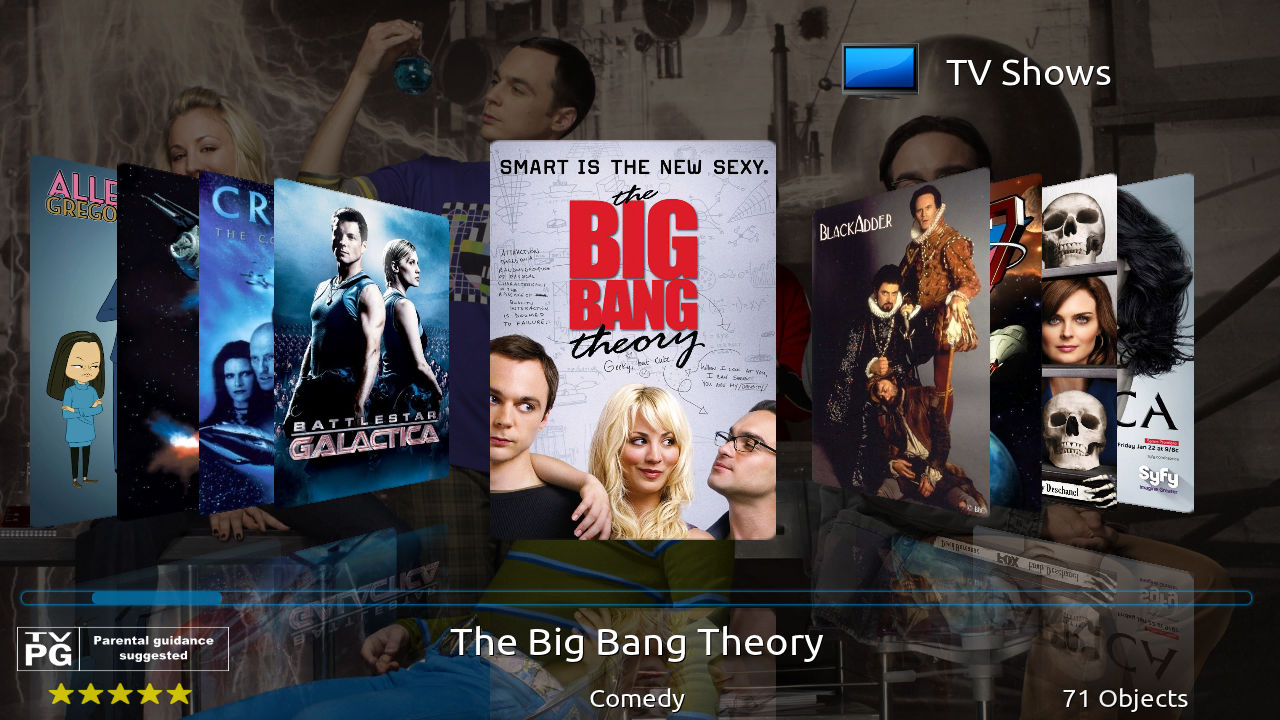 TV Show 'Coverflow' view
 -
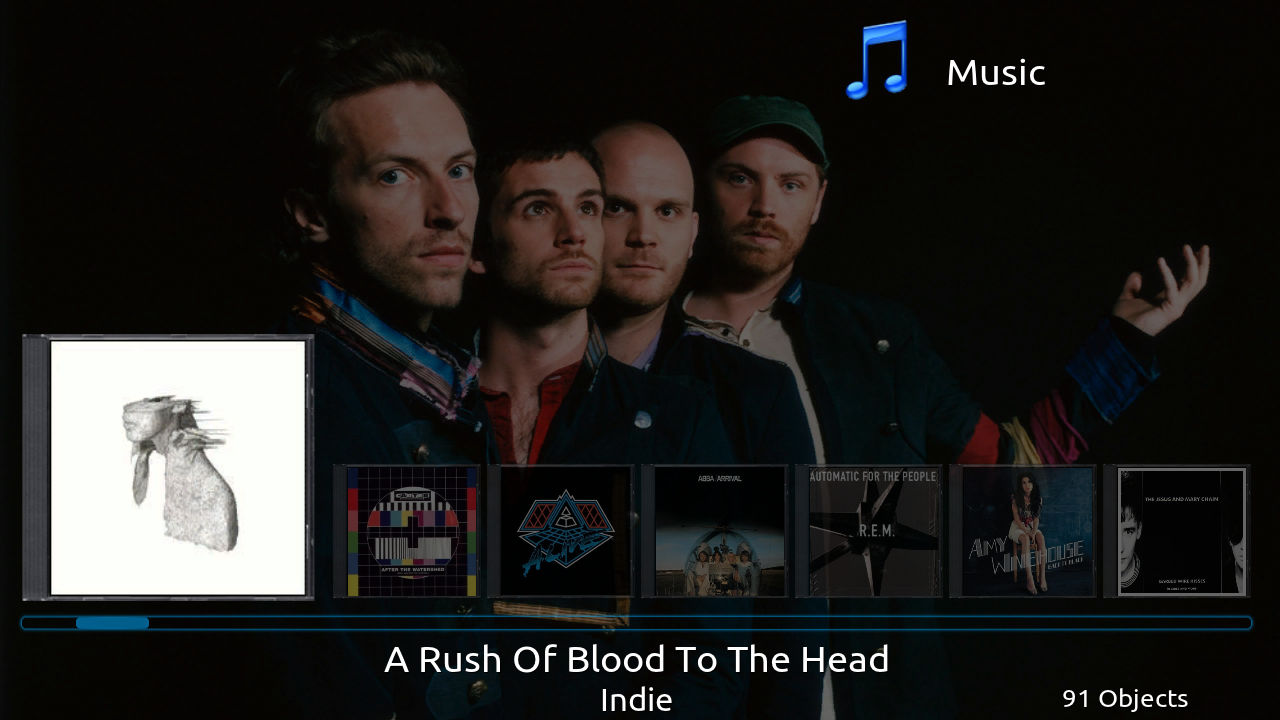 Music 'Wrap' view
 -
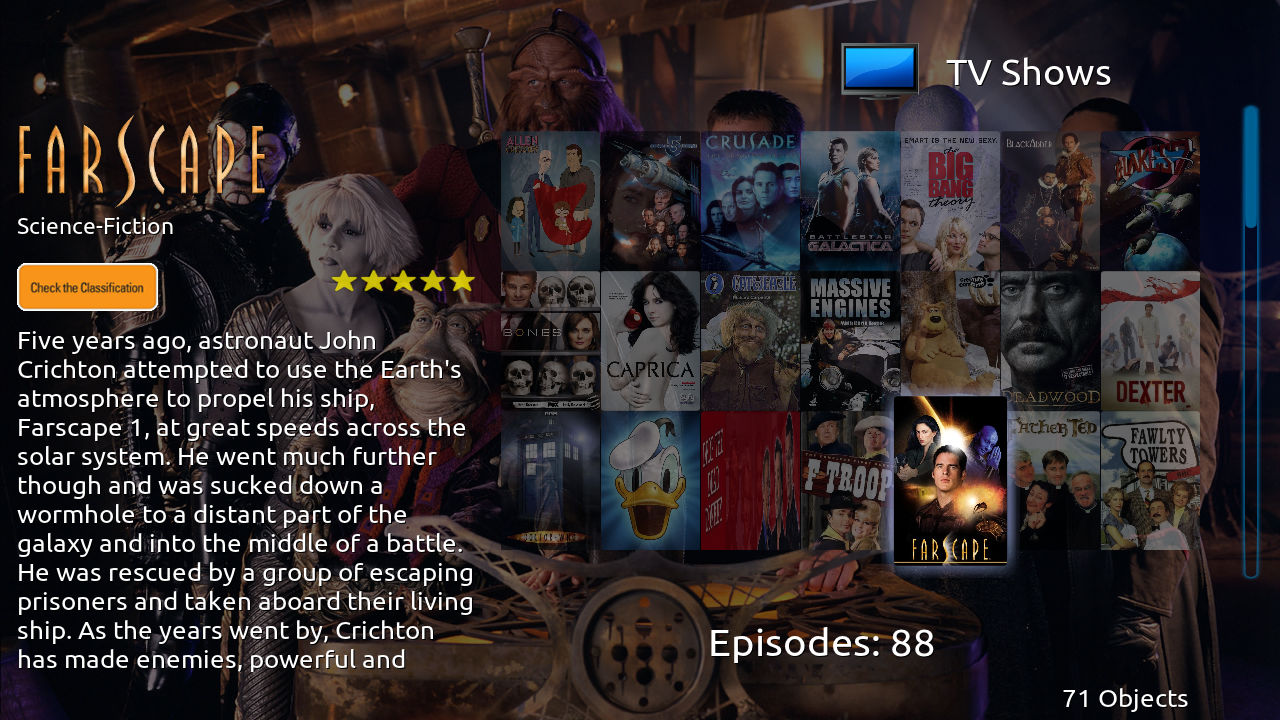 TV Show 'Wall' view
 -
 Movie Info screen


