Add-on:Arlo Streamer: Difference between revisions
Jump to navigation
Jump to search
Addon-Bot Update |
m Addon-Bot repo category update |
||
| Line 23: | Line 23: | ||
|broken= | |broken= | ||
|icon url=http://mirrors.kodi.tv/addons/leia/plugin.video.arloview/resources/icon.png}} | |icon url=http://mirrors.kodi.tv/addons/leia/plugin.video.arloview/resources/icon.png}} | ||
[[Category:Add-ons with license tag]] | |||
[[Category:Add-ons with source tag]] | |||
[[Category:All add-ons]] | |||
[[Category:Video add-ons]] | |||
[[Category:Leia add-on repository]] | |||
Revision as of 02:08, 3 March 2019
| Arlo Streamer | ||||||||||||||
| ||||||||||||||

|
 Add-ons Add-ons |
Arlo Streamer
|
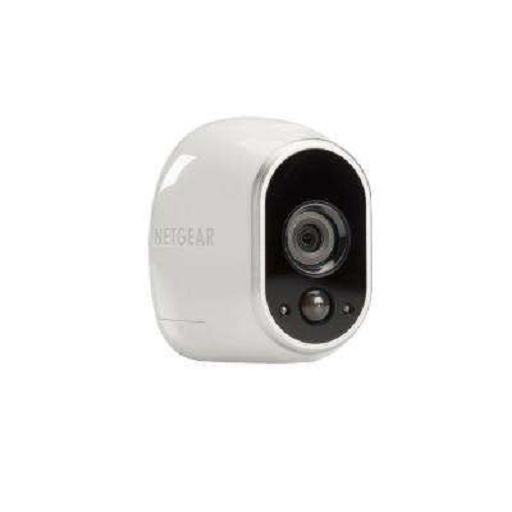
List and stream each of your Arlo cameras in Kodi. This plugin is
compatible with Kodi v18 (Leia) and above.
Thanks to Jeffrey D. Walter for creating the python interface
to Arlo devices.
(https://github.com/jeffreydwalter/arlo)
Installing
This add-on is installed from the Add-on browser located in Kodi as follows:
- Settings
- Add-ons
- Install from repository
- Video Add-ons
- Arlo Streamer
- Install