Add-on:Jupiter Broadcasting: Difference between revisions
Jump to navigation
Jump to search
m Addon-Bot Update |
m Addon-Bot Update |
||
| Line 16: | Line 16: | ||
|Email= | |Email= | ||
|broken= | |broken= | ||
|icon url=http://mirrors.kodi.tv/addons/ | |icon url=http://mirrors.kodi.tv/addons/jarvis/plugin.video.jupiterbroadcasting/icon.png}} | ||
== Screenshots == | == Screenshots == | ||
<gallery> | <gallery> | ||
Revision as of 01:57, 21 April 2016
| Jupiter Broadcasting | ||||||||||||||||
| ||||||||||||||||


|
 Add-ons Add-ons |
Jupiter Broadcasting
|
Watch shows from the Jupiter Broadcasting Network including the Linux Action Show, TechSNAP, FauxShow, Coder Radio, Women's Tech Radio and more.
Installing
This add-on is installed from the Add-on browser located in Kodi as follows:
- Settings
- Add-ons
- Install from repository
- Video Add-ons
- Jupiter Broadcasting
- Install
Screenshots
-
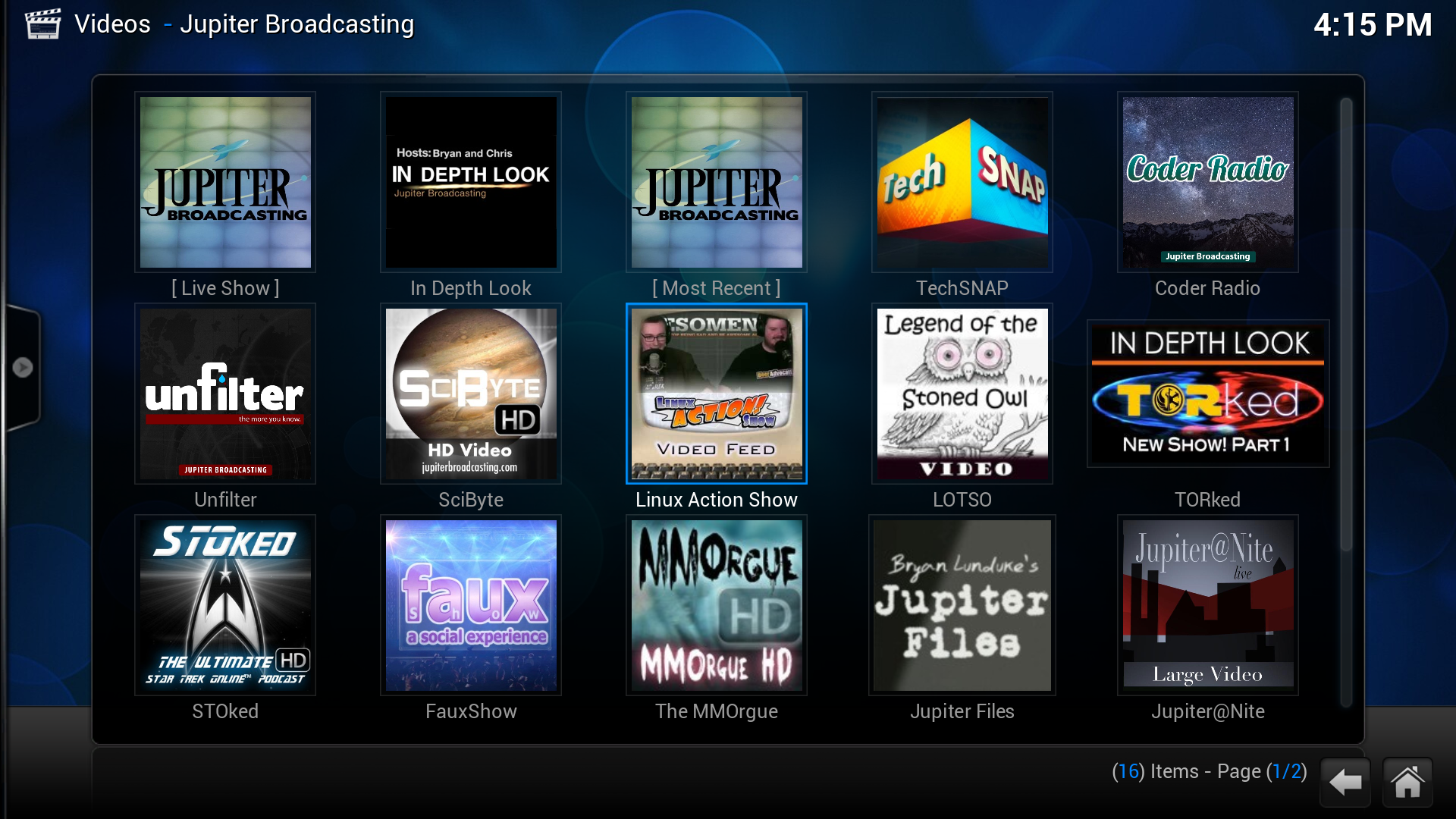 Main Screen
 -
 Watching the Live Stream
 -
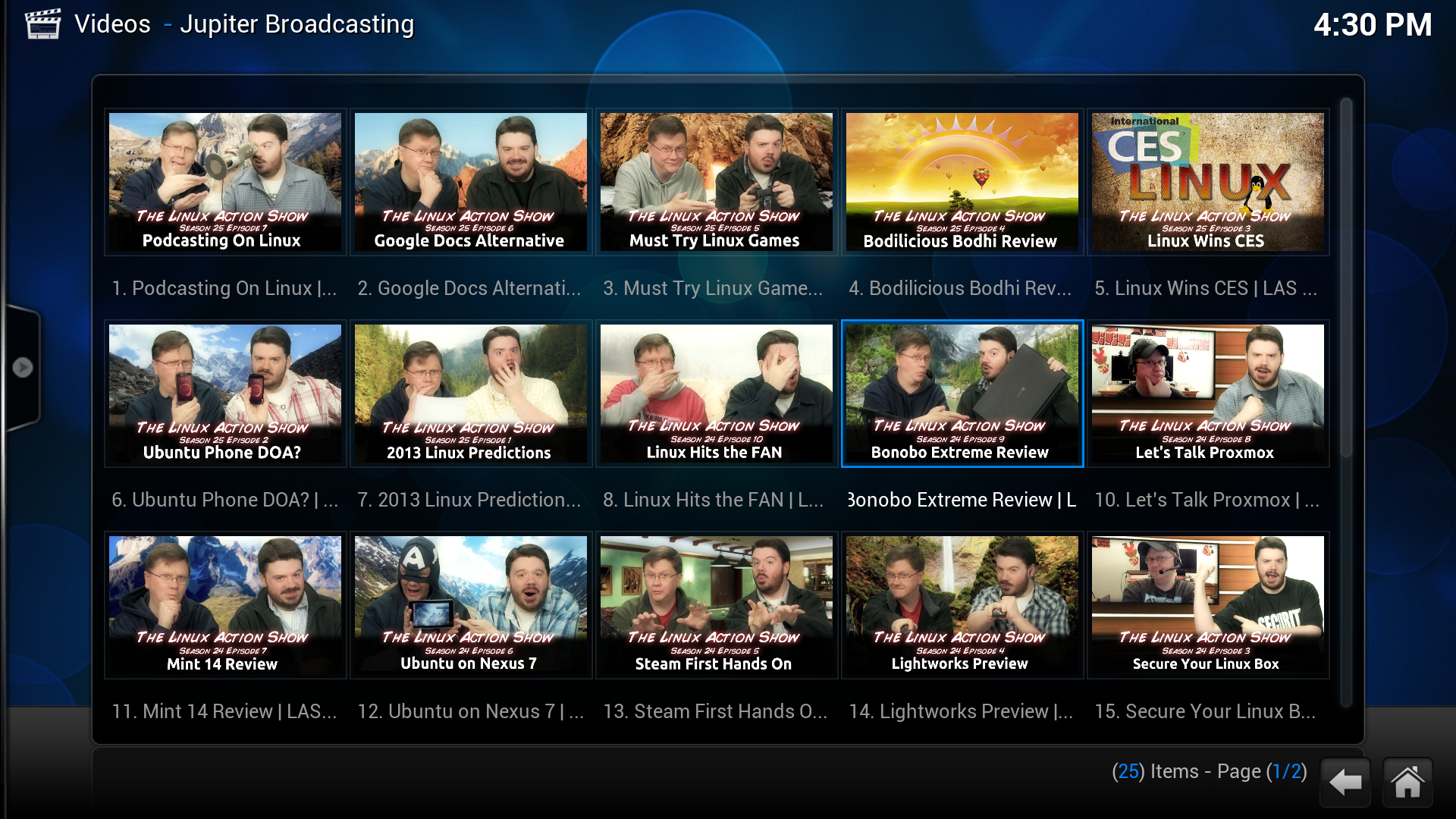 Linux Action Show Listing
 -
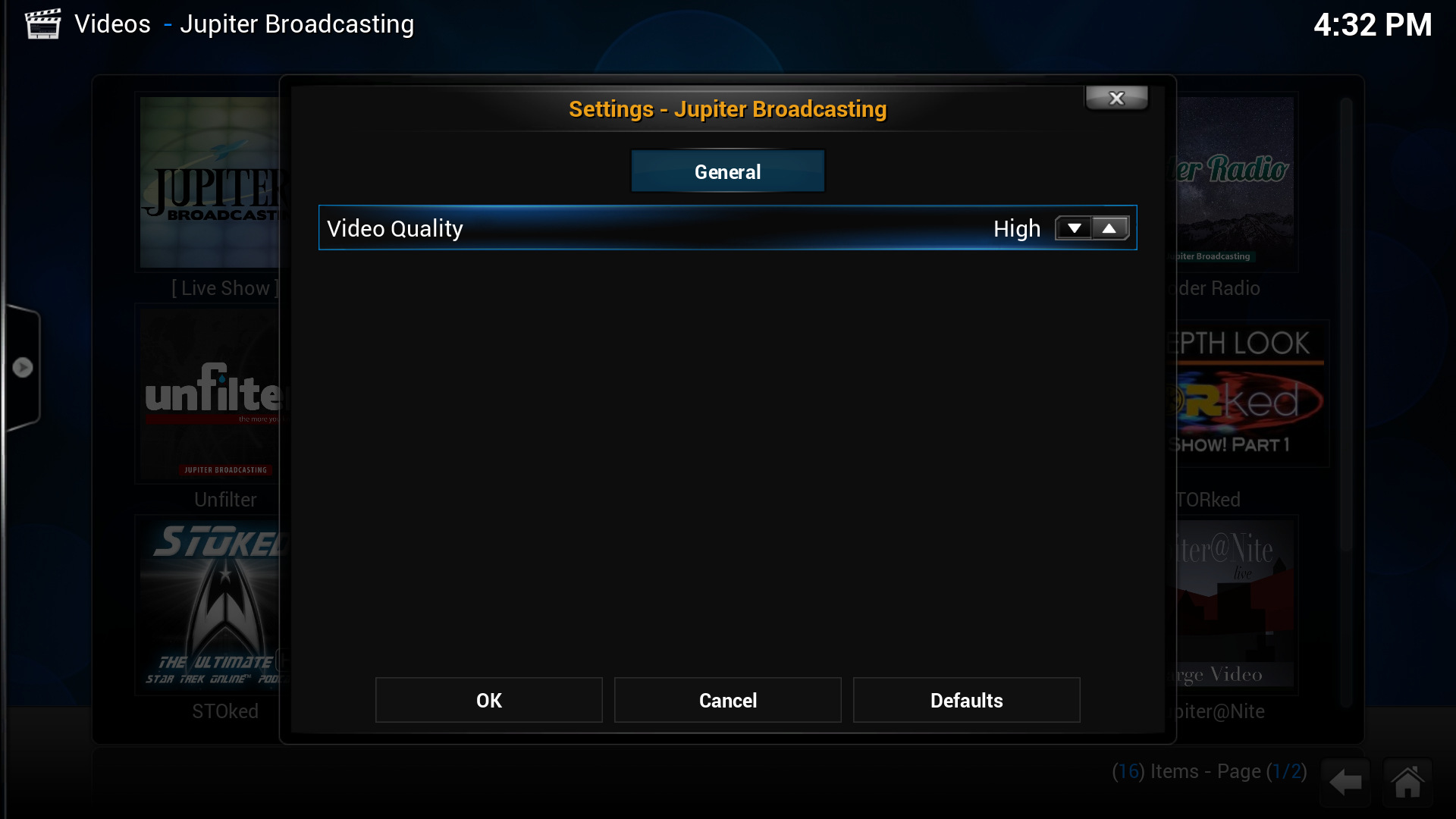 Configuration


About
- Jupiter Broadcasting
- Author: Rob Loach
- Source: Github