Add-on:Xperience1080: Difference between revisions
Jump to navigation
Jump to search
m Addon-Bot repo category update Tags: Manual revert Reverted |
m Addon-Bot repo category update |
||
| (7 intermediate revisions by the same user not shown) | |||
| Line 3: | Line 3: | ||
|provider-name=xhaggi | |provider-name=xhaggi | ||
|ID=skin.xperience1080 | |ID=skin.xperience1080 | ||
|latest-version= | |latest-version=10.0.0 | ||
|extension point=xbmc.gui.skin | |extension point=xbmc.gui.skin | ||
|provides= | |provides= | ||
| Line 16: | Line 16: | ||
|Email= | |Email= | ||
|broken= | |broken= | ||
|icon url=http://mirrors.kodi.tv/addons/ | |icon url=http://mirrors.kodi.tv/addons/omega/skin.xperience1080/resources/icon.png}} | ||
{{see also|HOW-TO:Change skins}} | {{see also|HOW-TO:Change skins}} | ||
| Line 96: | Line 96: | ||
[[Category:Krypton add-on repository]] | [[Category:Krypton add-on repository]] | ||
[[Category:Leia add-on repository]] | [[Category:Leia add-on repository]] | ||
[[Category:Omega add-on repository]] | |||
Latest revision as of 02:45, 11 January 2025
| Xperience1080 | ||||||||||||||
| ||||||||||||||


|
 Add-ons Add-ons |
Xperience1080
|

|
Need help with this add-on? See here. |
Xperience1080 delivers a skin with a focus on graphical quality, smooth animations, and very well integrated functions and Add-ons.
Installing
This add-on is installed from the Add-on browser located in Kodi as follows:
See also: HOW-TO:Change skins
Screenshots
-
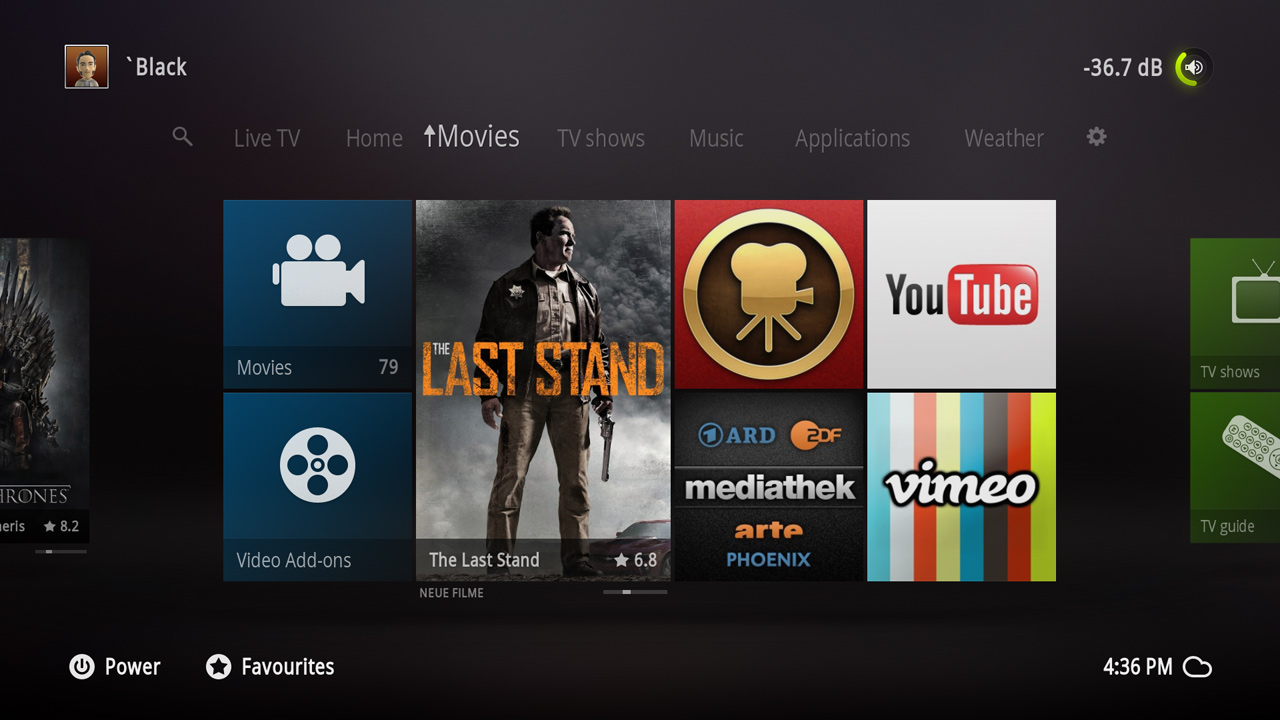 Homescreen
 -
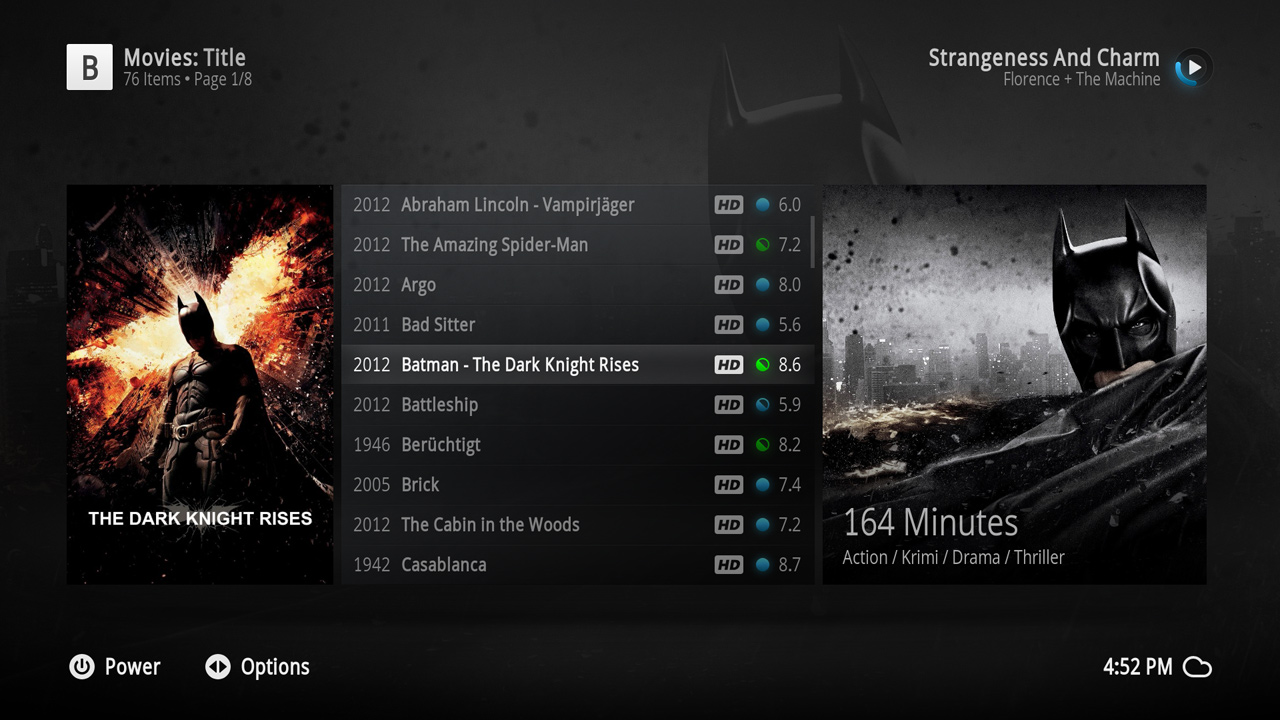 Info list view movies
 -
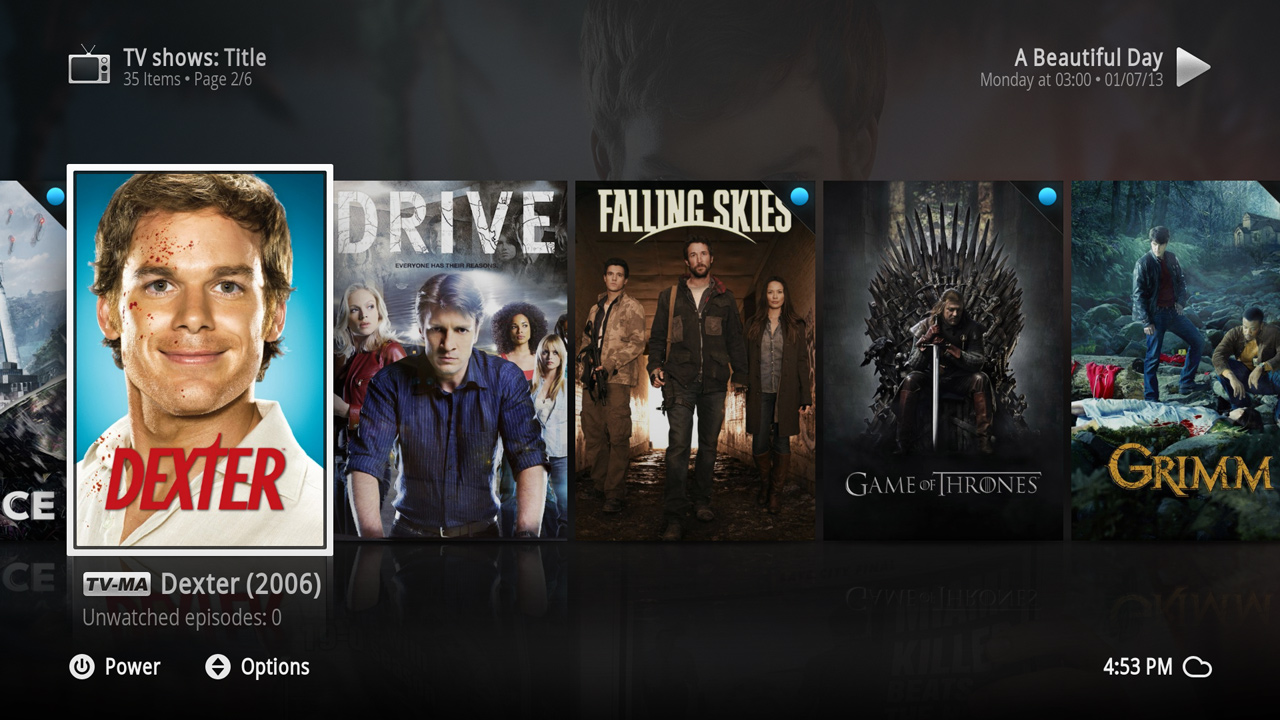 Poster view tv shows
 -
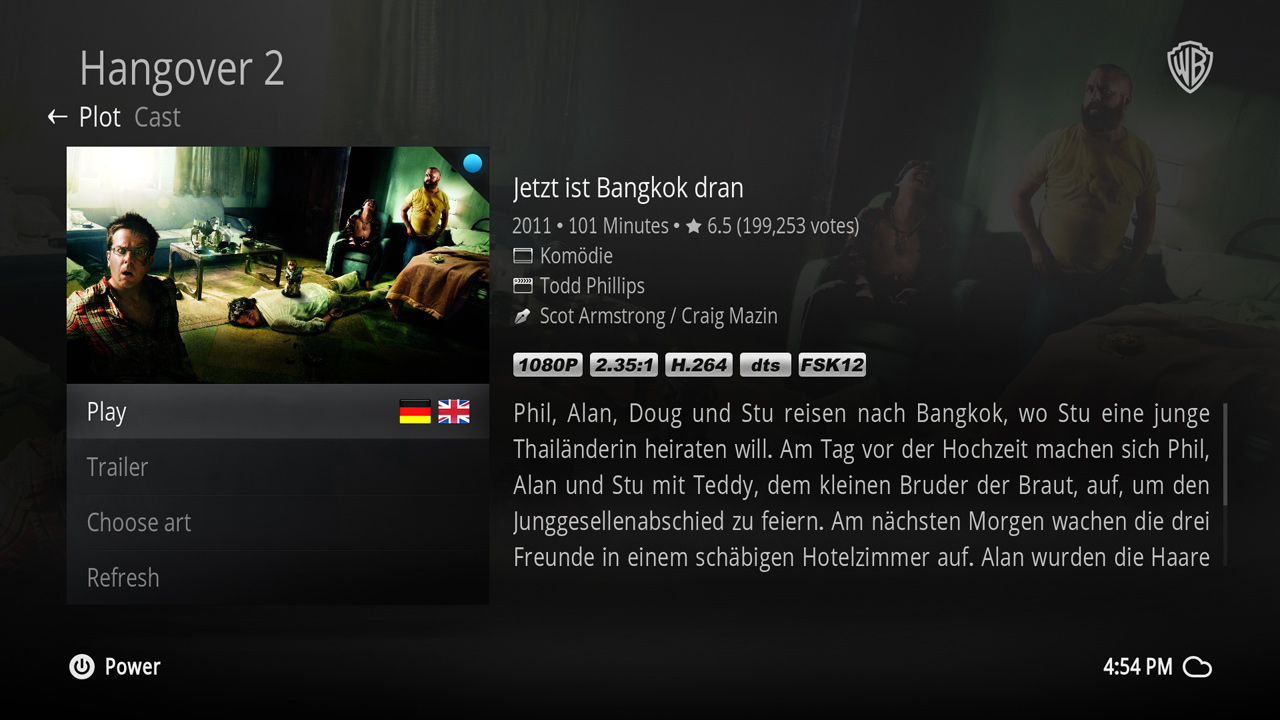 Movie information dialog
 -
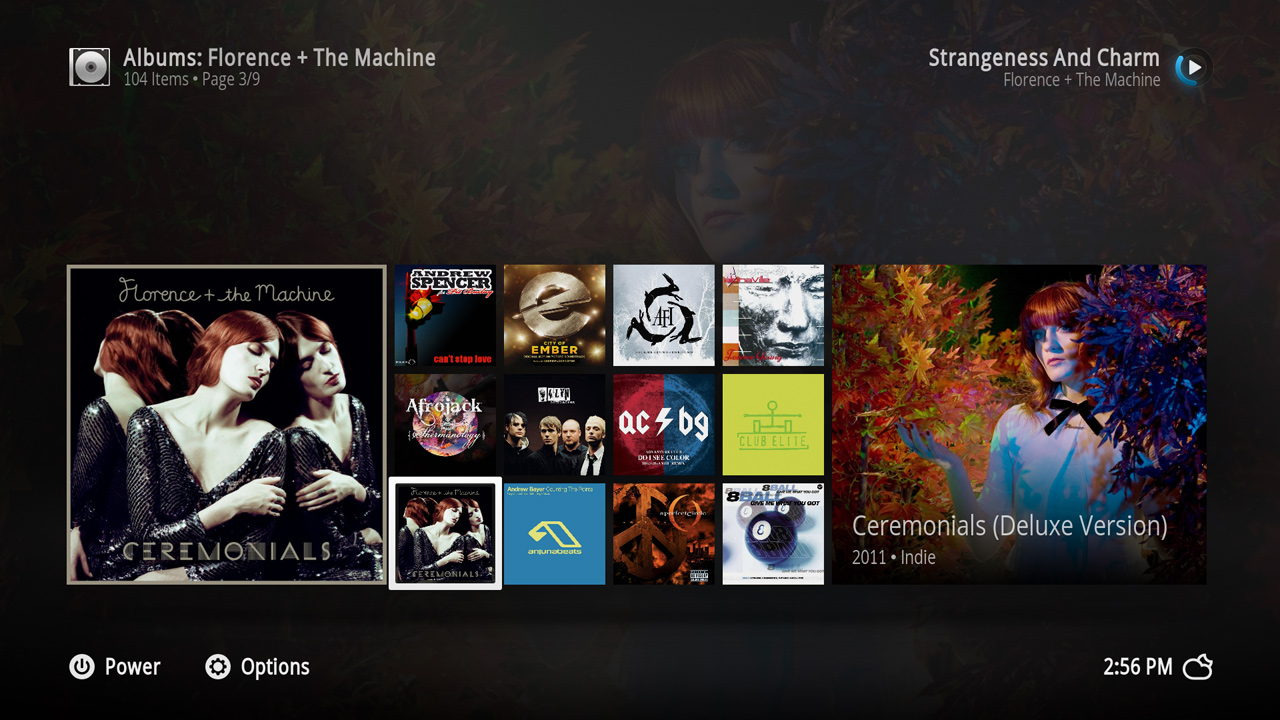 Panel view music albums
 -
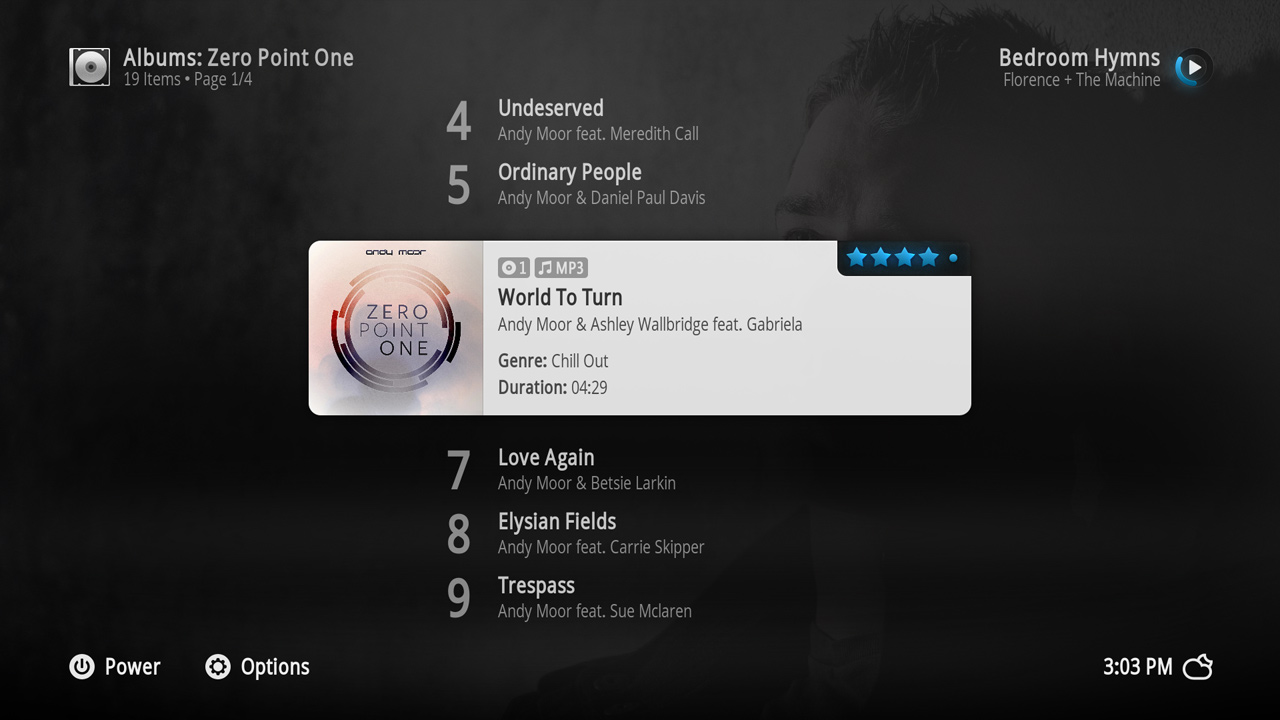 Banner list music songs
 -
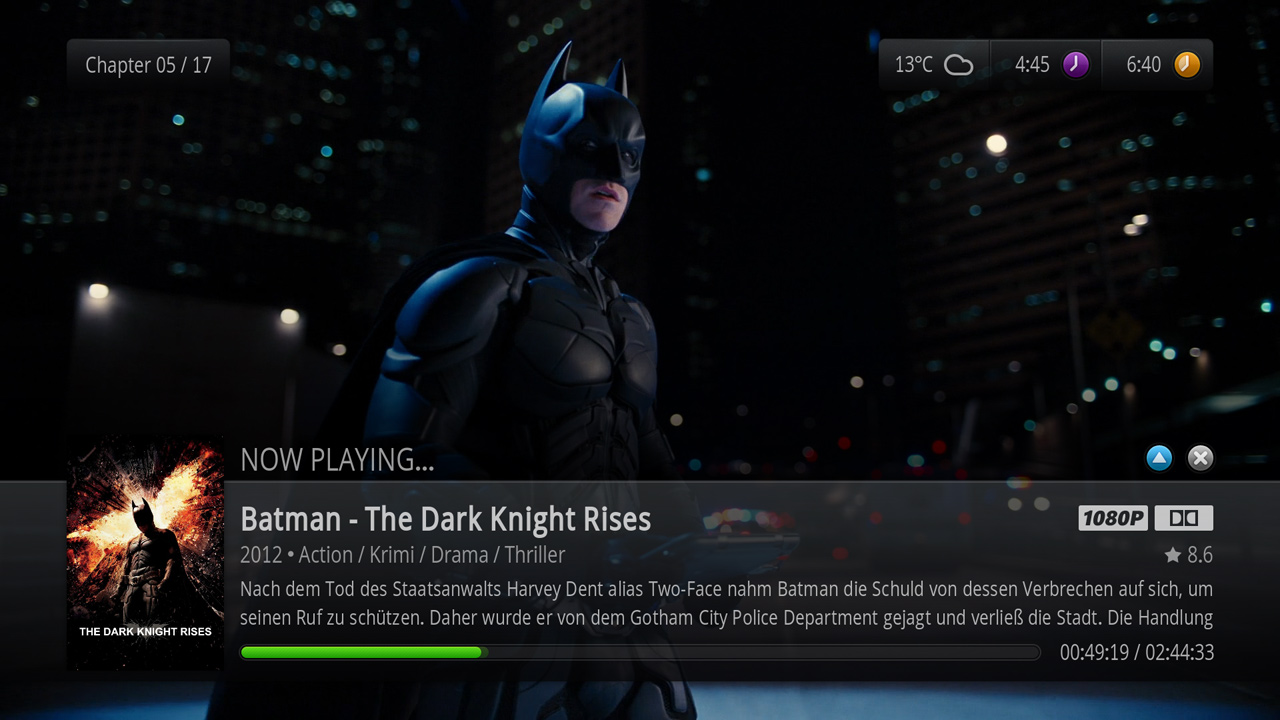 OSD movie information
 -
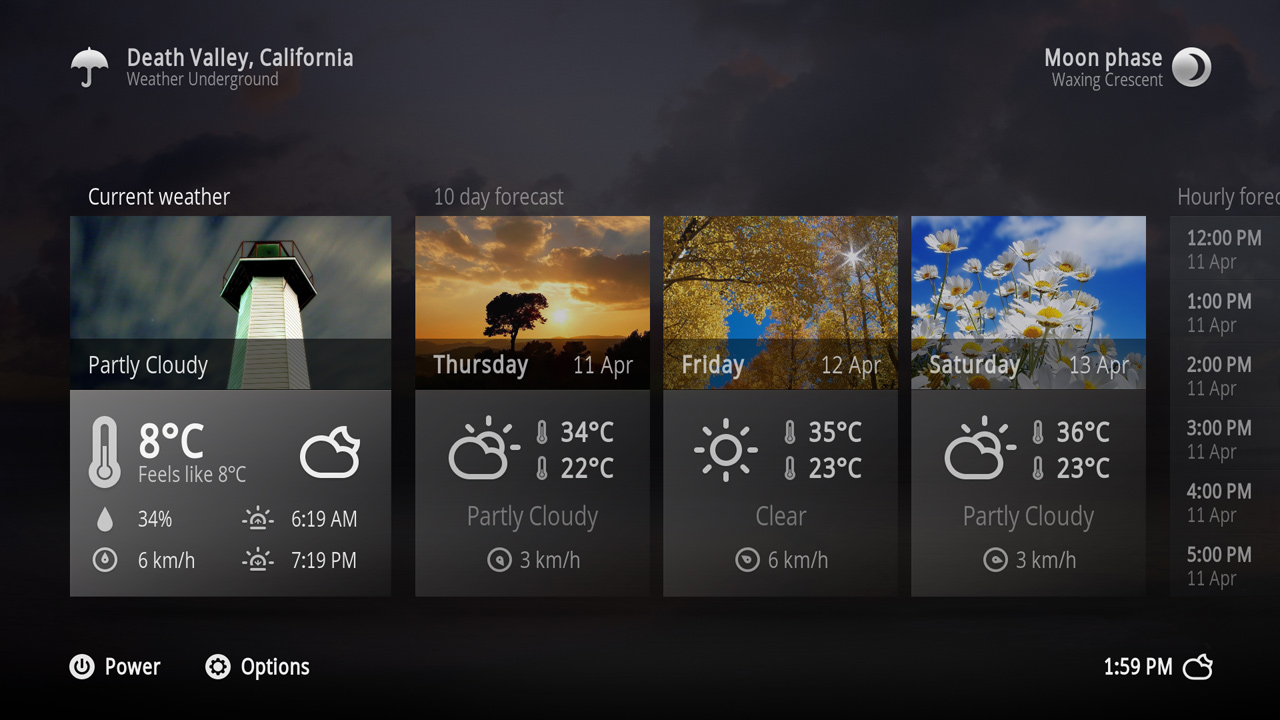 Weather


Video demos
Kodi 15.x - Xperience1080